GROWING Smartphone TIGER
50
11. Setting Wireless Networks
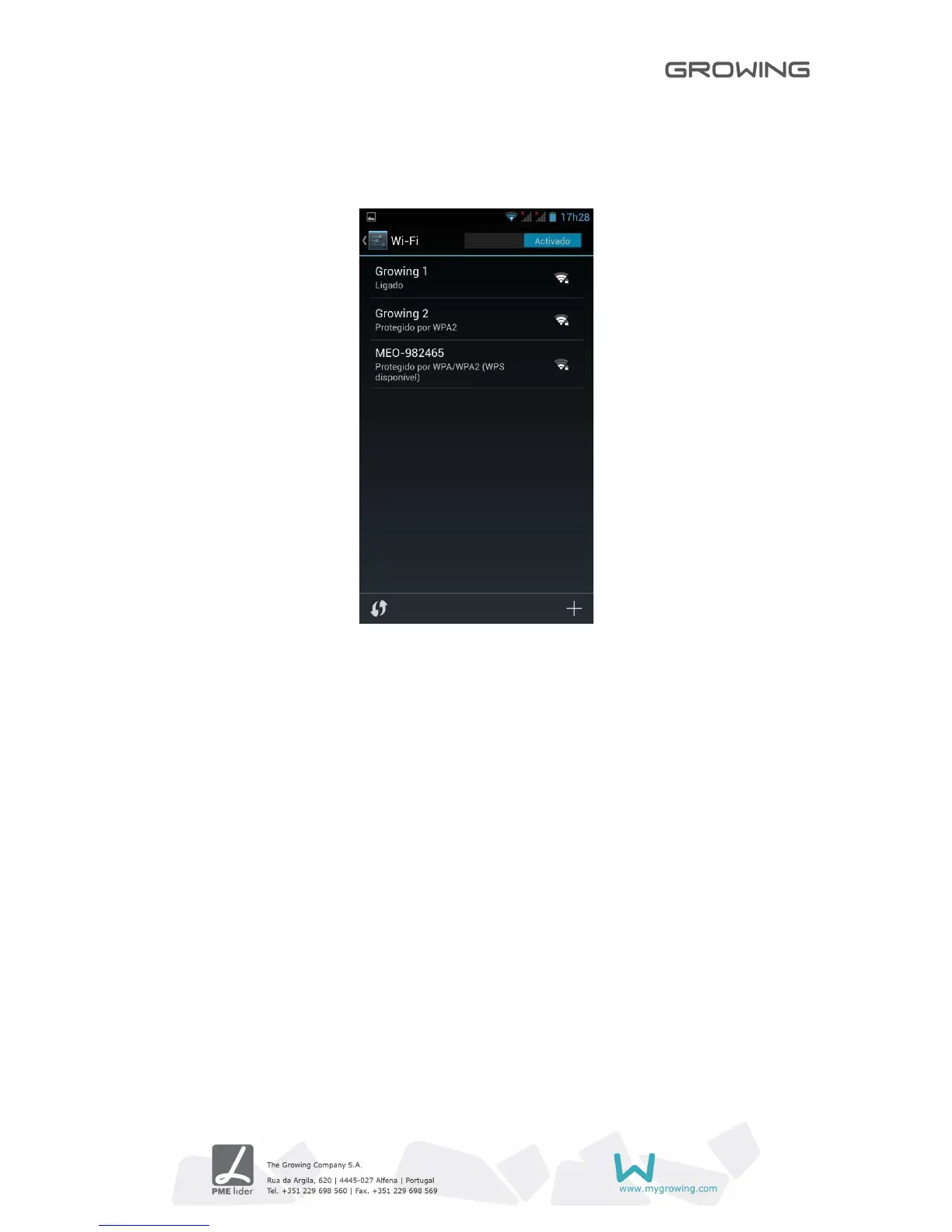
Follow these steps to Setting the wireless network:
• Go to Wi-Fi settings and press turn on Wi-Fi. The machine will search for networks
automatically.
• Choose Wi-Fi network you want to connect.
• Press Connect. Some networks may ask keyword.
• In the settings screen Wi-Fi, pressing the menu button and pressing, advanced, you
can see more options of Wi-Fi



 To Next Page