GROWING Smartphone TIGER
51
12. Setting 3G Network
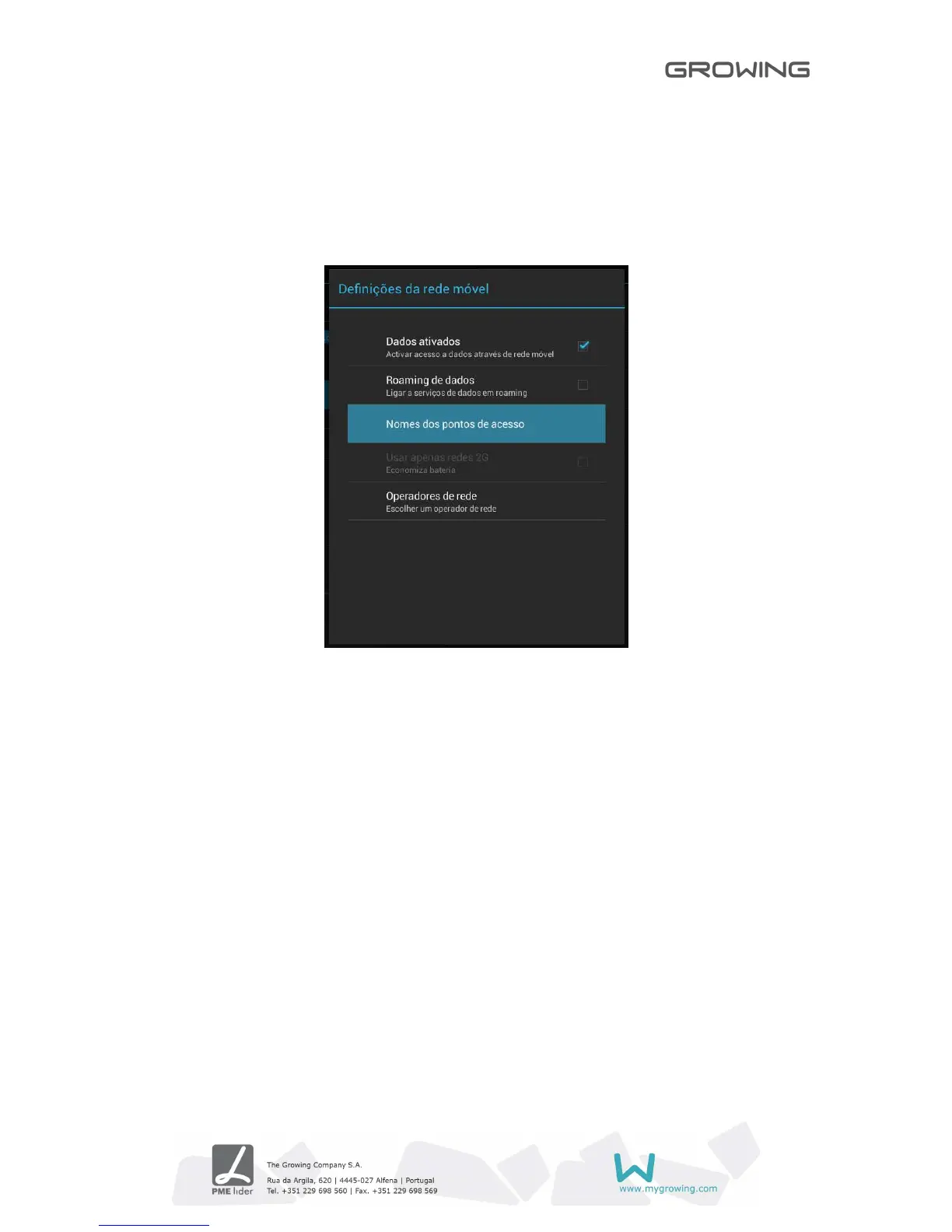
Follow these steps to Setting the 3G network:
• Turn off Wi-Fi if connected.
• Access the settings, select Other Wireless Networks and select mobile networks,
make sure that the option of active data is enabled. Go back.
•
Enter the point name (APN's) right to obtain 3G.



 To Next Page