EasyManua.ls Logo

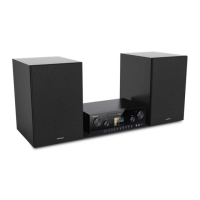
Grundig M 2100 - User Manual

Grundig M 2100
26 pages
Print Icon
To Next Page IconTo Next Page
Loading...
EN
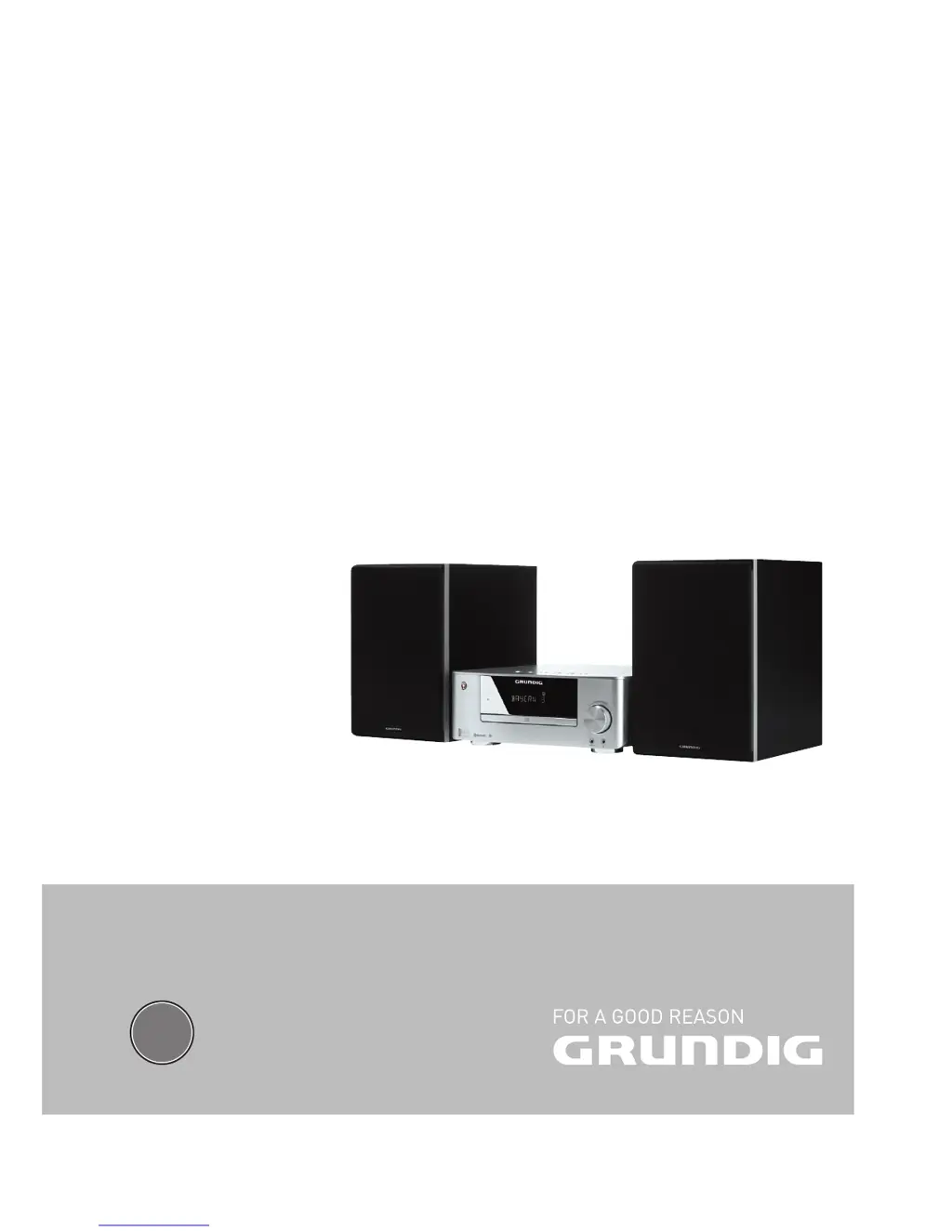
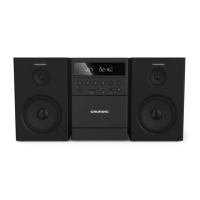
MINI HIFI SYSTEM
M 2100

Questions and Answers

  • A
    Andrew CookAug 14, 2025
    What to do if the Grundig Stereo System remote control does not work?
    • R
      Ryan GreenAug 14, 2025
      If the Grundig Stereo System remote control isn't working, try these steps: First, select the correct input source before using the function buttons. Ensure the remote is close to the hi-fi system and pointed directly at the receiver on the front. Check the batteries' polarity and replace them with new ones if needed.
  • A
    amandakaneAug 17, 2025
    What to do if Grundig M 2100 Stereo System sound is too quiet or has poor quality?
    • J
      John WoodAug 17, 2025
      If the sound from your Grundig Stereo System is too quiet or the quality is poor, first turn up the volume. Check that the loudspeakers are properly connected and also check the loudspeaker connections. Also, make sure to pull out the headphones jack.
  • U
    uconnerAug 21, 2025
    Why does my Grundig M 2100 have poor radio reception?
    • L
      Larry WilsonAug 21, 2025
      Poor radio reception on your Grundig Stereo System may be due to a weak signal. Try repositioning the wire antenna. Also, move the hi-fi system further away from the television.
  • D
    Dwayne LongAug 25, 2025
    What to do if Grundig M 2100 displays »NO DISC«?
    • N
      nsmithAug 25, 2025
      If your Grundig Stereo System displays »NO DISC«, try the following: Insert a CD, ensuring the label faces upwards. If moisture has collected on the laser lens, wipe it clean. Clean the CD or try a different CD. Also, make sure the CD-RW/CD-R is finalised.
  • J
    Joshua KennedyAug 27, 2025
    What to do if the Grundig M 2100 does not react when the buttons are pressed?
    • D
      denise24Aug 27, 2025
      If your Grundig hi-fi system isn't responding to button presses, disconnect the power cord from the mains plug, wait a short time, and then reinsert it to switch the hi-fi back on.
  • G
    Gloria McfarlandAug 31, 2025
    Why does the Grundig Stereo System switch to a different folder during playback?
    • P
      perezseanAug 31, 2025
      If your Grundig Stereo System switches to a different folder during track playback, it might be because the current folder contains a faulty track or a track with an invalid name. In this case, the device automatically switches to another folder.
  • L
    Lindsey GouldSep 3, 2025
    How to set the timer function on Grundig M 2100 Stereo System?
    • J
      Jacob JenkinsSep 3, 2025
      To use the timer function on your Grundig Stereo System, first set the time. Then, activate the timer function.
  • M
    Meghan StokesSep 6, 2025
    Why aren't CD-Rs or CD-RWs playing correctly on my Grundig M 2100 Stereo System?
    • S
      Sylvia HallSep 6, 2025
      If your Grundig Stereo System isn't playing CD-Rs or CD-RWs correctly, the CD might be faulty, or the burning process might have had incorrect software or hardware settings. Check your CD burner/burner software components or try using a different CD.
  • C
    Collin WoodSep 10, 2025
    What causes the time and timer setting not to be displayed on Grundig Stereo System?
    • D
      Derek PerrySep 12, 2025
      The time and timer setting may not be displayed on your Grundig Stereo System due to a power failure or if the power plug has been pulled out. Set the time again.

Summary

Setup and Safety Precautions

General Operational Safety

Ensures safe operation by following listed instructions and handling precautions for the hi-fi system.

Audio Volume and Hearing Safety

Warns against prolonged listening at loud volumes that may damage hearing.

Connection and Preparation Guide

Connecting Loudspeakers

Instructions for connecting the left and right channel loudspeaker cables correctly.

Connecting USB;MP3 Devices

Steps for connecting MP3 players or USB memory sticks via the USB port.

Power Cord and Remote Battery Setup

Instructions for connecting the power cord and inserting batteries into the remote control.

System Settings and Configuration

Tuning and Storing Radio Stations

Methods for automatically and manually tuning and saving FM radio stations.

General System Functions

Audio Adjustment Controls

Adjusting volume, bass, treble, and using the loudness function for sound enhancement.

External Data Media Playback

CD Media Playback

Information on compatible CD formats and playback guidelines.

USB;MP3 Player Connection

Guidelines for connecting MP3 players and USB memory sticks.

Playback and Navigation Controls

How to start, pause, stop, select tracks, and search within tracks.

Playback Repeat Modes

Using repeat functions for single tracks, folders, or all tracks.

Shuffle and Intro Playback

Activating random track playback and playing the start of each track.

Playlist Management

Bluetooth Connectivity

Connecting a Bluetooth Device

Step-by-step guide to finding and pairing a Bluetooth auxiliary device.

System Information and Troubleshooting

Troubleshooting Common Issues

Solutions for common problems encountered with the hi-fi system and playback.

Grundig M 2100 Specifications

General IconGeneral
BrandGrundig
ModelM 2100
CategoryStereo System
LanguageEnglish

Related product manuals