ENGLISH
18
GENERAL INFORMATION
____
Disabling the buttons
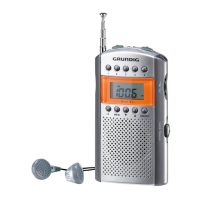
If you press »LOCK ON« you can protect the device
from unintentional pressing of the buttons. If this func-
tion is selected »∂« appears in the display. To re-en-
able the buttons, press »LOCK OFF« again.
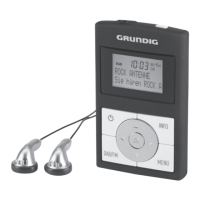
Stereo earphones
Excessive volume can be dangerous to yourself and
other road users. Listen at a volume which allows you
to hear outside noises such as horns, emergency ve-
hicles and police cars.
Cleaning
Do not use cleaning agents as they can damage the
casing. Clean the device with a clean, moist leather
cloth. Make absolutely sure that it is protected against
dampness (rain, water sprinklers).
Safety
This device is designed for the playback of audio sig-
nals. Any other use is expressly prohibited.
Protect the device from humidity.
Note, prolonged listening at loud volumes
with the earphones can damage your hear-
ing.
Never open the device casing. The manufacturer ac-
cepts no liability for damage resulting from improper
handling.




 To Next Page