EasyManua.ls Logo

Grundig RCD 1440 USB - User Manual

Grundig RCD 1440 USB
19 pages
Print Icon
To Next Page IconTo Next Page
Loading...
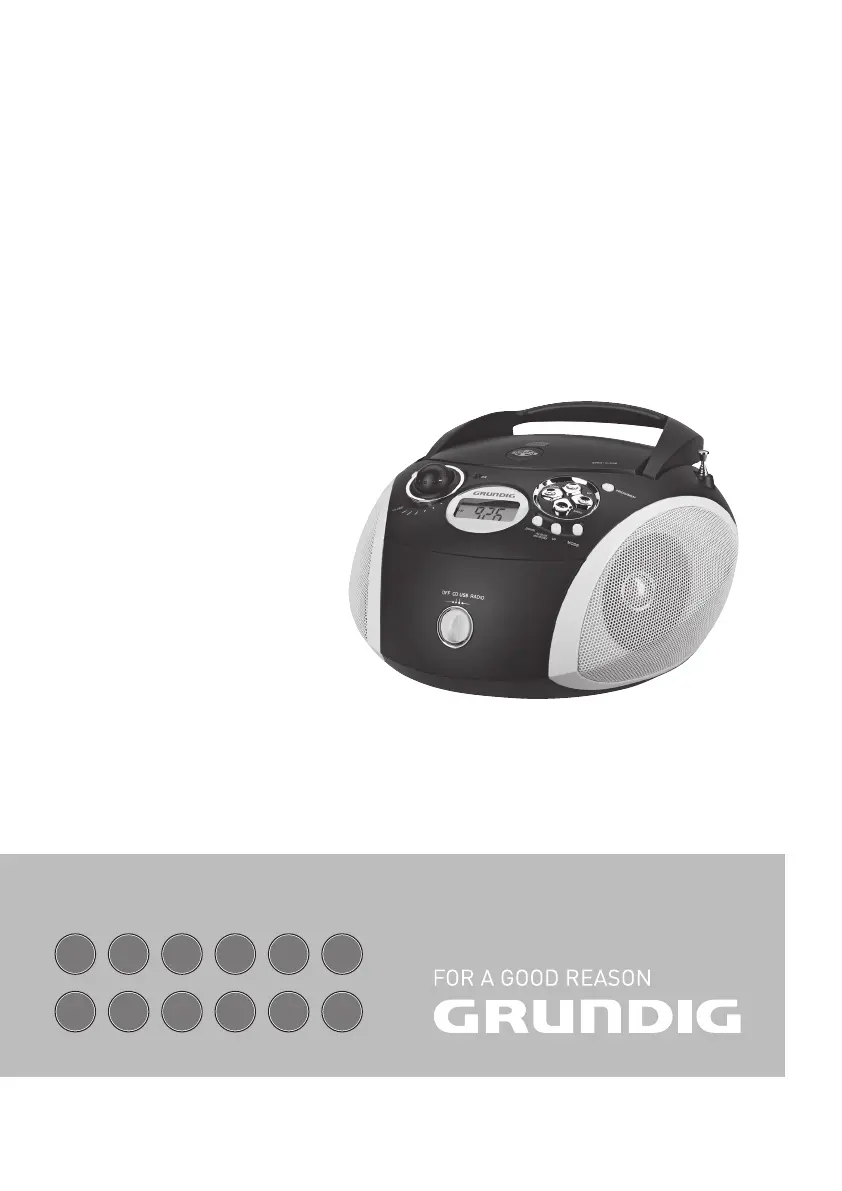
PORTABLE RADIO
CD/MP3/USB PLAYER
RCD 1440 USB
NL
DE
NO
EN
DA
FR
SV
IT
TR
ES
FI
RU

Questions and Answers

  • L
    Lauren JohnsonAug 6, 2025
    What to do if my Grundig Portable Radio has no sound?
    • P
      philip71Aug 6, 2025
      If your Grundig Portable Radio has no sound, first, check the volume level and adjust it if necessary. If headphones are plugged in, unplug them. Also, ensure the batteries are not flat by replacing them or that they are correctly inserted. Lastly, make sure the mains cable is properly connected.
  • E
    Elizabeth FuentesAug 10, 2025
    Why is the radio reception so poor on my Grundig RCD 1440 USB?
    • D
      Dr. Eric Morgan Jr.Aug 10, 2025
      If you're experiencing poor radio reception on your Grundig Portable Radio, try adjusting the telescopic antenna by tilting and turning it for VHF (FM). Also, keep the radio away from electrical devices like televisions, video recorders, computers, and neon lamps, as they can cause interference.
  • E
    Edward WatkinsAug 15, 2025
    What to do if my Grundig RCD 1440 USB does not respond to button commands?
    • P
      Phillip JacobsAug 15, 2025
      If your Grundig Portable Radio isn't responding to button commands, switch off the device, disconnect the mains cable, and plug it back in after a few seconds. Also, remove any batteries.
  • J
    Jacob BurgessAug 19, 2025
    Why does my Grundig Portable Radio CD player skip tracks?
    • J
      Joseph SmithSep 12, 2025
      If the CD player in your Grundig Portable Radio is skipping tracks, it might be because a stored track memory is being played; switch to normal playback or delete the stored memory. Alternatively, the RANDOM function might be activated; switch it off.
  • T
    Tanner ThomasAug 23, 2025
    What to do if CD playback will not start on my Grundig Portable Radio?
    • C
      Cheryl CoffeyAug 23, 2025
      If CD playback won't start on your Grundig Portable Radio, the CD might be damaged or dirty. Try replacing or cleaning the CD.
  • M
    Mark WellsAug 27, 2025
    Why won't my Grundig RCD 1440 USB Portable Radio play CD-Rs or CD-RWs correctly?
    • R
      richardfullerAug 27, 2025
      If your Grundig Portable Radio is not playing CD-Rs or CD-RWs, or is playing them back incorrectly, the CD might be faulty, or the software or hardware settings were incorrect during burning. Check the components of your CD burner/burner software or change the CD you are using.
  • S
    Sabrina JenkinsAug 31, 2025
    Why does my Grundig Portable Radio play MP3 CDs too fast or slowly?
    • A
      Andrea WilsonAug 31, 2025
      If your MP3 CD plays too fast or slowly on your Grundig Portable Radio, it's possible that the sampling frequency of 44.1 kHz was not used. Burn a new MP3 CD using the correct sampling frequency.

Summary

Safety and Setup

General Information on Laser Devices

Provides information on Class 1 laser product safety and emission guidelines.

Power Supply Options

Mains Operation

Instructions for connecting the device to the mains power supply.

Battery Operation

Guidance on inserting and handling batteries for portable use.

General Functions

Powering the Device On and Off

Instructions for powering the device on, off, and selecting operational modes.

Selecting Input Sources

How to choose between CD, USB, and RADIO modes for playback.

Volume Adjustment

Details on how to control the audio output volume using the volume control.

Radio Mode Operations

Antenna Usage

Instructions on extending and positioning the telescopic and built-in antennas for reception.

Storing Radio Stations

How to use automatic and manual methods to find and save radio stations.

CD Mode Playback

MP3 Mode Operations

USB Mode Usage

Troubleshooting Guide

Grundig RCD 1440 USB Specifications

General IconGeneral
BrandGrundig
ModelRCD 1440 USB
CategoryPortable Radio
LanguageEnglish

Related product manuals