EasyManua.ls Logo

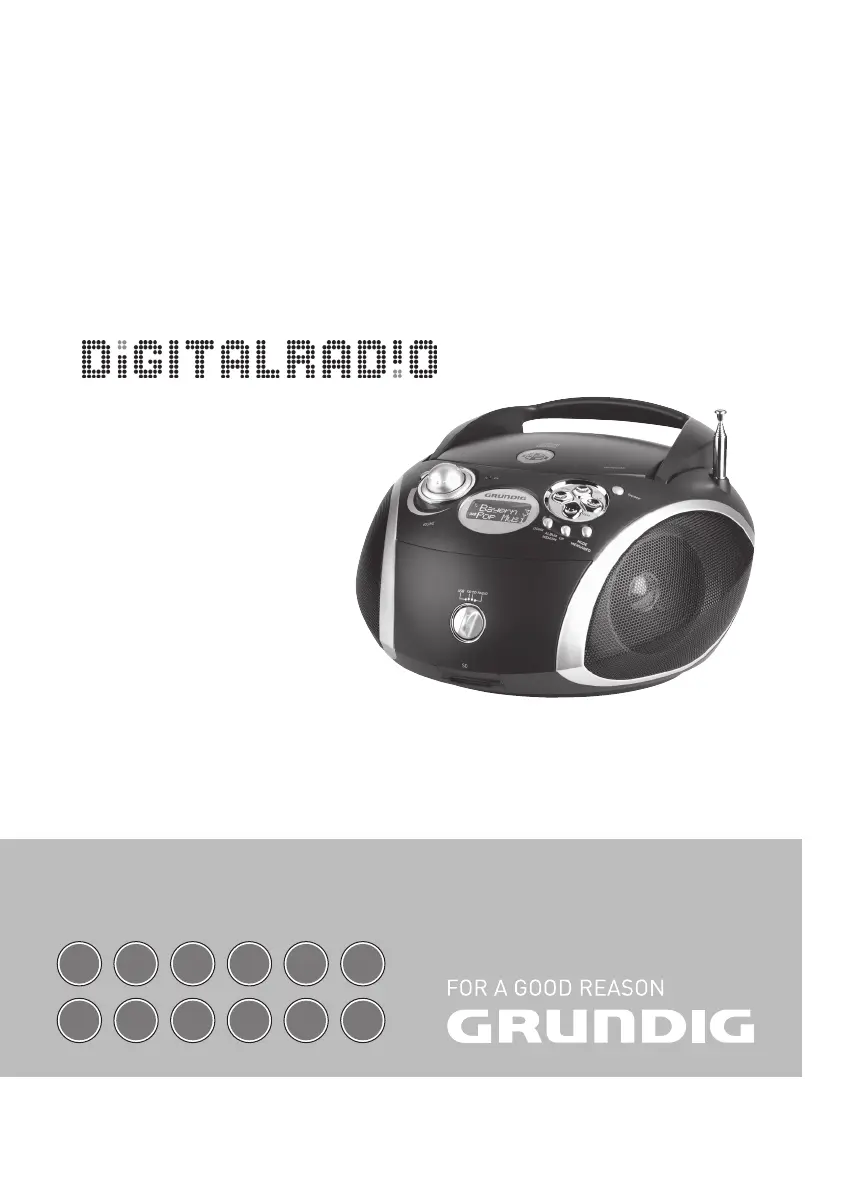
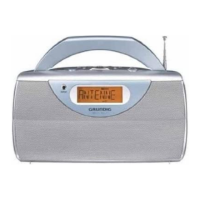
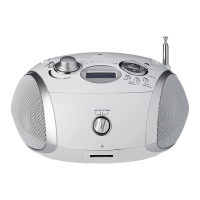
Grundig RCD 1450 DAB+ - User Manual

Grundig RCD 1450 DAB+
16 pages
Print Icon
To Next Page IconTo Next Page
Loading...
PORTABLE RADIO
CD/MP3/USB/SD PLAYER
RCD 1450 DAB+
DE
EN
FR IT RU ES
NL
PL
DA SV FI TR

Questions and Answers

  • D
    darlene69Aug 9, 2025
    Why is there no sound coming from my Grundig Portable Radio?
    • T
      Thomas LittleAug 9, 2025
      If your Grundig Portable Radio has no sound, first, check that the volume isn't set too low and adjust it accordingly. Also, ensure headphones are unplugged. Check and replace the batteries if they're flat or insert them correctly. Finally, make sure the mains cable is properly connected.
  • T
    Thomas TerrellAug 13, 2025
    How to improve radio reception on my Grundig RCD 1450 DAB+?
    • J
      Javier TrevinoAug 13, 2025
      If you are experiencing poor radio reception with your Grundig Portable Radio, try tilting and turning the telescopic antenna for DAB/VHF (FM). Also, keep the radio away from electrical devices like televisions, video recorders, computers, and neon lamps, as these can cause interference.
  • D
    Dawn RamirezAug 18, 2025
    What to do if my Grundig Portable Radio skips tracks?
    • J
      jwaltersAug 18, 2025
      If your Grundig Portable Radio is skipping tracks, it might be because a stored track memory is being played; switch to normal playback or delete the track memory. Alternatively, the RANDOM function may be activated; switch it off.
  • R
    rballAug 23, 2025
    Why is my Grundig RCD 1450 DAB+ not responding to buttons?
    • M
      Ms. Christine JacksonAug 25, 2025
      If your Grundig Portable Radio isn't responding to button commands or malfunctions during playback, switch off the device, disconnect the mains cable, and plug it back in after a few seconds. Also, remove all batteries.
  • D
    Dennis BradyAug 28, 2025
    Why won't my Grundig Portable Radio play CD-Rs or CD-RWs properly?
    • E
      Eric ColeAug 28, 2025
      If your Grundig Portable Radio is not playing CD-Rs or CD-RWs correctly, the disc may be faulty, or the software/hardware settings were incorrect during burning. Check the components of your CD burner/burner software, or try a different CD.
  • L
    Logan RussellSep 2, 2025
    What to do if disc playback will not start on my Grundig RCD 1450 DAB+ Portable Radio?
    • J
      Jessica CarterSep 2, 2025
      If disc playback will not start on your Grundig Portable Radio, the disc may be damaged or dirty. Replace or clean the disc.

Grundig RCD 1450 DAB+ Specifications

General IconGeneral
TypePortable Radio
ModelRCD 1450 DAB+
BrandGrundig
Radio TypeDAB+/FM
DAB+Yes
FM RadioYes
CD PlayerYes
BluetoothNo
Speaker Output2 x 2.5W
DisplayLCD
Headphone JackYes
Power SourceAC/Battery
Battery Type6 x LR14/C (not included)

Related product manuals