EasyManua.ls Logo

Grundig STR 310 - Page 13

Grundig STR 310
39 pages
Print Icon
To Next Page IconTo Next Page
To Previous Page IconTo Previous Page
Loading...
SSASES)
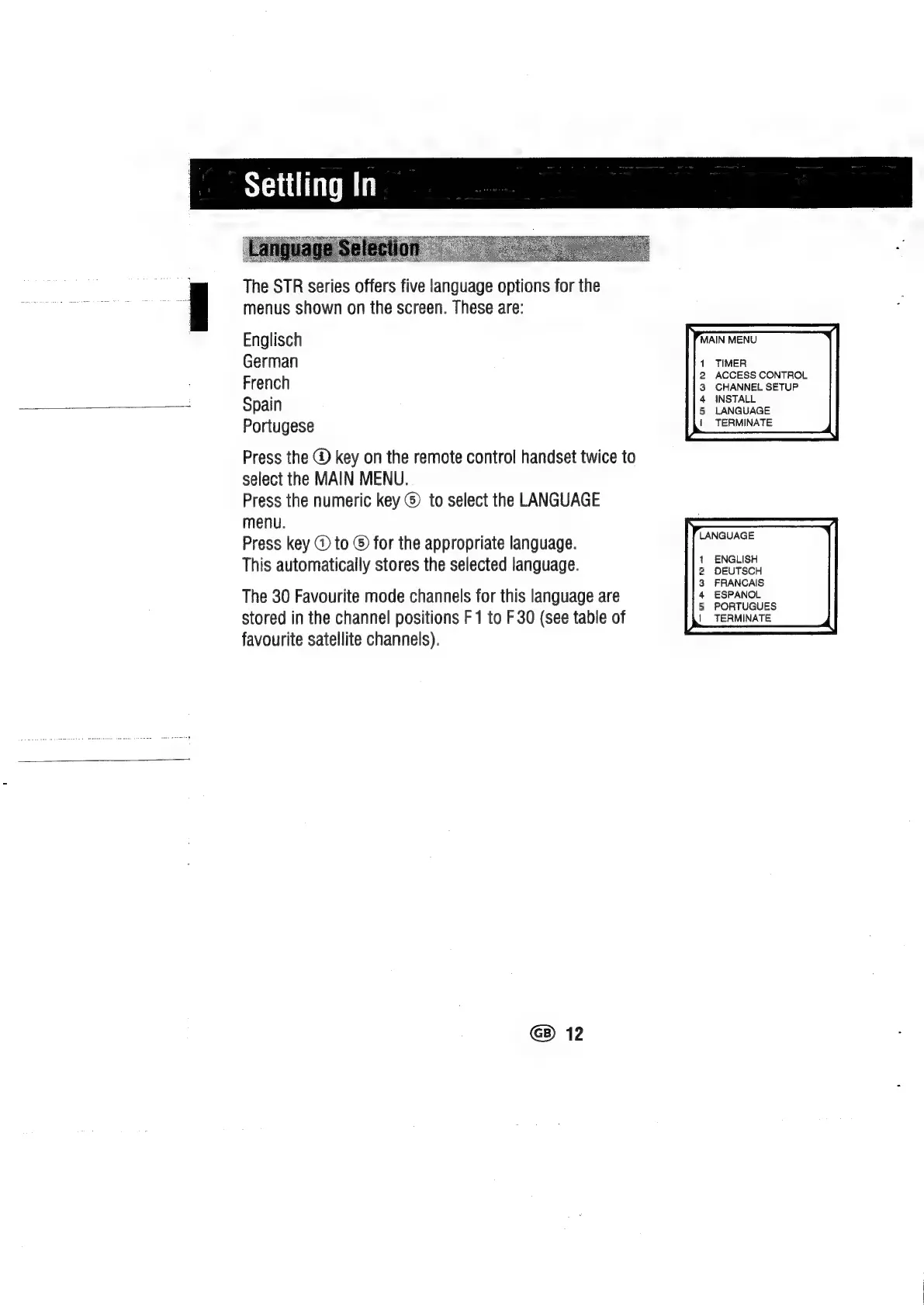
The
STR
series
offers
five
language
options
for
the
menus
shown
on
the
screen.
These
are:
Englisch
German
French
Spain
Portugese
MAIN
MENU
1
2
3
4
5
{
Press
the
@
key
on
the
remote
control
handset
twice
to
select
the
MAIN
MENU.
Press
the
numeric
key
©)
to
select
the
LANGUAGE
menu.
Press
key
@
to
©
for
the
appropriate
language.
This
automatically
stores
the
selected
language.
The
30
Favourite
mode
channels
for
this
language
are
stored
in
the
channel
positions
F
1
to
F
30
(see
table
of
favourite
satellite
channels).
1
2
3
4
5
|
G)
12
TIMER
ACCESS
CONTROL
CHANNEL
SETUP
INSTALL
LANGUAGE
TERMINATE
LANGUAGE
ENGLISH
DEUTSCH
FRANCAIS
ESPANOL
PORTUGUES
TERMINATE

Related product manuals