EasyManua.ls Logo

Grundig STR 310 - Page 16

Grundig STR 310
39 pages
Print Icon
To Next Page IconTo Next Page
To Previous Page IconTo Previous Page
Loading...
You
can
of
course
also
receive
programmes
which
are
not
preset
in
the
receiver's
memory
(see
chapter
"Channel
Setup".).
|
How
to
change
these
preset
channels
can
be
found
in
the
chapters
Selecting
Your
Favourite
Satellite
Channels
and
Selecting
Your
Favourite
Radio
Channels.
Pressing
the
@
key
once
will
provide
on
screen
a
status
message
advising
Channel
Number,
Channel
Name,
Time
and
access
to
the
Main
Menu.
When
you
first
turn
on
your
receiver
it
is
in
the
Favourite
mode.
This
gives
you
access
to
30
channels
on
the
channel
positions
F
1
to
F
30
most
suited
to
the
language
option
selected.
Step-by-step
channel
selection
You
can
select
these
channels
step
by
step
using
the
and
“7
keys
on
the
handset
or
the
W
and
A
keys
on
the
receiver's
front
panel
behind
the
flap.
The
number
of
the
channel
position
currently
selected
in
cia
|
the
favourite
mode
is
shown
in
the
display
of
the
receiver.
An
F
is
displayed
before
the
number
to
remind
you
that
the
receiver
is
in
the
Favourite
mode.
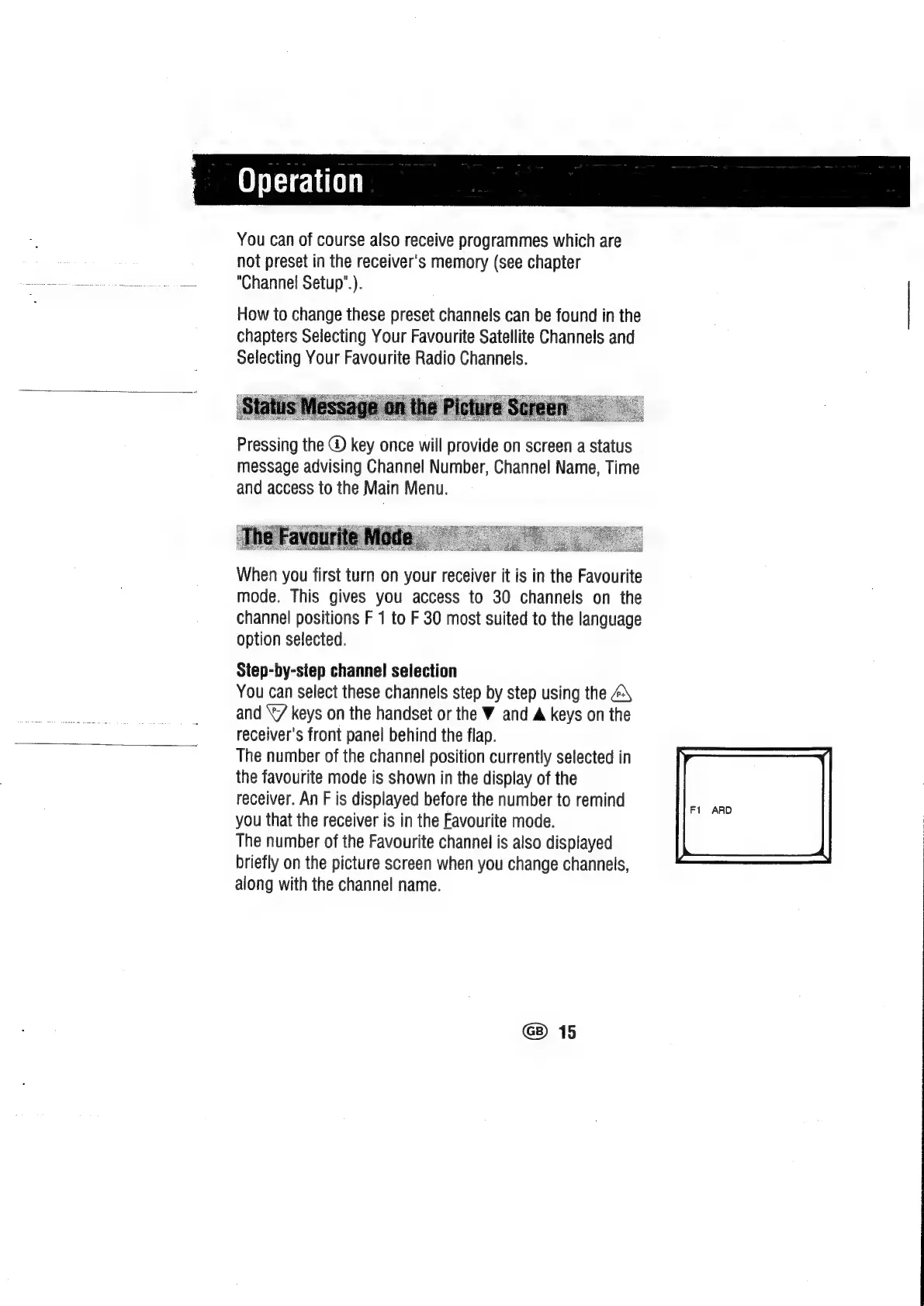
The
number
of
the
Favourite
channel
is
also
displayed
briefly
on
the
picture
screen
when
you
change
channels,
along
with
the
channel
name.
Fi
ARD
@)
15

Related product manuals