NEED HELP?
CALL OUR SHORTWAVE HOTLINE
IMPORTANT NOTICE
QUICK SETUP
(But please read the rest of the manual later!)
1. Insert batteries or connect the included AC adaptor.
2. Set the DX/LOCAL switch to DX (left side of radio).
3. Turn the SSB switch OFF (right side of radio).
4. Fully extend the telescopic antenna.
5. With the radio off, press and release the AM button once.
6. Immediately press and release the STEP button.
“10KHz” now appears in the right side of the display, and
will disappear in a few seconds. (See page 4 for more
information about this procedure.
7. Turn the radio on by pressing the ON/OFF button.
If, after reading this owner’s manual, you need help learning to
operate your YACHT BOY 400 PROFESSIONAL EDITION,
call us toll free, Monday through Friday, 8:30 a.m. to 4:30 p.m.,
PST at:
1-800-872-2228 from the U.S.
1-800-637-1648 from Canada
OWNER’S RECORD
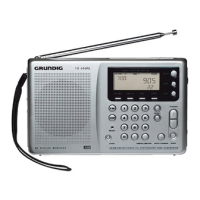
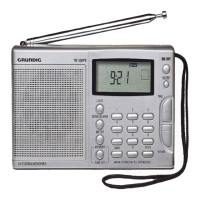
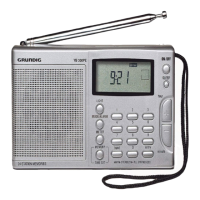
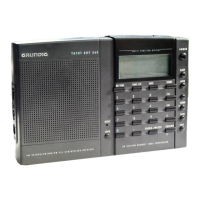
This model is the GRUNDIG YACHT BOY 400 PROFES-
SIONAL EDITION, herin after referred to as the YB400PE.
The serial number is located on the sticker inside the battery
compartment. Refer to this number whenever you call GRUNDIG
regarding this product.
1










 To Next Page