EN
51
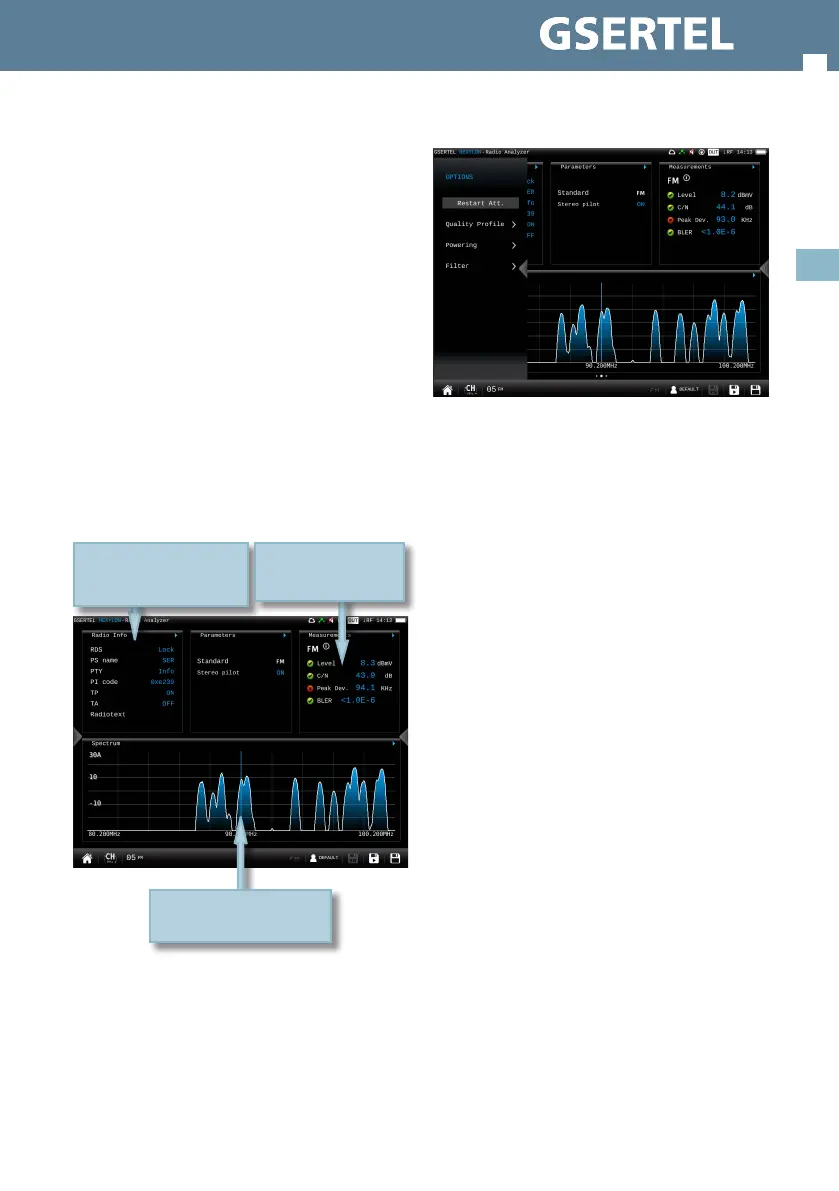
8.2.2.- Options context menu
• Restart Att: restarts the control attenuation.
• Quality prole: allows to select the quality prole.
• Powering:
- VDC: Selects the preamplier powering.
• Filter (only for FM): Allows to select the lter to
demodulate the FM signal
8.3.- Mosaic 6
This screen has 6 widgets. These widgets are
user-congurable, that is, the user can select the
the function he or she wants to visualize in each
widget.
don’t represent the level or the power of the
channels, but the attenuation of each one of them.
The list shows power (or level) and C/N. In addition,
a green trace is shown in the spectrum. This trace
indicates the levels in the reference point.
• Quality prole: allows to select the quality prole.
• Powering:
- VDC: Selects the preamplier powering.
8.2.- Mosaic 3+1
This screen has 4 widgets, 3 in the top of the screen
and one in the lower part of the screen. These
widgets are user-congurable, that is, the user can
select the the function he or she wants to visualize
in each widget.
8.2.1.- Main Window
The available features are explained in section 8.3.-
Radio features
Short swap on the spectrum
to change to previous/next
channel
Tap on the title bar of the
widget to change the
function
Double tap to see the
feature in full screen


 To Next Page
 Loading...