Grason-Stadler GSI
®
61 CLINICAL AUDIOMETER
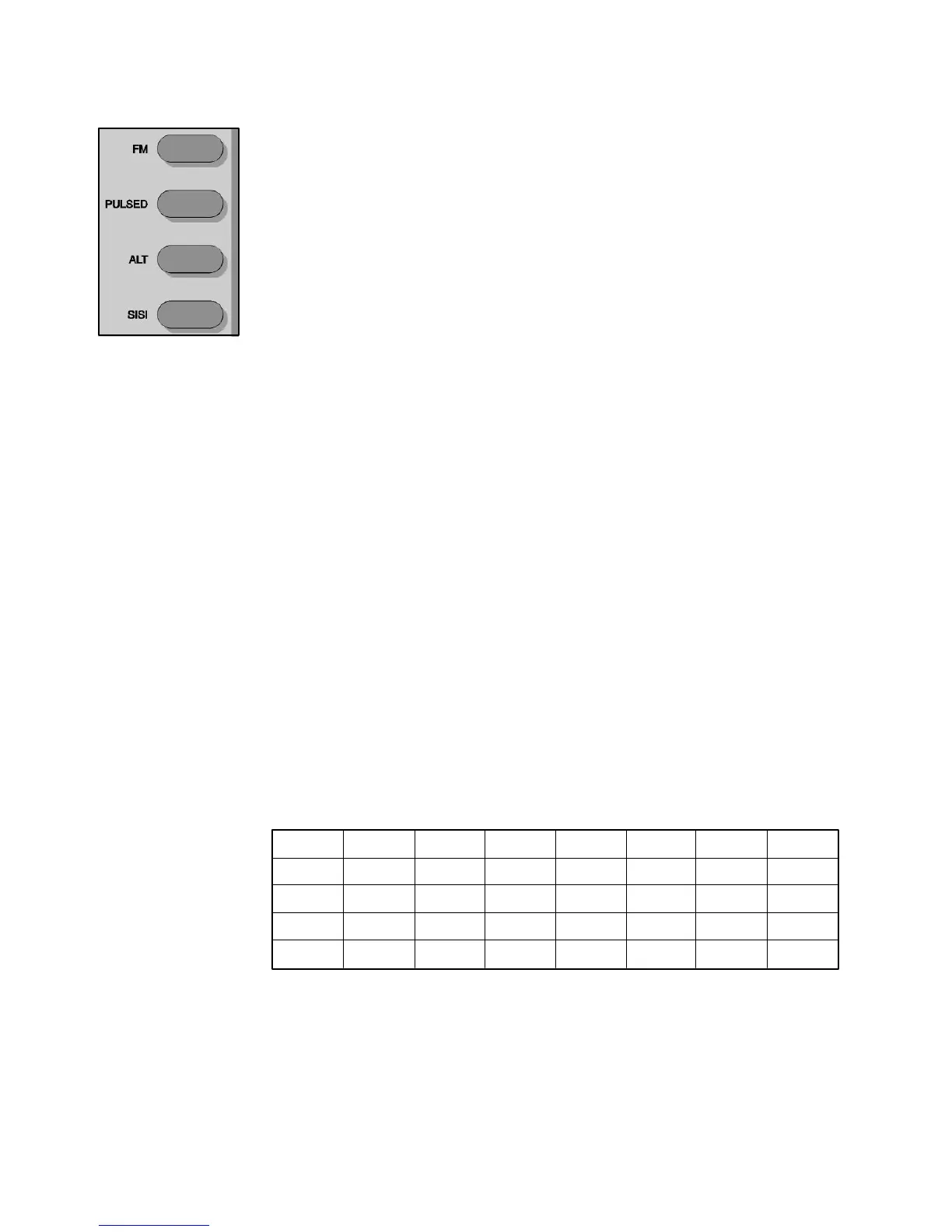
Signal Format (Frequency Modulation or Warble Tone)
Selectors FM - This pushbutton enables pure tones to be warbled at a rate of 5 Hz with a ± 5%
allowable deviation around the selected center frequency. FM is available in all pure
tone test modes, including SISI, Pulsed, ALT and High Frequency (optional).
Pulsed - This pushbutton causes the tone to be pulsed at the rate of 200 msec ON,
200 msec OFF. Note that the Pulsed tone is not available in SISI or ALTernate test
conditions. When a speech test mode is activated, Pulsed is no longer activated.
Alternate - This pushbutton locks both channels together and alternates the tone
presentation between the two channels: 400 msec ON Channel 1, 400 msec OFF
Channel 1, 400 msec ON Channel 2, 400 msec OFF Channel 2. Both channels
receive TONE as the input stimulus. The frequency is automatically set to 1000 Hz
and the dB step size, HL settings and the routing reflect the conditions prior to the
selection of ALTernate test type. The tones can be manually presented by depressing
either PRESENT bar or automatically presented by pressing either INTERRUPT
button. The intensity of the tones can be adjusted independently by use of the Channel
1 and Channel 2 attenuators.
SISI - This pushbutton provides an intensity increment every 5 seconds to a steady
or FM tone in the selected channel for 200 milliseconds. The SISI test may be run at
step sizes of 1.0, 2.0 or 5.0 dB. When SISI is selected, the GSI 61 automatically
initializes Channel 1 to receive tone and Channel 2 to receive NB noise. The step
size is initialized to 5.0 dB but may be changed to either 1.0 or 2.0 dB at any time
during the test. Channel 1 and Channel 2 are set to 0 dB HL; the frequency is set to
1000 Hz. Output transducer and routing reflects the state of the GSI 61 prior to the
selection of SISI. Depress the Interrupt pushbutton to allow the SISI increments to
be presented every 5 seconds. Press the Interrupt button a second time to terminate
the SISI presentation. (Operating the Channel 2 tone bar with Interlock selected in
SISI also terminates the SISI increment presentation).
In order to deselect the preselected signal format, change to any non-compatible test
stimulus or push the same signal format again. The following table illustrates the
compatibilities of test stimulus and signal formats.
VALID SIGNAL FORMATS / STIMULUS COMBINATIONS
TONE
MIC
EXT A
EXT B
NBN
SPEECH
WHITE
FM
V
X
X
X
X
X
X
PULSED
V
X
X
X
V
X
V*
ALT
V
X
X
X
V
X
V*
SISI
V
X
X
X
X
X
X
V =Valid combination of signal format and stimulus.
X = Invalid combination of signal format and stimulus.
* = When White/White is selected stimulus, calibration for White noise will
be for speech.
2-6
1761-0100 Rev. B


 To Next Page
 Loading...



