Chapter 2 - Installation
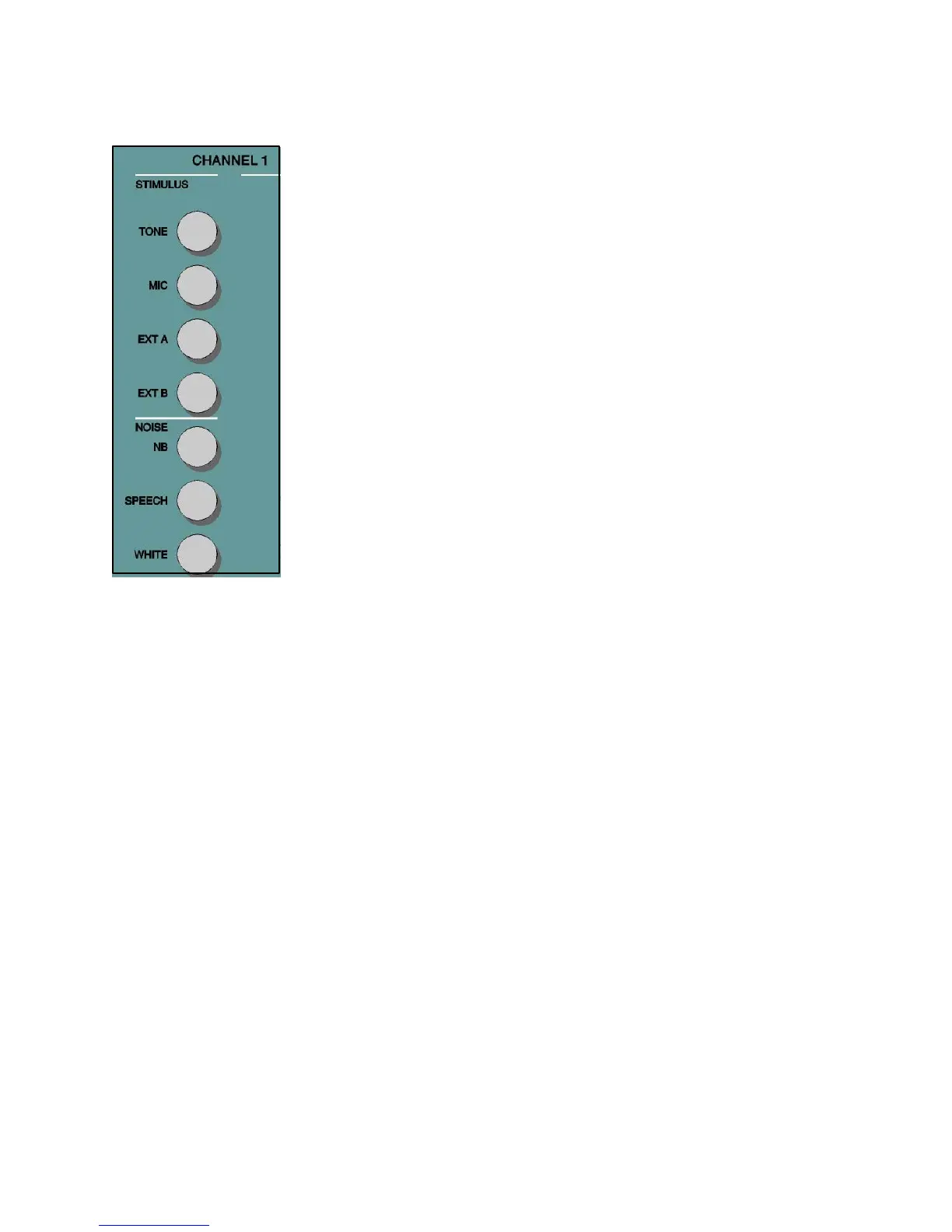
Stimulus Channel 1 Tone — The Tone pushbutton allows the selection of a pure tone presentation for
and Channel 2 air/bone conduction testing with the choice of four transducer types; Phone (both the
standard TDH 50P and the optional High Frequency earphones), Bone, Speaker, or
Insert. When Tone is selected, Narrow Band Noise automatically routes to the
opposite channel if the stimulus type on the opposite channel is not compatible with
Tone. Note that the selection of Tone on one channel and Mic on the opposite
channel is a valid combination. This setting allows the operator to have contact with
the patient, especially a young child, without the need to select Talk Forward.
Mic — The Mic pushbutton provides input capability from the test microphone for
live-voice testing with the choice of four transducer types: Phone, Bone, Speaker, or
Insert. When Mic is selected, Speech Noise automatically routes to the opposite
channel if the stimulus type on the opposite channel is not compatible with MIC.
Note that the selection of Mic on one channel and Tone on the opposite channel is a
valid combination. This setting allows the operator to have contact with the patient,
especially a young child, without the need to select Talk Forward.
Ext A, Ext B — External A and External B accept recorded speech material from
an optional compact disc player, a two channel tape cassette or a reel-to-reel tape
recorder. When Ext A or Ext B is selected on one channel, Speech Noise automatically
routes to the opposite channel if the stimulus type on the opposite channel is not
compatible with Ext A or Ext B. Note that the selection of Ext A, or Ext B, on one
channel and Tone on the opposite channel is a valid combination.
Narrow Band Noise — The NB Noise pushbutton selects narrow band noise.
This is a noise centered at each test frequency and available for all frequencies with
a 3 dB down bandwidth of greater than octave but less than ½ octave. The maximum
dB HL is 15 dB below the maximum pure tone level and is calibrated in effective
masking.
Speech Noise — The Speech Noise pushbutton selects speech noise. This is a
white noise filtered to a low and middle frequency band, simulating the average
spectrum of conversational speech
.
Speech noise is calibrated in effective masking
level and consists of equal energy per frequency from 250 to 100 Hz with a 12 dB/
octave roll-off from 1000 to 6000 Hz. The maximum dB HL for speech noise is
equal to the maximum HL for the speech type signals in each transducer.
White Noise — This pushbutton selects White Noise. White noise is a broad band
signal containing acoustic energy at all frequencies between 125 Hz and 12000 Hz.
White noise is calibrated for pure tone effective masking if a tone type signal is
selected on the opposite channel, and for speech effective masking if a speech type
signal is selected on the opposite channel. The maximum HL for white noise selected
with a tone signal is 35 dB below the maximum pure tone level. The maximum HL
for white noise selected with a speech signal is equal to the maximum HL for the
speech signal.
Refer to the following table for the stimuli compatibilities listing.
2-7
1761-0100 Rev. B


 To Next Page
 Loading...



