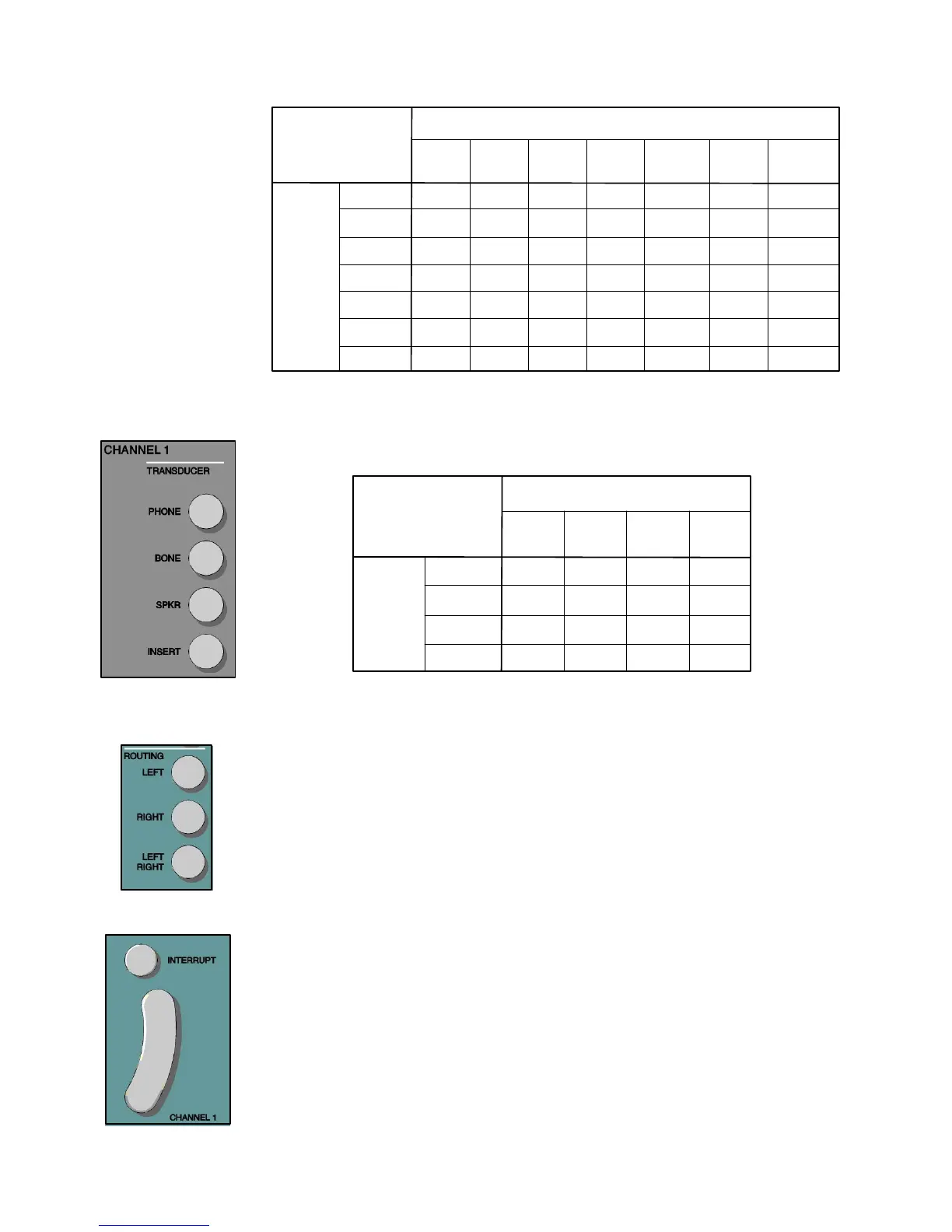
These pushbuttons allow the easy selection of the routing from the stimulus to the
output transducer available for Channel 1 and Channel 2. When first powered on,
the routing for Channel 1 will be right and the routing for Channel 2 is left. Left/
Right mixes the stimuli from both channels to each transducer and drives both the
left and right transducers with the combined signal. Both the Channel 1 and Channel
2 maximum dB HL limits in mixing are appropriately decreased from the non-mixed
maximum dB HL limits. Left/Right -Left/Right routing is restricted to Phone/Phone,
Speaker/Speaker and Insert/Insert (paired insert option). Left/Right routing is invalid
for bone and the single insert phone.
Each tone bar operates independently to present the selected stimulus for as long as the
bar is depressed. The channel turns off immediately when the bar is released. When
ALTernate is selected and the tone bar is released, the complete presentation of
both channel signals is completed. These pushbuttons determine the status of the
respective tone bars and operate independently of each other. When the Interrupt
is in the off position, the corresponding channel is activated by depressing the Tone bar
bar and deactivated by releasing the Tone bar. To turn on the Interrupt, press the
pushbutton. When Interrupt is in the on position, the corresponding channel is deactivated
by pressing the Tone bar and activated by releasing the bar. When Interrupt active,
an icon is displayed on the LCD. Note that in the ALTernate test mode, the Interrupt
pushbuttons do not operate independently of each other.
Valid Stimuli Combinations
Channel 1 Stimulus
Mic
Ext A
Ext B
NBNoise
S Noise
White Noise*
Valid
Valid
Valid
Valid
Invalid
Valid
Valid
Valid
Valid
Invalid
Valid
Valid
Valid
Valid
Valid
Invalid
Valid
Valid
Valid
Valid
Valid
Invalid
Valid
Valid
Invalid
Invalid
Invalid
Valid
Invalid
Invalid
Valid
Valid
Valid
Invalid
Valid
Invalid
Valid
Valid
Valid
Invalid
Invalid
Valid*
Grason-Stadler GSI
61 CLINICAL AUDIOMETER
Tone
Channel 2
Stimulus
Tone
Valid
Valid
Valid
Valid
Valid
Invalid
Valid
Mic
Ext A
Ext B
NBNoise
S Noise
W Noise*
* If White Noise is selecte
on both channels, then
calibration is made to speech.
If White Noise is selected on
one channel only, calibration
will be made to the stimulus
type on the opposite channel.
Transducer Output
Selector
Routing Output
Selector
Tone Bar / Interrupt
2-8
These pushbuttons allow the easy selection of the transducer for each stimulus
available for Channel 1 and Channel 2. A transducer selection may be changed at
any time.
Valid Transducer Combinations
Channel 1
Phone
Valid
Valid
Valid
Valid
Bone
Speaker
Insert
Valid
Valid
Valid
Valid
Valid
Valid
Valid
Valid
Valid
Valid
Valid
Valid
Phone
Bone
Channel 2
Speaker
Insert
1761-0100 Rev. B


 To Next Page
 Loading...



