Chapter 2 - Installation
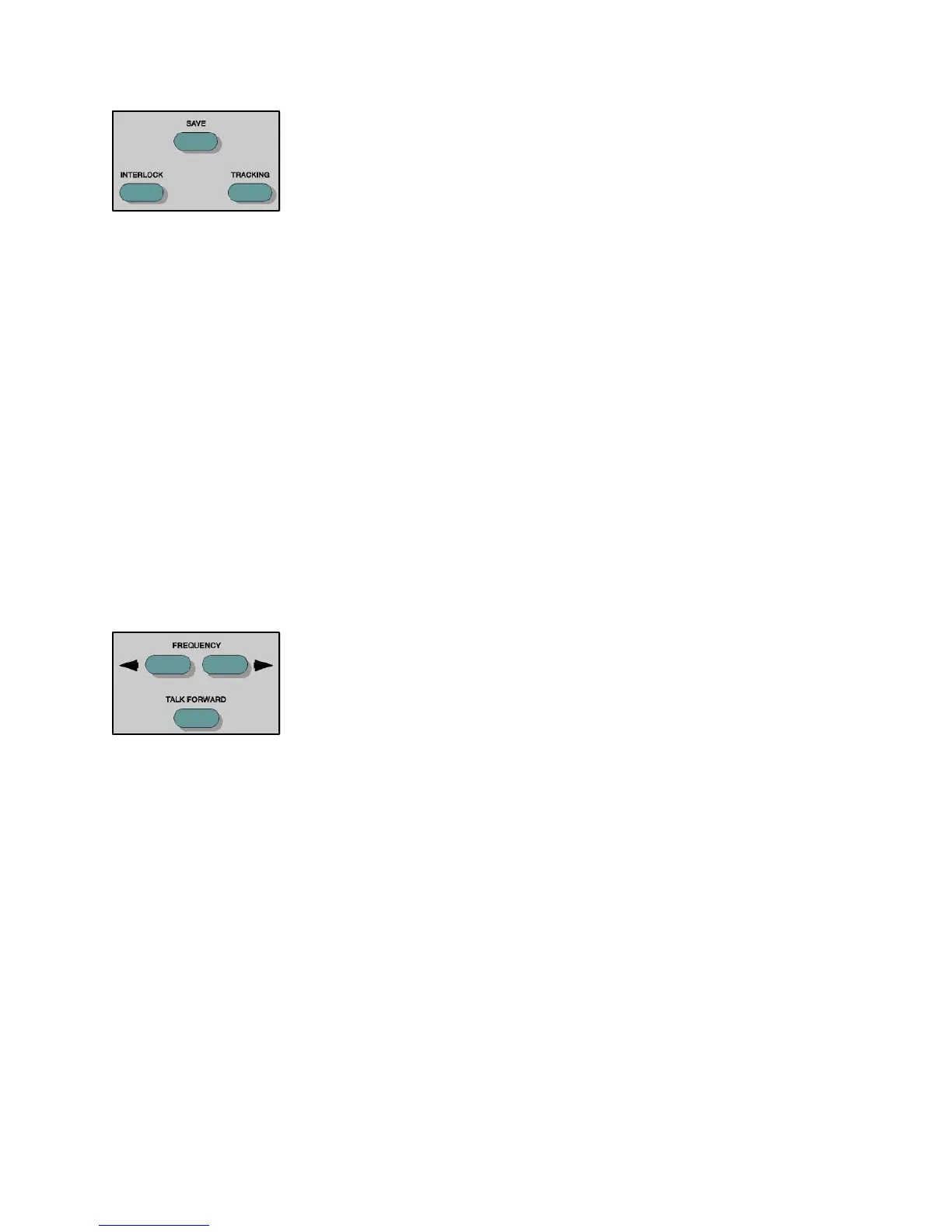
Interlock This pushbutton locks both tone bars together so that operating one channel will also
operate the other, according to the status of the Interrupt buttons. To unlock the
Tone bars, press the Interlock button again. When the Interlock is active, a message
is displayed on the LCD.
Save This pushbutton, when pressed, saves the current dB HL level representing the
threshold level, and effective masking level if selected, transducers and routing. In
the Display Audiogram format, the appropriate symbol appears for each Save press.
Tracking
This pushbutton allows the Channel 2 hearing level to track the Channel 1 hearing
level by a selected dB difference. When in Tracking, any dB change to the Channel
1 HL causes the Channel 2 HL to change by the same amount, until the limit of the
Channel 1 transducer is reached. If the dB HL limit is reached in Channel 2 before
Channel 1, the Channel 2 dB HL display will temporarily flash and remain at this
level. Tracking remains on. When the Channel 1 dB returns to a level at which the
selected difference between the two channels can resume, Channel 2 again tracks
Channel 1. Tracking is in the off state upon initialization of any test type. When
tracking is selected, it is possible to manually change the intensity of Channel 2 to
alter the dB difference between the two channels without deselecting Tracking. To
exit Tracking, press the button again. When Tracking is active, a message is displayed
on the LCD.
Frequency Up/Down These pushbuttons allow the choice of twelve standard audiometric frequencies: 125
Hz, 250 Hz, 500 Hz, 750 Hz, 1000 Hz, 1500 Hz, 2000 Hz, 3000 Hz, 4000 Hz, 6000
Hz, 8000 Hz and 12000 Hz. If the high frequency option is activated, these pushbuttons
allow a choice of nine high frequencies: 8 kHz, 9 kHz, 10 kHz, 11.2 kHz, 12.5 kHz,
14 kHz, 16 kHz, 18 kHz, and 20 kHz. Each press of the right (R)pushbutton selects
the next higher frequency. Each press of the left (L) pushbutton selects the next
lower frequency. The new frequency is selected when the pushbutton is released.
When at the lower limit of the frequency selection, pressing the (L)pushbutton will
cause the display to roll over to the highest frequency limit, and vice versa. If a
transducer with a narrower range is selected, only valid frequencies for that transducer
are available.
See the Table entitled “dB HL Limits per Frequency and Transducer” in the Hearing
Limits and Frequency Levels Section (pages 2-24 and 2-25) for the allowable
frequency ranges of the specific transducers.
Talk Forward Pressing this pushbutton allows the operator to speak directly to the patient through
the microphone at the level set by the Talk Forward control by interrupting the stimulus
presentation. Talk Forward can be used with any available transducer, including the
optional High Frequency earphones. While Talk Forward is on, the only control
which can be activated is the Print, if available. The GSI 61 resumes the test status
held prior to pressing the Talk Forward pushbutton when the pushbutton is released.
2-9
1761-0100 Rev. B


 To Next Page
 Loading...



