Grason-Stadler GSI
®
61 CLINICAL AUDIOMETER
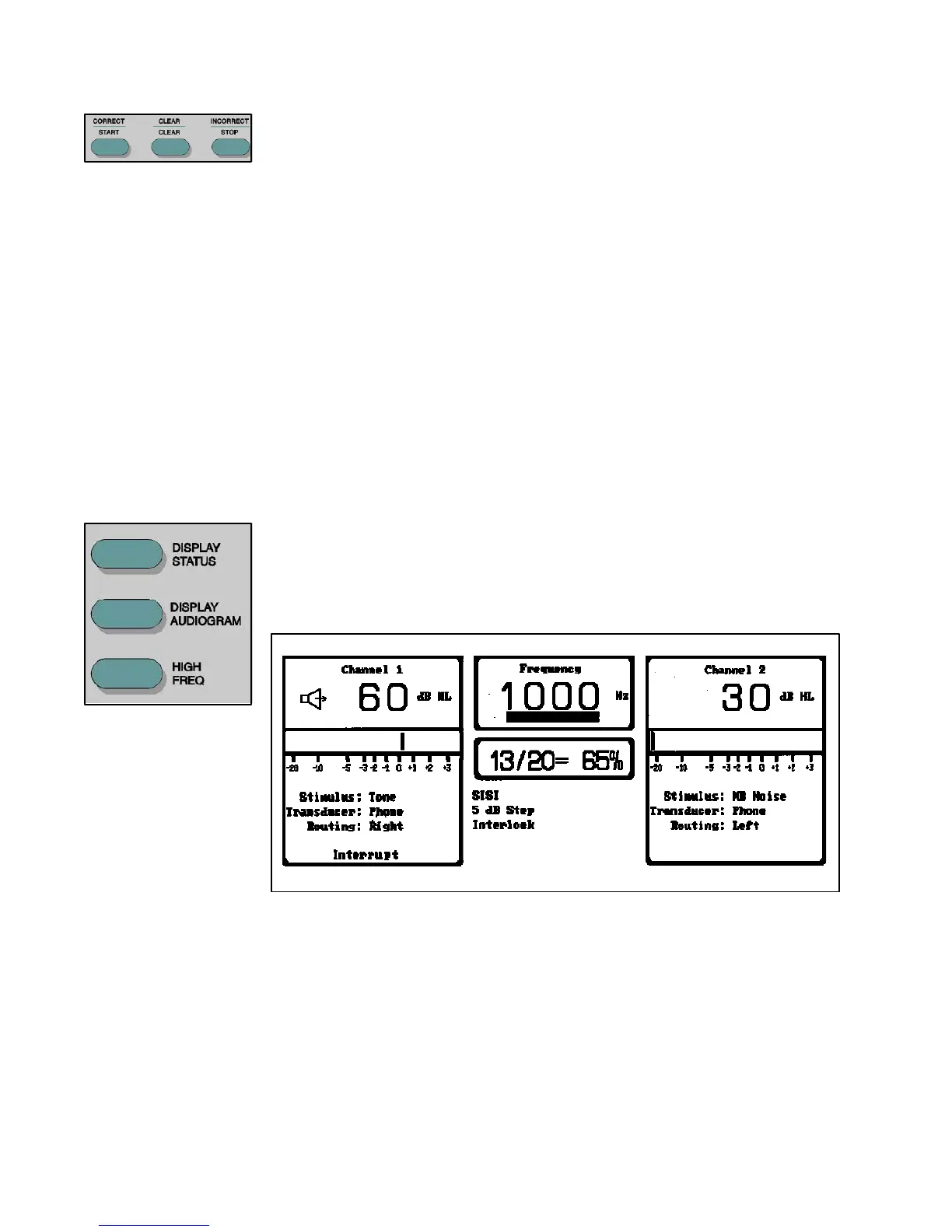
Scorer/Timer The Correct, Clear and Incorrect pushbuttons are used for scoring results in Speech,
ALTernate or SISI tests. The scorer is displayed in the test status area of the Status
screen. When Speech, SISI or ALT is selected, the scorer initializes to 0/0 = 0%.
The operator presses the Correct or Incorrect pushbutton after each presentation,
depending on the response. The display indicates the number of correct responses
and the total number of presentations along with the percentage of those correctly
identified. The display clears with the pressing of the Clear pushbutton.
During tone tests (excluding ALTernate and SISI), the Scorer/Timer pushbuttons
may be used to start, clear and stop the timer. The timer is displayed in the test
status area of the Status screen. When the timer is first selected, it initializes to 0:00
(0 minutes: 00 seconds). The timer starts when the Start pushbutton is pressed.
Times up to 199 minutes and 59 seconds may be displayed before the timer resets to
0:00. The timer may be halted at any point by pressing the Stop pushbutton. The
stopped time is displayed.
Upon pressing the Start pushbutton after the Stop
pushbutton, timing is resumed from the currently displayed value. Pressing Clear
while the timer is running is invalid. Pressing Clear after Stop resets the timer to
0:00.
Displays These pushbuttons are used to select the format for the screen display format on the
LCD.
Display Status — When the Display Status pushbutton is pressed, the display is
formatted as shown in the following Figure: Front Panel Display - Status. This
display indicates the current instrument state and VU meters.
Display Status
Display Audiogram — When the Display Audiogram pushbutton is pressed, the
display is formatted as shown in the following Figure: Front Panel Display -Audiogram.
Two audiograms with the standard range of frequencies (125 Hz to 12,000 Hz), or
the High Frequency ranges (8 kHz to 20 kHz), and the instrument status are displayed.
Hold the Display Status key for 2.5 seconds to view the left audiogram on the left
side, and right on the right side. Hold the Display Status key again to reverse back
to the original setting..
2-10
1761-0100 Rev. B


 To Next Page
 Loading...



