Chapter 2 - Installation
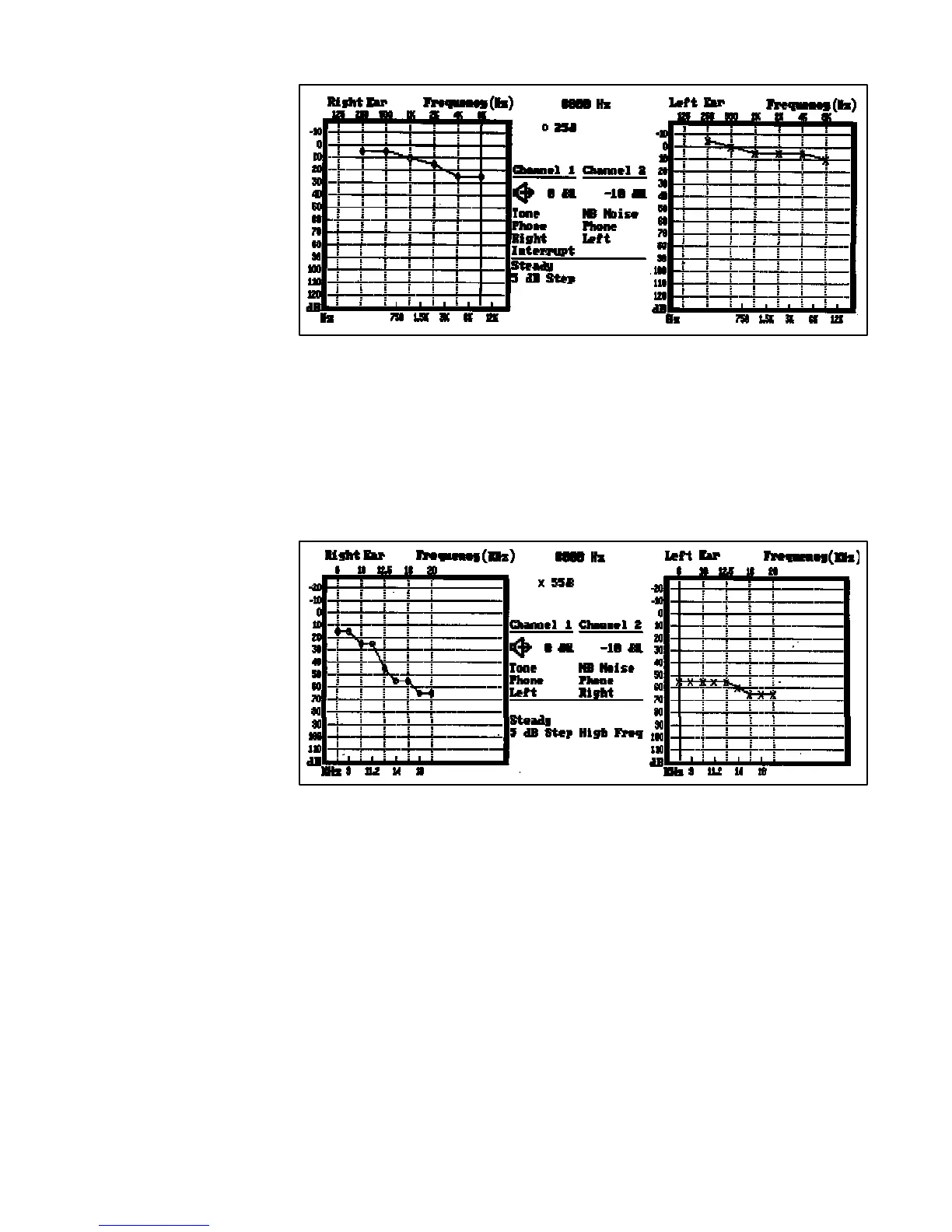
Display Audiogram
High Frequency — When the High Frequency pushbutton is pressed with the High
Frequency option installed, the system allows tone testing in the extended range
from 8 kHz to 20 kHz. The display remains in the Display Status or Display Audiogram
format as previously selected. If the High Frequency option has not been installed
and the pushbutton is pressed, the error message “Not Available” appears in the
error message area of the display.
Display High Frequency
2-11
1761-0100 Rev. B



 To Next Page