Chapter 2 - Installation
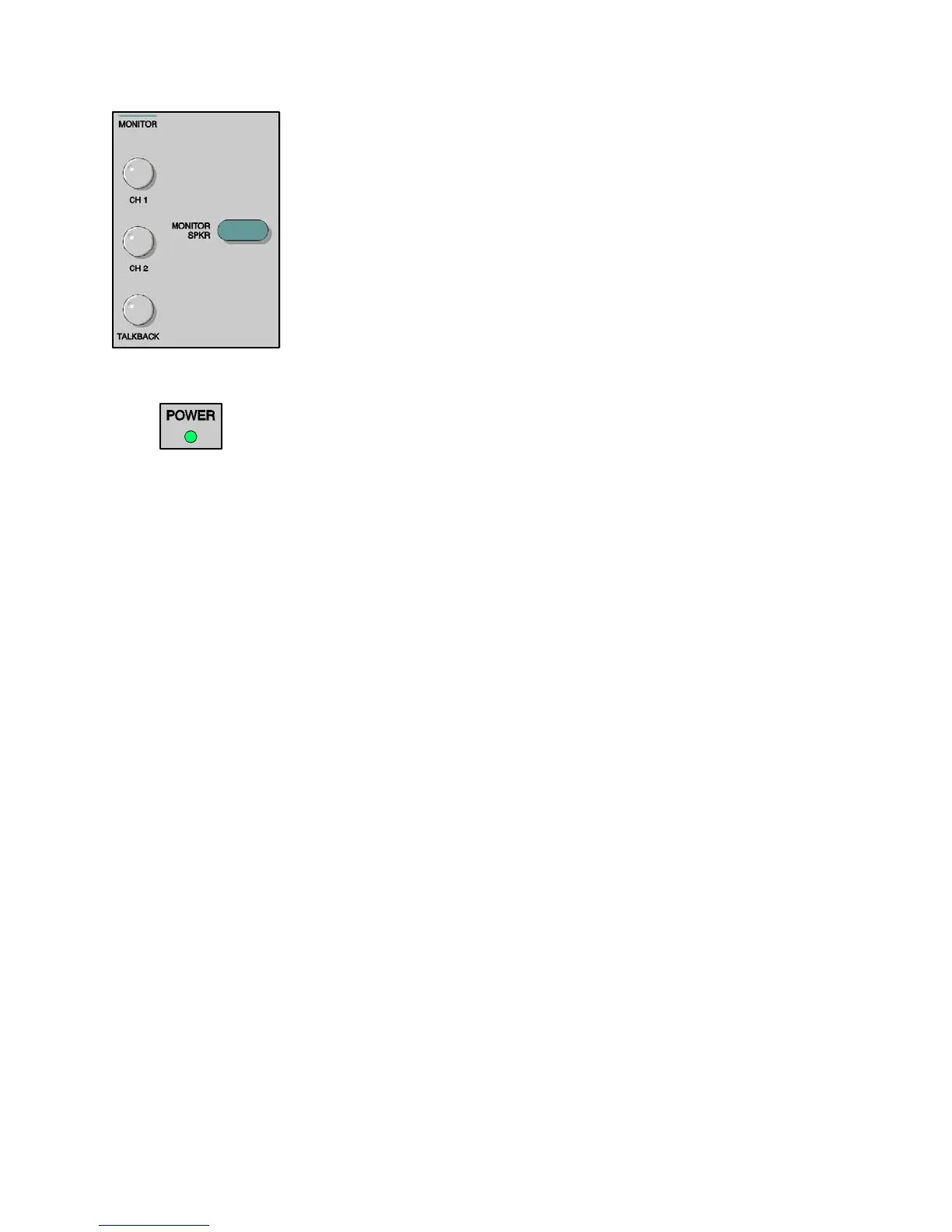
Monitor Controls The Monitor Headphone or Speaker allows the operator to listen to the stimuli as
they are presented or to listen to the patient’s comments through the talk-back system.
The Channel 1 and Channel 2 rotary controls adjust the intensity of the sound
presented through the monitor headphone or speaker. The Talkback rotary control
adjusts the intensity of the patient’s voice. The Monitor Spkr pushbutton is used to
turn on the Monitor Speaker. When Mic is selected, or when the Talk Forward is
operated, that channel’s input to the monitor speaker is disabled to reduce acoustic
feedback.
Power This Power Monitor green light emitting diode (LED), located in the upper left portion
of the keypanel, is illuminated when power is supplied to the GSI 61.
2-13
1761-0100 Rev. B



 To Next Page