I-9102 Intelligent Photoelectric Smoke Detector
Installation and Operation Manual
The Intelligent Solution
Page 3
C
B
A
D
Z
-
0
3
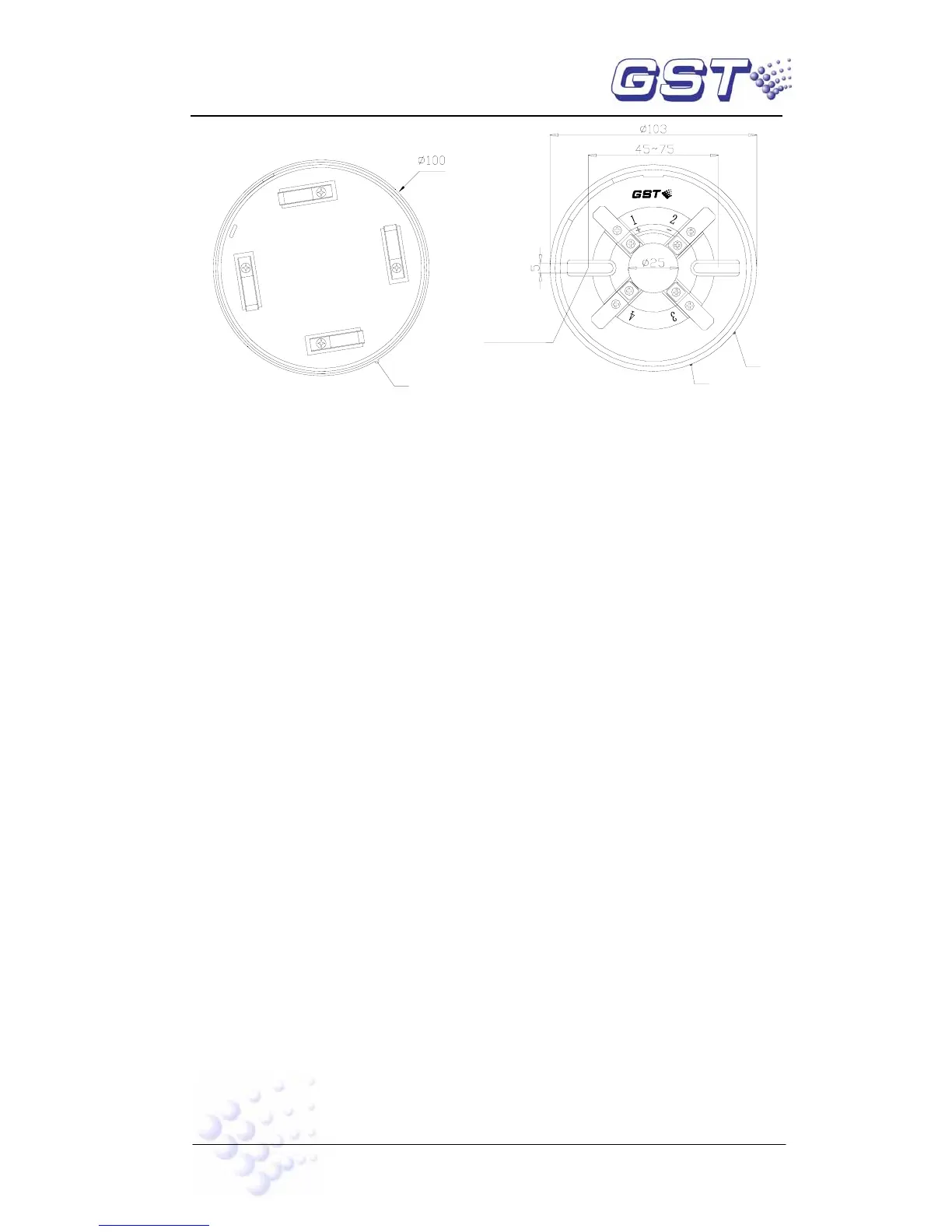
Mounting Hole
Fig. 3 Fig. 4
2. Wiring
Twisted pair for detector two-bus with cross section not less than 1.0mm
2
. The cables
connecting with remote LED should be different colors to distinguish the polarity.
VI Operation
Electronic programming for the detector, it’s easy to be programmed by P-9910B Hand
Held Programmer in field. Connect the programmer with the bus terminal of the detector.
The operation can be done.
1. Reading Code: Pressing Read, the screen will show the address code of the
detector. If failure, “E” will be shown on the screen. Press Clear to display “0”, then
repeat the operation.
2. Programming: Input address code within 1~242. Press Program, the screen will
show “P”, this means the address code is programmed. Press Clear to display “0”,
repeat the operation. If failure, the screen will show “E”. Press Clear to display “0”,
repeat the operation.
VII Troubleshooting
The possible trouble and solution in operation of the detector is as follows:
1. Fault instead of alarm or abnormal registration
a) Mainly check diode VD1, VD2, VD3 and VD4 open or not and the voltage on
node PN normal or not.
b) Check whether there is +5V output on D2 (HT7150).
c) Check whether the voltage on node PN among the base pins e, b, and c on
triode VT1 and VT2 normal or not.
2. Short circuit on bus
Mainly check whether diode VD1, VD2, VD3 and VD4 has broken down and
shorted with ground, SMT resistor R1 and R2 shorted or not and bus terminal
shorted with ground or not.
3. Nuisance alarm:


 To Next Page