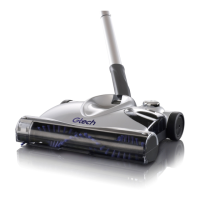
6
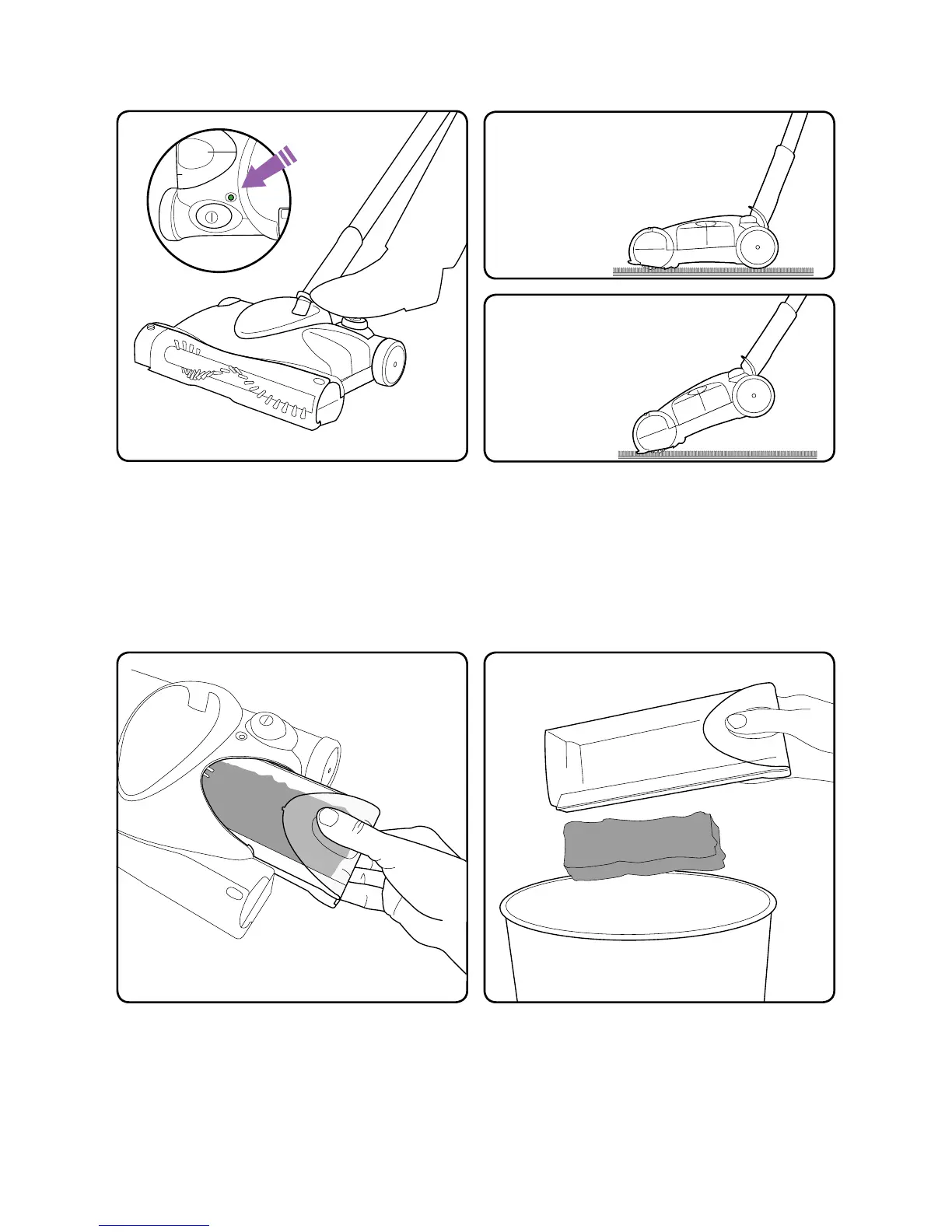
Pull back the handle and press the “on”
button with your foot. When running, the
light shows green for a full charge, orange
for 20% charge and red for 10%. When
the sweeper needs recharging the light will
ash red and the sweeper will stop.
Remove the dust tray by pinching the
window slightly and pulling it out.
Normal operation
Push at over the oor.
Deeper cleaning
Lift the handle to lower the
brush bar into the carpet.
Tip the dirt into the bin. If you need to you
can wipe the tray clean with a dry cloth.
Operation
Emptying the bin


 To Next Page