8
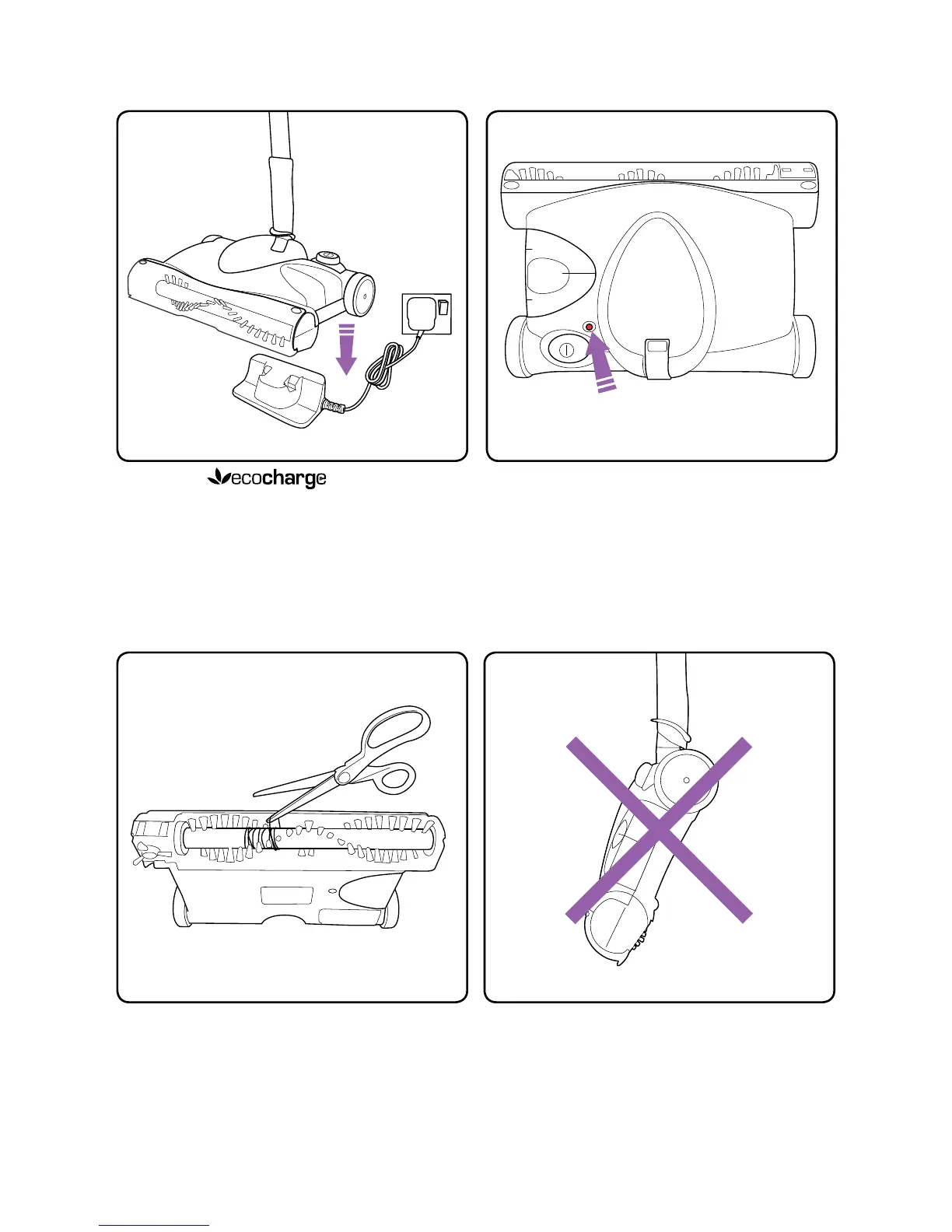
Recharging
From time to time you may need to remove
hair and thread from the brush bar. Take off
visor and use a pair of scissors to remove
the hair.
Try to avoid carrying the sweeper ‘nose
down’ as you risk spilling dirt from the
dust tray.
Plug in the charge stand
and lower the sweeper onto it so that the
terminals connect at the back.
Clearing the brush bar Carrying
The 3 colour LED shows red when
charging starts, yellow when partially
charged and green when fully charged.
This will only take around 3 hours.


 To Next Page