其他功能
Lowbatteryalert
Toprovidethebestexperienceforusers,theGTRSknobwillblinkslowlywhen
thebatterylevelisgettinglow.PleasechargeyourGTRSbatteryassoonas
possibletomaintainthebatterylifeofyourunit.
Charging
Thelithium-ionbatteryintheGTRSsystemcanbechargedthroughtheType-C
USBportfromthepowersupply.Whilecharging,theGTRSknobLEDwillturnred
nomatterwhichmodeitisin.AgreenLEDindicatesafullcharge.
04
www.gtrs.tech
Tuner
WhentheAPPorwirelessfootswitchisconnected,pressandholdtheGTRSknob
toaccessthetuner.TheGTRSknobLEDwillturnyellow.Presstheknobagainto
exitthetuner.
Charging
Chargingcomplete
2.GuitarSimulationMode
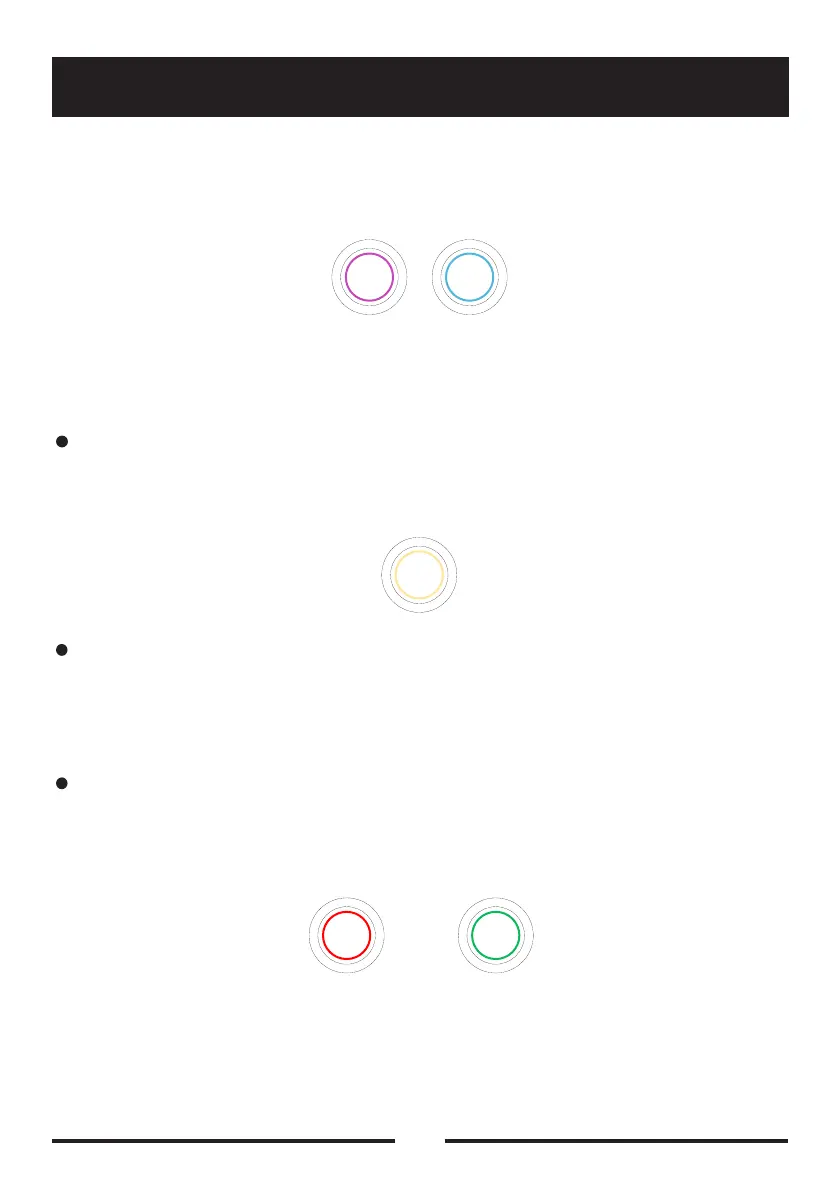
Presstoswitchtheguitarsimulationon.ThepurpleLEDindicatestheguitar
simulationisonwhileskyblueindicatestheguitarsimulationisturnedoff.
3.TheguitarwillbegininPresetModebydefault.Youcanassigndefaults
through:GTRSAPP‒Settings‒Global-GTRScontrol.
INSTRUCTIONS


 To Next Page