E-6 E-7
FILTER REPLACEMENT
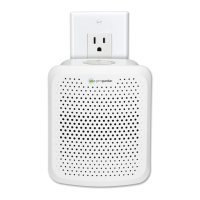
CHANGE FILTER INDICATOR
The night light on the top of the air cleaner will flash indicating that it is time to
replace the filter. Replace the filter according to the directions then press the
night light button and hold for 3 seconds to restart the system. The light will stop
flashing. Depending on usage the filter will last approximately 3 months.
REPLACE FILTER
1. Turn off the unit.
2. Remove the unit from the outlet and remove the front cover by first pulling
away from the tabs on the bottom of the unit.
3. Remove the used filter.
4. Place the new filter inside of the front cover with the black carbon layer facing
the cover.
5. Reattach the front cover of the unit and securely latch into place.
6. Push and hold the night light control button for 3 seconds to reset
Filter Change Indicator.
CHECKING AND MAINTAINING FILTER
Maintain the filter by checking it frequently.
Depending on air quality conditions, you may need to replace it more frequently.
Vacuum the carbon filter layer as needed to remove loose debris and dust
and to help prolong the life of your filter.
IMPORTANT: Do NOT try to wash and re-use the Filter.
IMPORTANT: Use Guardian Technologies GENUINE Replacement Parts only.
NOTE: Do NOT stick any foreign objects or your fingers inside of the unit.
CAUTION: Do NOT use gasoline, thinner, harsh cleaners, etc. on and/or in
the unit while cleaning as they will damage the product.
NEVER use alcohol or other solvents.
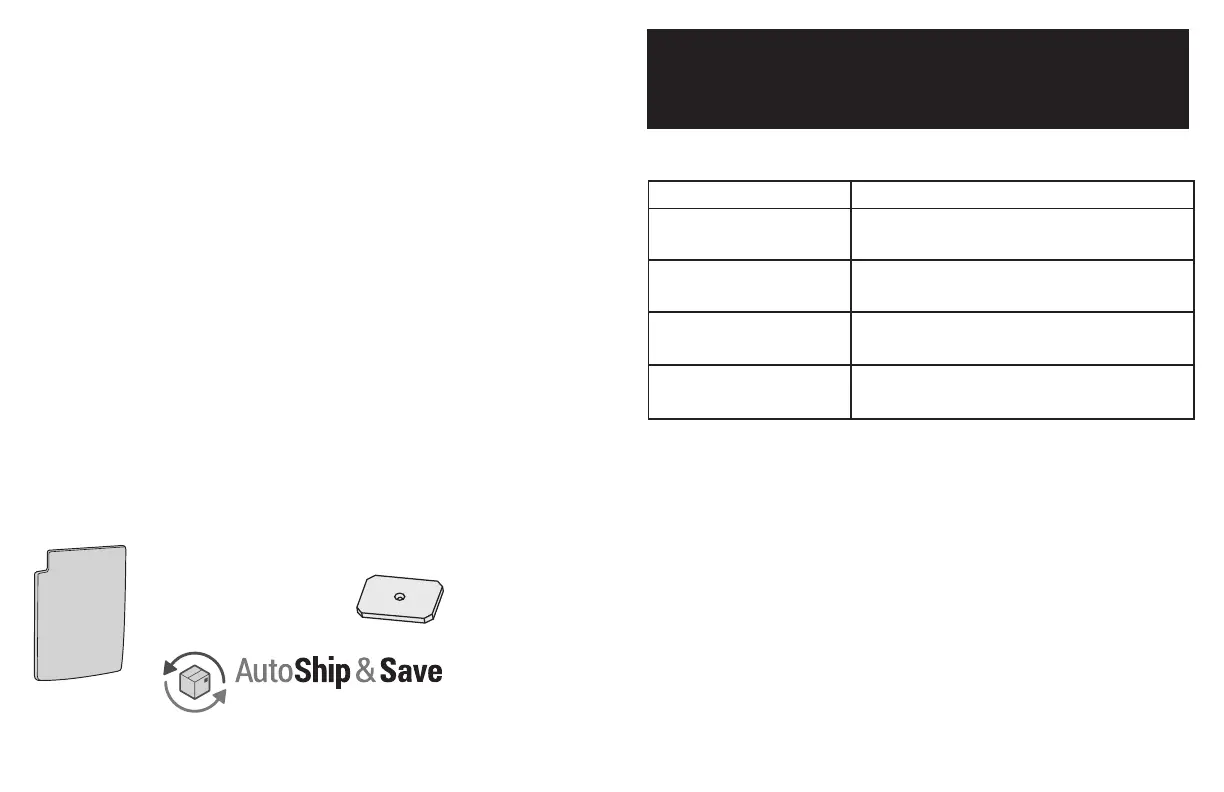
FILTER:
Allergen Filter (FLT200)
Check out our
Filter Replacement Program
www.guardiantechnologies.com
™
IMPORTANT: Use Guardian Technologies GENUINE Replacement
Parts only. To Purchase Contact Customer Service
REPLACEMENT PARTS
TROUBLE SHOOTING GUIDE
PROBLEM SOLUTION
Check that unit is plugged into a working electrical outlet.
Check that filter is firmly in place.
Check that unit is plugged into a working electrical outlet.
Check that filter is firmly in place.
Clean Pre-/Carbon Filter if necessary.
Replace filter if necessary.
Replace filter and reset system.
Make sure the filters are clean. Replace if necessary.
Unit does not operate.
Unit shuts off unexpectedly.
No air circulating from unit.
Increase in noise level.
Night light is flashing.
REPLACMENT
PADS:
Aroma Oil
Replacement Pads
FLTMST12PK


 To Next Page