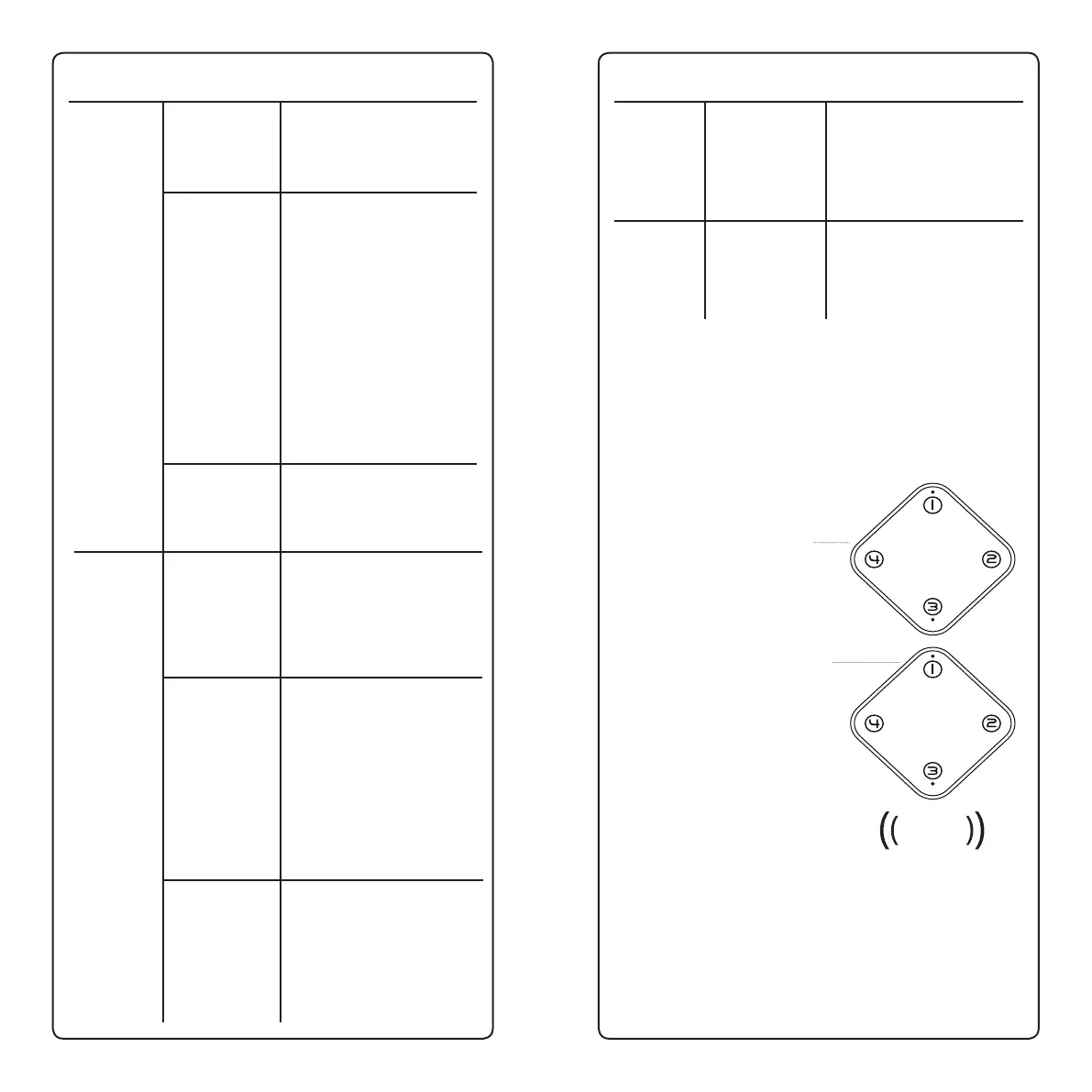
24 25
6.1 Reseng the Zones
Reseng the zone(s) on your receiver removes any
sensors that are paired to it, allowing you to re-pair those
sensors to a dierent zone. Reseng is also useful when
troubleshoong common issues.
To clear sensors from a zone:
6.2 Changing your Chime
To change your chime, follow the steps in secon 2.3,
“Pairing your Sensor and Receiver” with both your sensor
and your receiver nearby. If done correctly you will hear a
double-beep on your receiver conrming that a new melody
has been set.
Issue
Inconsistent
alarms
Cause
Incorrect
sensor
sengs
Mulple
receiver
conict
Low Baeries
Soluon
Reset all sensor dip
switches to factory sengs
(see Advanced Sengs)
Follow the steps below in
Mulple Receiver Conicts
to reset your pairing code
Replace your sensor
baeries and re-pair your
sensor to your receiver.
See Pairing the Sensors
with the Receiver for re-
pairing. Alkaline baeries
can be severely depleted in
cold temperatures.
We recommend using
lithium baeries in
your sensor to avoid
temperature-related issues
Issue
False
Alarms
Can’t
change
melody/
wrong
melody?
Sensor
doesn’t
stay where
pointed
Cause
Sensor or
Receiver
receiving
electrical
interference
Moisture
inside sensor
Low baeries
Sensor paired
with dierent
melody
Sensor swivel
screw too
loose
Soluon
Move sensor and/
or receiver away from
electrical transformers or
other cause of interference
Take sensor inside, remove
backplate and baeries,
and air dry for 24 hours,
then test it the following
day. When re-installing,
ensure backplate is
securely screwed on and
sensor is protected from
the elements
When the baeries in your
sensor or receiver are low,
it can cause your device
to behave erracally. See
Checking Baery Status to
determine baery health
Follow instrucons in
Changing your Chime to
resolve
Use a phillips head
screwdriver to ghten the
screw on the back of the
mounng plate
BEEP
1. Press and hold LEARN/NEXT
for 3 seconds to enter Learn
mode and select Zone 1
2. To select another zone, press
LEARN/NEXT
3. Press and hold PAUSE/RESET
for 3 seconds to unpair all sensors
in that zone. The receiver will
beep when the zone is unpaired
4. Repeat steps 2 and 3 to reset
addional zones; to exit Learn
Mode, turn the receiver o and
then on again
5. Any sensors that were unpaired
during this process will have to be
re-paired to your receiver in order
to receive alerts from them


 To Next Page