4
To set day:
1. PULL out crown to C position.
2. Advance time 24 hours to change the day.
3. PUSH in crown to A position.
NOTE: 24 hour indicator can change only when setting the time.
To set month:
Push month setting button until the small hand of month is set to the correct
month.
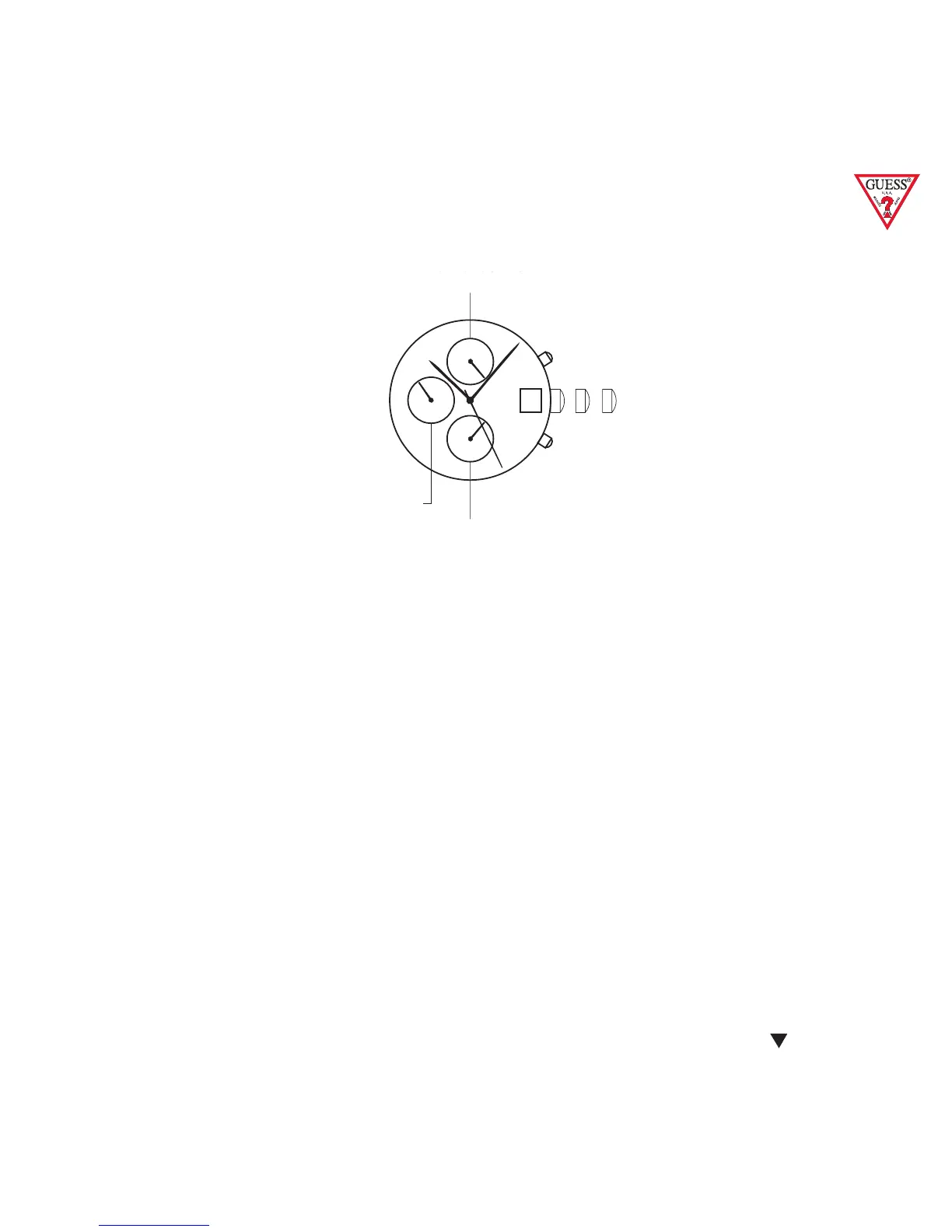
6,9,12 Three-eye Chronograph with Date
Crown position “A” , “B” & “C”.
Pushers “A” (top) & “B” (bottom).
12 o’clock eye “1/10 seconds elapsed”.
9 o’clock eye “minutes elapsed”.
6 o’clock eye “seconds elapsed”.
Crown position A , B & C.
Pushers A (top) and B (bottom).
12 o’clock eye 1/10 seconds elapsed.
9 o’clock eye minutes elapsed.
6 o’clock eye seconds elapsed.
TIME, CALENDAR, STOPWATCH.
To set the time:
1. PULL crown to C position.
2. TURN crown either way to correct time.
3. PUSH crown into A position.
To set the calendar:
1. PULL out crown to B position.
2. TURN crown clockwise to correct date.
3. PUSH in crown to A position.
NOTE: The date changes automatically every
24 hours.
The stopwatch is capable of measuring:
1/10 seconds elapsed up to one second (top eye).
Minutes elapsed up to one hour (middle eye).
Seconds elapsed up to one minute (bottom eye)
* BEFORE USING THE STOP WATCH, reset the
stopwatch hands to the 60 and 0 positions.



 To Next Page