guessconnect.com
28
iOS USER MANUAL
Find My Phone
The GUESS Connect watch comes equipped with Bluetooth
®
technology
which allows you to communicate with your iOS or Android device using only
the watch. This can be especially helpful when you cannot locate your smartphone.
The GUESS Connect App enables a unique ringtone when the Find My Phone feature is activated.
This special tone is heard even if your phone is in silent mode.
1. Press the bottom pusher until Find Phone displays on the OLED screen.
2. Press the top pusher to select this menu item and you should hear
the phone’s distinctive tone allowing you to locate your device.
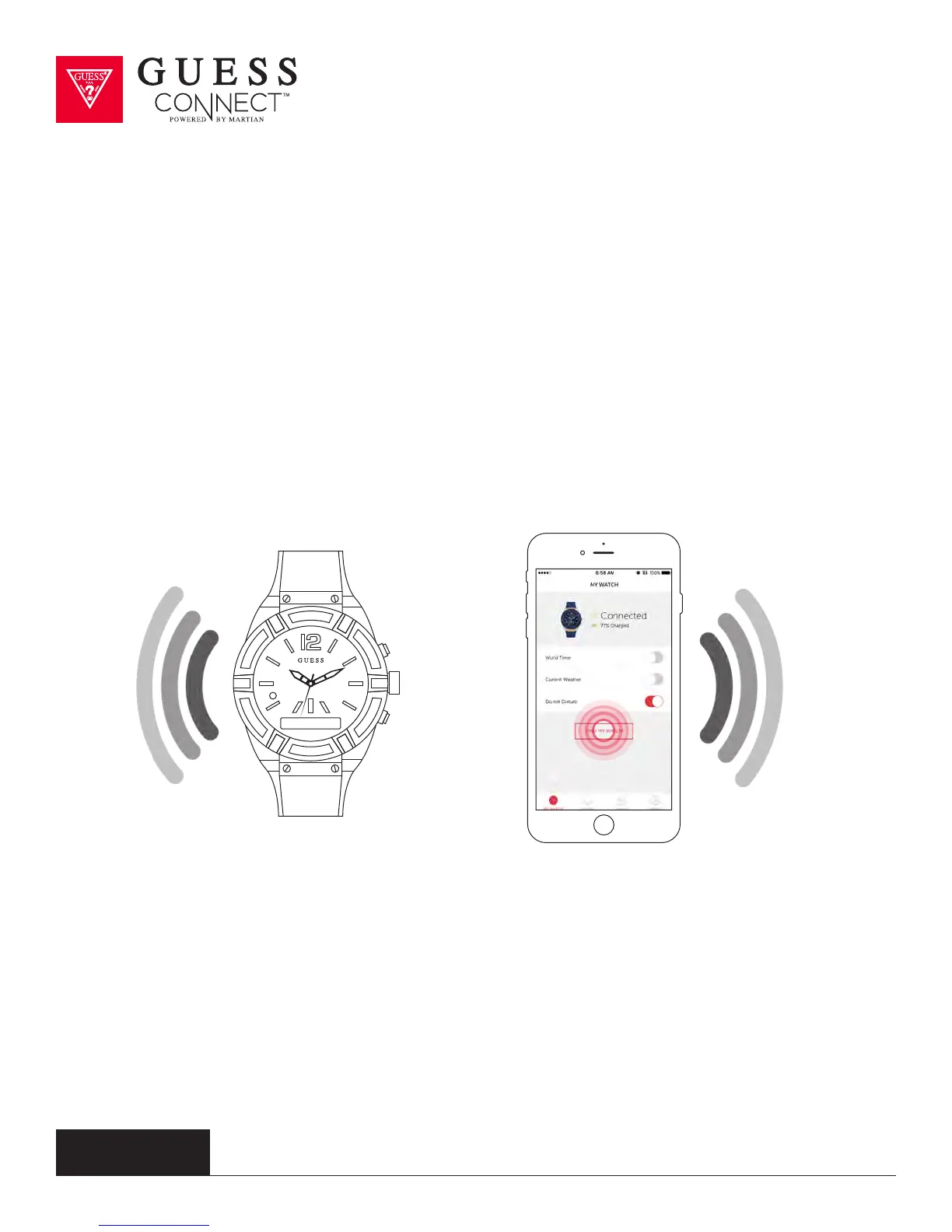
TO ACTIVATE FIND MY WATCH:
Go to the My Watch tab on the GUESS Connect App and scroll down to the Find My Watch button.
By pressing the button, you should hear the watch’s distinctive
tone allowing you to locate your GUESS Connect.
Find Phone



 To Next Page