EasyManua.ls Logo

Guide Gear 699784 - User Manual

Guide Gear 699784
13 pages
Print Icon
To Next Page IconTo Next Page
Loading...
Congratulations on your Guide Gear™ purchase.
Take your game to the next level with field-tested Guide Gear™ products
for a confident, competitive edge that strikes the perfect balance between
performance and value.
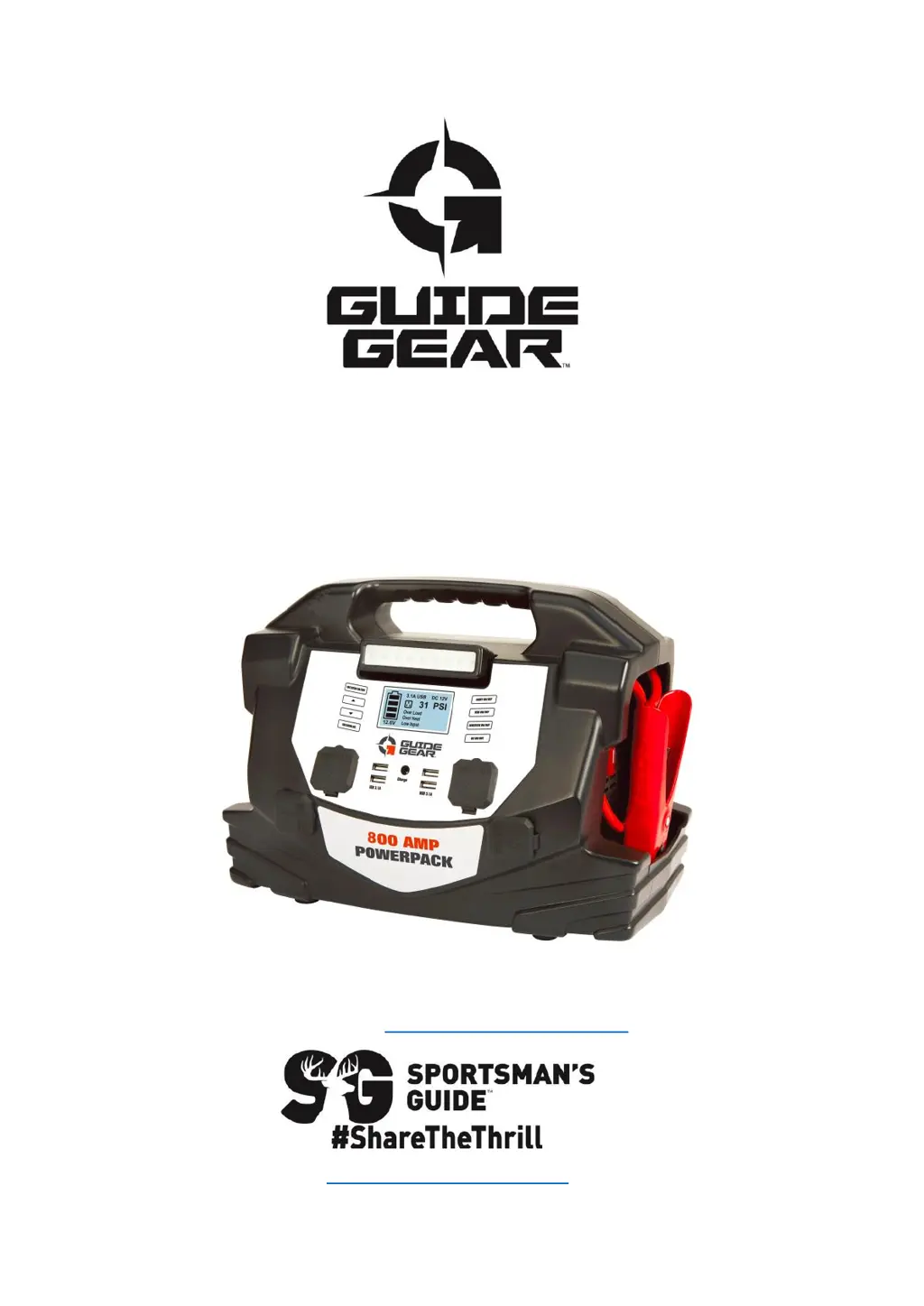
200W/800A Power Pack 699784
For assistance with your Guide Gear™ product, please contact the Sportsman’s
Guide customer service at 1-800-888-5222 7am-7pm CST Mon-Fri or e-mail us
at: custserv@sportsmansguide.com.
www.SportsmansGuide.com

Questions and Answers

  • K
    Kim GriffinAug 13, 2025
    What to do if my Guide Gear Power Pack does not jump start my vehicle?
    • L
      Lisa JohnsAug 13, 2025
      If your Guide Gear Power Pack fails to jump start your vehicle, there are a few potential reasons. First, the power pack's battery might not be fully charged, so ensure you fully charge it. Second, the engine's starting capacity could exceed the power pack's jump-start capacity, in which case you should use a higher capacity power pack. Finally, the vehicle's battery may be damaged and require replacement.
  • H
    Heather JohnsonAug 17, 2025
    Why does my Guide Gear Power Pack alarm sound and the reverse connection indicator turn on?
    • J
      Jessica Mccarthy MDAug 17, 2025
      The alarm sounds and the reverse connection indicator turns on because the jump start cables are connected incorrectly. To resolve this, connect the jump start cables the correct way.
  • C
    Craig BrownAug 20, 2025
    What to do if my AC appliance doesn't work, the alarm sounds, and 'Overload' appears on the Guide Gear Power Pack screen?
    • E
      Emily ThomasAug 21, 2025
      This issue occurs because the overload protection feature has been activated, as the AC appliance is rated at more than 200 W. Use an AC appliance with a power rating of less than 200 W to resolve this.
  • K
    Karen HallAug 25, 2025
    What to do if my AC appliance doesn't operate, the alarm sounds, and 'Overheat' appears on the Guide Gear Power Pack screen?
    • M
      Mr. Steven KingAug 26, 2025
      The power pack is overheated due to poor ventilation or excessively warm environmental conditions. Allow the power pack to cool for 15 minutes or more. Clear any blocked ventilation openings or remove objects covering the power pack, then restart it.
  • J
    Jennifer MccoyAug 28, 2025
    What to do if my AC appliance doesn't operate, the alarm sounds, and 'Low input' appears on the Guide Gear 699784 screen?
    • T
      Tiffany RichardsonAug 28, 2025
      The battery has discharged to less than 11 V. To fix this, recharge the battery.
  • C
    carolynstephensSep 1, 2025
    Why Guide Gear 699784 run time for appliance is less than expected?
    • L
      Lisa HernandezSep 1, 2025
      If the run time for your appliance is less than expected, it is likely that the internal battery is not fully charged. Recharge the power pack using the AC charger until the unit is fully charged.
  • L
    Lindsay CooperSep 4, 2025
    Why is there no charging indication on the LCD screen when recharging my Guide Gear 699784?
    • V
      vazquezrebeccaSep 4, 2025
      If there is no charging indication on the LCD screen when recharging, it could be due to two reasons: either there is no AC power at the AC wall outlet, so ensure power is available, or the AC charger is faulty, in which case you should replace the 115 V AC charger.
  • A
    Antonio GuzmanSep 9, 2025
    What to do if my Guide Gear 699784 is not fully charged for more than 72 hours?
    • C
      Carol MillerSep 9, 2025
      If your unit is not fully charged after more than 72 hours, it could be due to a low output AC charger, in which case you should replace the 115 V AC charger. Alternatively, the switches might be in the “ON” position with an AC or DC load connected; place all switches in the “OFF” position and disconnect all loads.

Summary

Intended Use

Specifications

12 V DC Power Section

Details about the 12V DC output, battery, and cables.

115 V AC Power Section

Details about the 115V AC output, power ratings, and waveform.

Physical Specifications

Information on operating temperature, storage, dimensions, and weight.

Important Safety Information

General Safety Warnings

Covers essential instructions for safe operation and handling.

California Proposition 65 Warnings

Advises on chemicals known to cause cancer or reproductive harm.

Work Area Safety

Guidelines for maintaining a safe and hazard-free work environment.

Personal Safety

Precautions for operator alertness, dress, and protective equipment.

Electrical Safety

Instructions for safe handling of electrical connections and grounding.

Power Pack Use and Care

Recommendations for proper usage, maintenance, and accessory selection.

Product Hazard Warnings

Alerts regarding specific hazards like misuse, dropping, or unauthorized service.

Main Parts of Product

Before Each Use

Operating Instructions

Operating AC Appliances

Steps to connect and use AC appliances with the power pack.

Operating 12 V DC Appliances

Procedure for connecting and using devices via the 12V DC sockets.

Operating 5 V USB Appliances

Instructions for charging or powering devices using the USB ports.

Operating LED Work Light

How to turn on, select functions, and turn off the LED work light.

Jumpstarting an Engine

Detailed steps for safely jump-starting a vehicle engine.

Using the Air Compressor

Guidance on operating the air compressor for short-term inflation tasks.

Inflating Vehicle, Motorcycle, and Bicycle Tires

Specific steps for inflating various types of tires using the compressor.

Recharging the Battery

Recharging the Power Pack

Procedure for connecting the AC charger to recharge the power pack.

Maintenance

Troubleshooting

Guide Gear 699784 Specifications

General IconGeneral
BrandGuide Gear
Model699784
CategoryPower Pack
LanguageEnglish