35
HDE 10/2019 732.29.210
6. Setting up the encoding station
6.1 Power supply
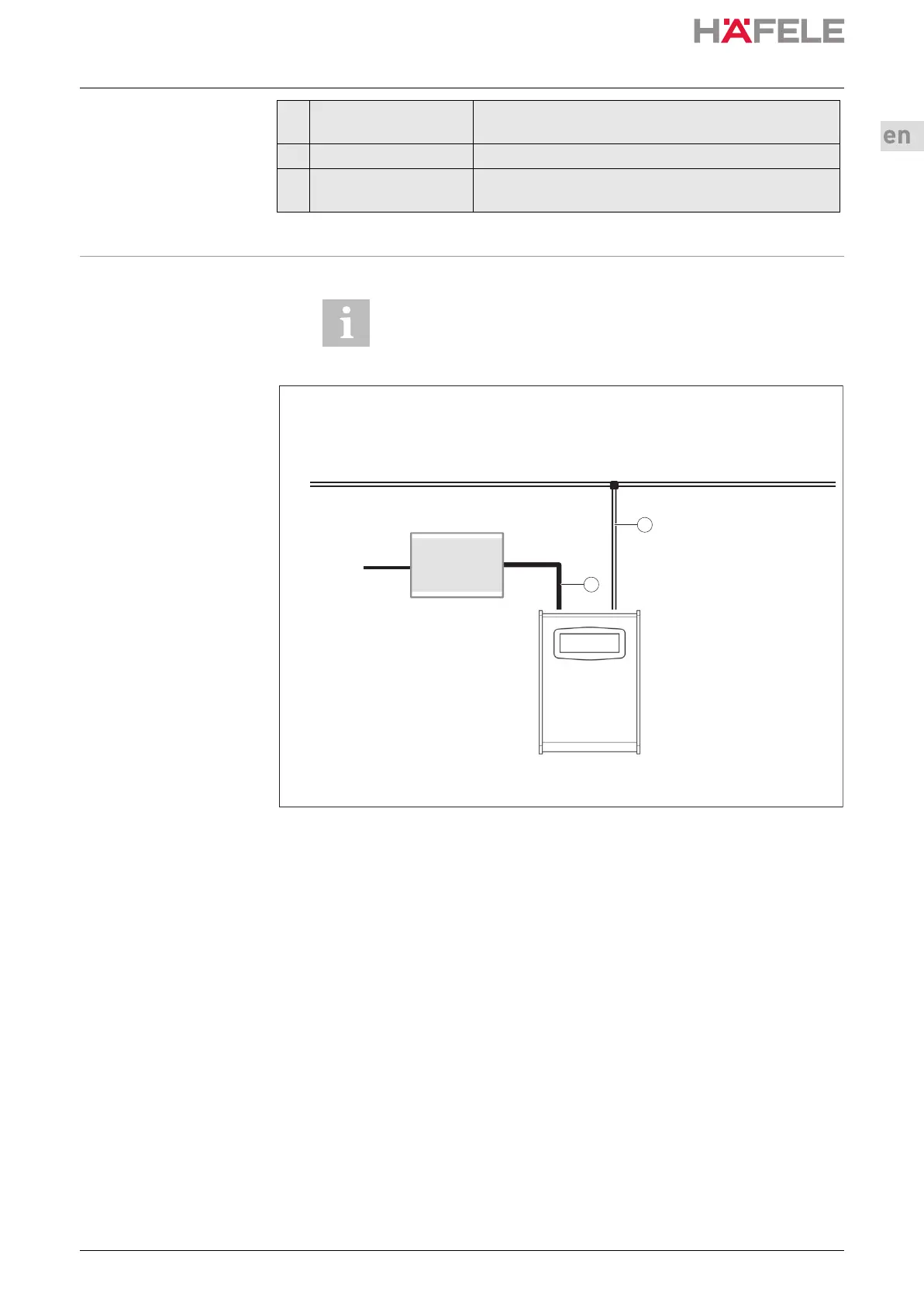
Fig: Power supply for encoding station with wall plug power supply
1. Connect the wall plug power supply to the encoding station.
2. Connect the encoding station to the local network using the Cat. 6
patch cable (See chapter 6.2 “Connecting the encoding station” on page 35).
6.2 Connecting the
encoding station
Lead connection
The encoding station is connected using the Cat. 6 network cable supplied or similar.
If there is no longer a free network connection for the encoding station, an additional
switch can be used.
E Connector for power
supply
5 V DC power supply connection
Web interface Interface for parametrisation of the encoding station
Acoustic signal
generator
For supporting user guidance
The socket to which the encoding station is connected must
be freely accessible.
ES 110
Steckernetzteil
100V – 240V
60/50Hz
10/100 Mbps Daten
1
2
ins-src-732.29.127.book Seite 35 Mittwoch, 2. Oktober 2019 5:50 17



 To Next Page