4
SECURITY
If security is part of your automation system, the following information supplements the
information in your controller owner’s manual. Refer to your controller owner’s manual for
complete operating instructions.
Arming and Disarming
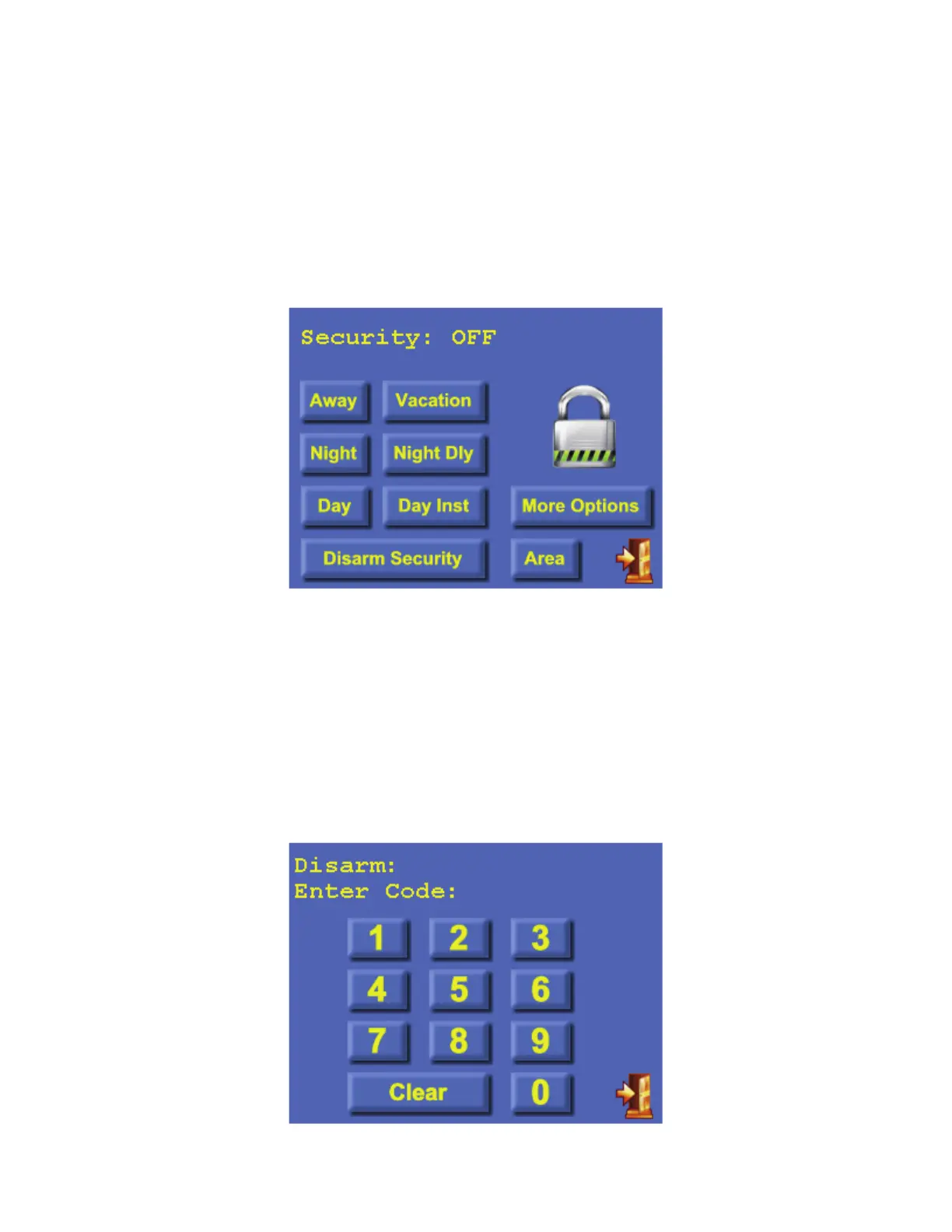
To arm or disarm the security system, from the Home page, touch the [Security] icon.
The top line on the “Security” page displays the current security mode.
If the system is disarmed and “Quick Arm” is enabled, simply touch the desired security mode
button and the system will immediately begin arming.
To disarm security, arm security from one mode to another, or to arm from the disarmed state if
“Quick Arm” is disabled, a code is required. After you touch the desired security mode or
[Disarm Security] button, the “Keypad” page is displayed:



 To Next Page