(21) Earphone Insert 3.5mm earphone
(22)USB/Charger
connector
Plug the travel adapter into the charger connector.
(23) Carema Taking Photos
(24) Speaker Playing Music
Notice:
Short press Power key to lock Keyborad; press”OK”than press”space”to Unlock Keyborad
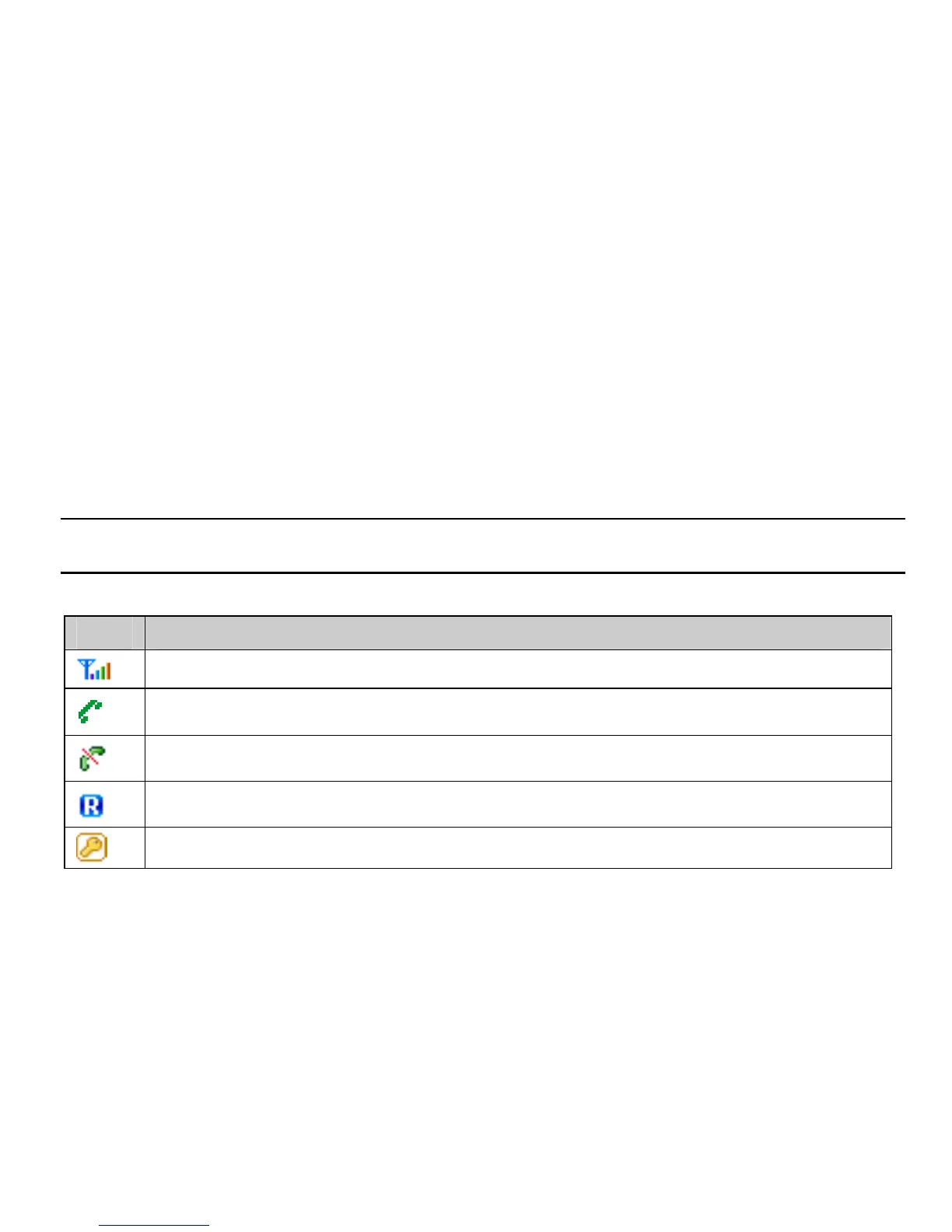
Icon bar
Icon Description
Indicates signal strength.
Indicates call in progress.
No network signals.
Indicating the mobile phone is under roaming service mode.
Indicating the keypad is locked & the phone is locked.
5



 To Next Page