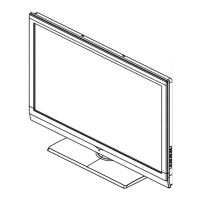
Front Panel Controls
Control Panel Function
1. Power
2. TV/AV
3. MENU Press to select the main menu
4. VOL- Volume down / Left button to adjust the item in the OSD
VOL+ Volume up / Right button to adjust the item in the OSD
/Press to enter
5. CH- TV channel down / to select the item in the menu
CH+ TV channel up / to select the item in the menu
6. Power indicator
7. Remote Sensor
Selects the input signals.
Receives the signals from the remote control
T1 series
R1 series
TV/AV MENU VOL- VOL+ CH- CH+ POWER
2 3 4 5 1
67



 To Next Page