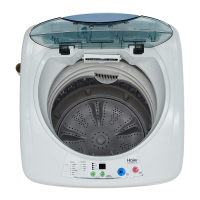
3-1
3-2
3-3
8
3-4
NZ AU
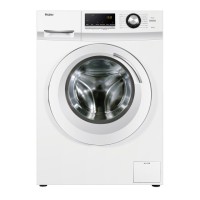
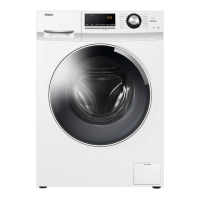
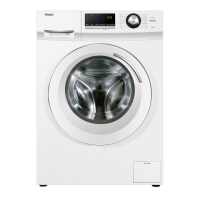
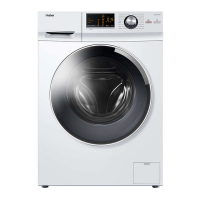
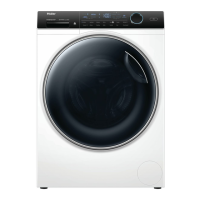
take HWF95AN1 as an example
Refresh
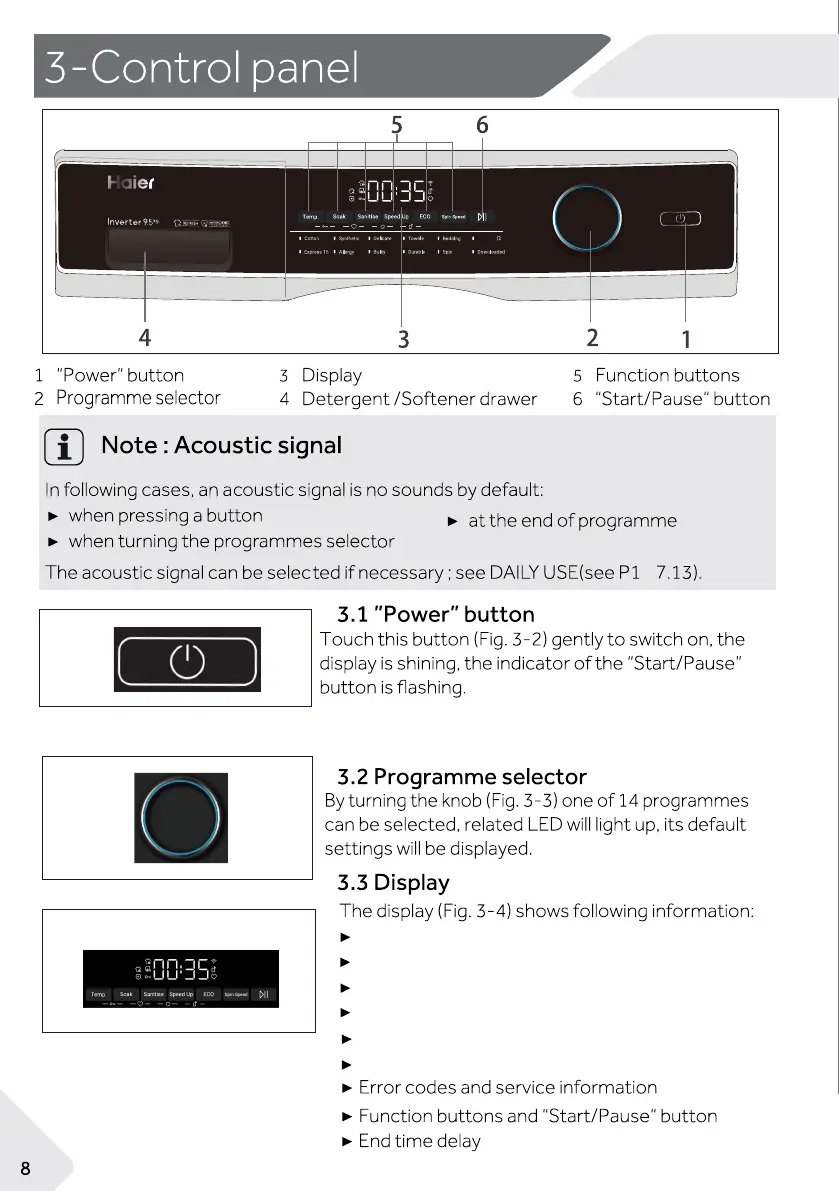
Press to turn the washer ON/OFF.
Press and hold the Power button for five seconds
until the power is turned on and the APP will be displ-
ayed on the screen to turn on the network function.
Temp: Select washing temperature
Soak: Select the number of soak
Sanitise: Select sanitise function
Speed up: Select different speed as needed
ECO: Touch to select energy saving mode
Spin Speed: Touch to select different speeds


 To Next Page
 Loading...