EasyManua.ls Logo

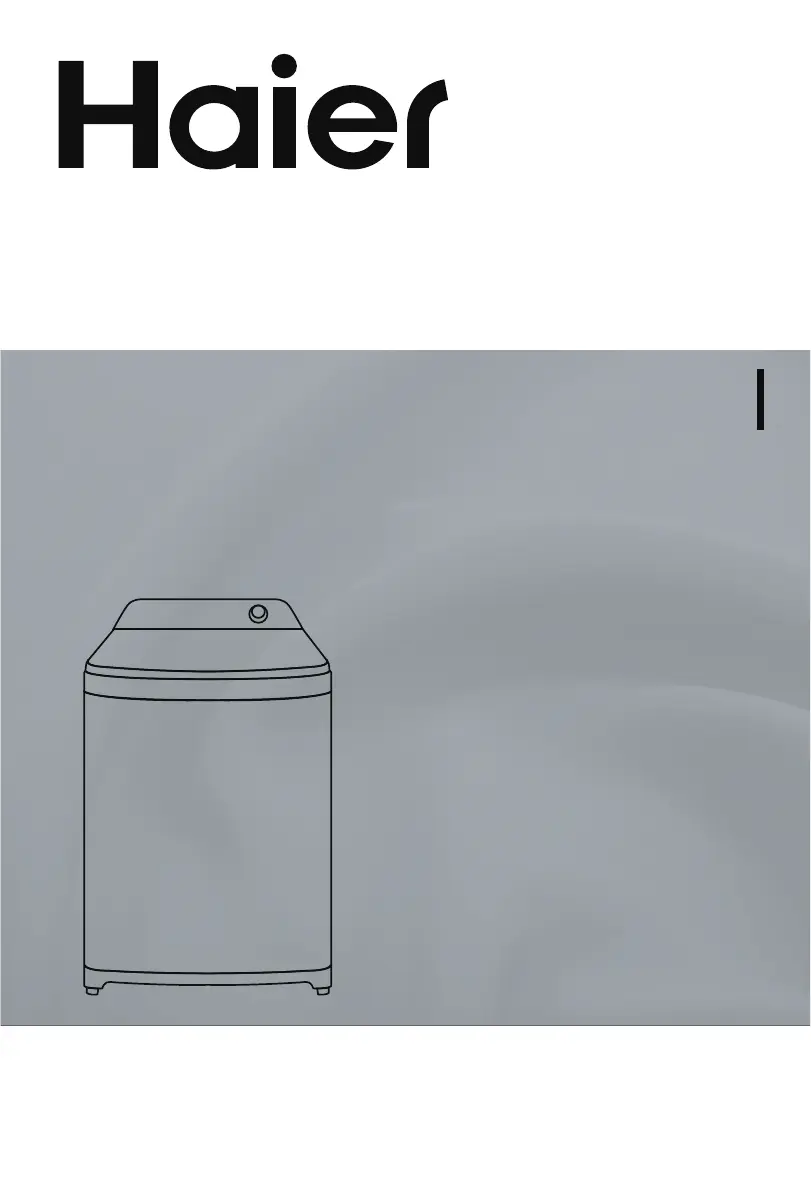
Haier HWM140-B1678S8 - User Manual

Haier HWM140-B1678S8
20 pages
Print Icon
To Next Page IconTo Next Page
Loading...
MODEL
Please read this manual carefully before
operating your washing machine and retain
it for future reference.
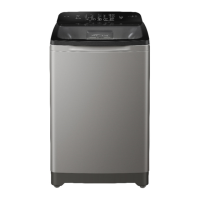
TOP LOAD FULLY AUTOMATIC
WASHING MACHINE
USER MANUAL
HWM120-B1678S8
HWM140-B1678S8
0030512583

Questions and Answers

  • J
    Jacqueline LesterAug 12, 2025
    Why my Haier HWM140-B1678S8 Washer does not work?
    • R
      reynoldskeithAug 12, 2025
      If your Haier Washer isn't working, first check for a power outage and wait for the power to be restored. Ensure the power plug is tightly inserted. Also, the washer may not start until the water fills to the preset level, so wait for that to happen.
  • R
    rowecalebAug 16, 2025
    What to do if my Haier HWM140-B1678S8 Washer machine does not work?
    • J
      Justin StanleyAug 16, 2025
      If your Haier Washer is not working, make sure the power plug is properly inserted and the top lid is securely closed. An unevenly distributed laundry load can also prevent the machine from starting; redistribute the load evenly and press the Start/Pause button again.
  • K
    Kelly WhiteAug 20, 2025
    What to do if my Haier HWM140-B1678S8 display shows E4?
    • A
      Anne PattersonAug 20, 2025
      If your Haier Washer displays E4, it means there may be an issue with the water supply. First, make sure the water tap is turned on and the water supply hasn't been interrupted. Also, check if the water inlet valve is blocked and clean it if necessary. Finally, ensure that the water pressure is adequate before trying again. Press the Start/Pause button after each of these steps.
  • H
    Hannah HoAug 23, 2025
    How to fix abnormal sounds inside my Haier HWM140-B1678S8?
    • C
      Chase HallAug 25, 2025
      If your Haier Washer is making abnormal sounds, ensure the machine is level. An unevenly distributed laundry load or foreign objects inside the bowl can also cause unusual noises. Level the machine, spread the load evenly, and remove any foreign objects. Then close the top lid and press the Start/Pause button once more.
  • O
    operkinsAug 27, 2025
    What to do if my Haier HWM140-B1678S8 does not spin and shows E3?
    • P
      patrickwhiteAug 27, 2025
      If your Haier Washer is not spinning and the display shows E3, it could be due to an unevenly distributed laundry load or the machine not being level. Try to spread the load evenly and ensure the machine is level. Press the Start/Pause button once more after making these adjustments.
  • A
    Adam FloydAug 31, 2025
    How to fix Haier HWM140-B1678S8 that does not drain and shows E1?
    • T
      taylor68Aug 31, 2025
      If your Haier Washer is not draining properly or is draining slowly and the display shows E1, the drain hose might be blocked. Remove any blockage from the drain hose and press the Start/Pause button once more.
  • Y
    yhancockSep 3, 2025
    What to do if my Haier Washer stops and shows E2?
    • K
      Kelly RussellSep 3, 2025
      If your Haier Washer stops running and the display shows E2, it's likely because the top lid isn't closed properly. Close the top lid and press the Start/Pause button once more to resume the cycle.
  • J
    Judy TorresSep 7, 2025
    How to fix water tap leakage in my Haier HWM140-B1678S8?
    • G
      gvillaSep 7, 2025
      If your Haier Washer water tap is leaking, the water inlet hose might be loose. Try fastening the inlet hose to stop the leakage.

Summary

Product Overview

Safety Precautions

Safety Warning

Provides crucial warnings regarding power supply and electrical safety.

Forbidden Actions

Lists prohibited actions that can cause damage or injury.

Additional Safety Warnings

Provides further safety instructions for operation and handling.

Installation and Adjustment

Operation

Control Panel

Explanation of Buttons

Details the functions of each button on the control panel.

Power Button

Instructions for switching the washing machine on and off.

Function Buttons

Explains Child Lock, Tub Dry, Air Dry, and Reserve Water functions.

Button Operation and Descriptions

Detailed guide on operating control panel buttons.

Cleaning and Maintenance

Maintenance Procedures

Instructions for cleaning the detergent drawer and lint filter.

Troubleshooting

Problem Diagnosis

Identifies common problems and their causes.

Solutions for Common Problems

Provides steps to resolve issues like drainage, stopping, and spinning.

Error Code Solutions

Troubleshooting specific error codes displayed on the machine.

Haier HWM140-B1678S8 Specifications

General IconGeneral
BrandHaier
ModelHWM140-B1678S8
CategoryWasher
LanguageEnglish

Related product manuals