Operation
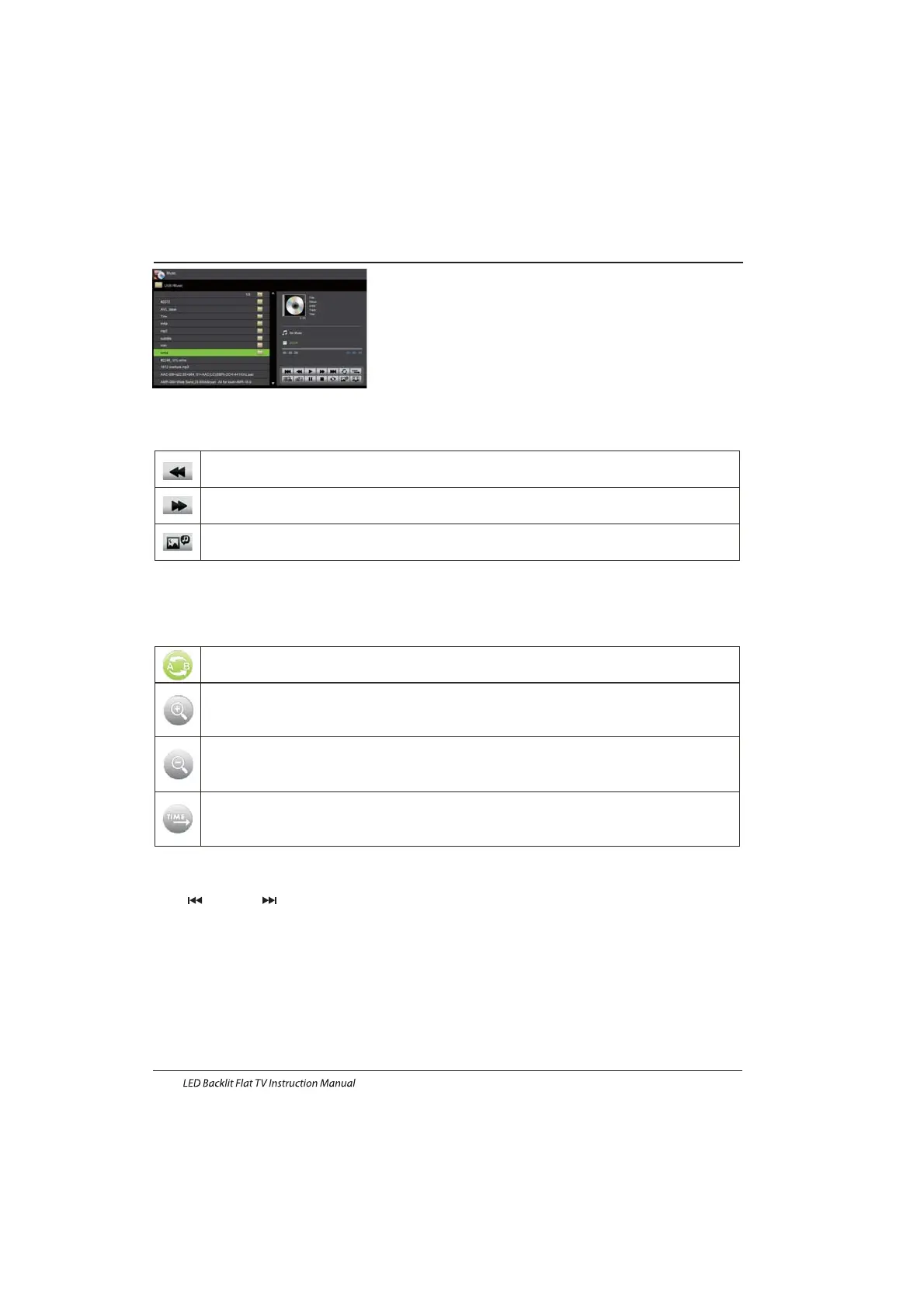
MUSIC
When music are playing, press “ ” key to select toolbar.
Basic Function
Other functions are similar to the PHOTO Please refer to PHOTO options”” ””
The operations are similar to the PHOTO Please refer to PHOTO options”” ””
Basic Function
MOVIE
TEXT
P
you want.
ress” ” to select previous / next page, Input the number key and OK to jump to the page
FB LeftRight”key on the remote control to select this function,press”ok”
key to to fast backPress
”PLAY”key to play normally.
:Press”
FF LeftRight”key on the remote control to select this function,press”ok”
key to fast forwardPress”PLAY”key to play normally.
:Press”
Back ground music LeftRight”key on the remote control to select this function,press”ok”
key to turn on / off
:Press”
Set A LeftRight”key on the remote control to select this function,press”ok”
key to set A and B
the film will circulating play in thetime of A to B
:Press”
Zoom in LeftRight”key on the remote control to select this function,press”ok”
key to enlarge pictureif the document is larger than 1920x1080,this function is
unsupported.)
:Press”
Zoom out LeftRight”key on the remote control to select this function,press”ok”
key to reduce pictureThis function does not support more than 1920x1080 HD video.)
:Press”
Select Time Press”LeftRight”key on the remote control to select
this function,press”ok”
key to select the time to play.
:
EN-23
Provide list of major file types that play from a USB device
Photo .jpg files
Audio .mp3
Video
.avi ,.mp4
Text .txt
(previous)/ (next)



 To Next Page