Page 13
ENGLISH
WIRED CONTROLLER
49-5000680 Rev. 0
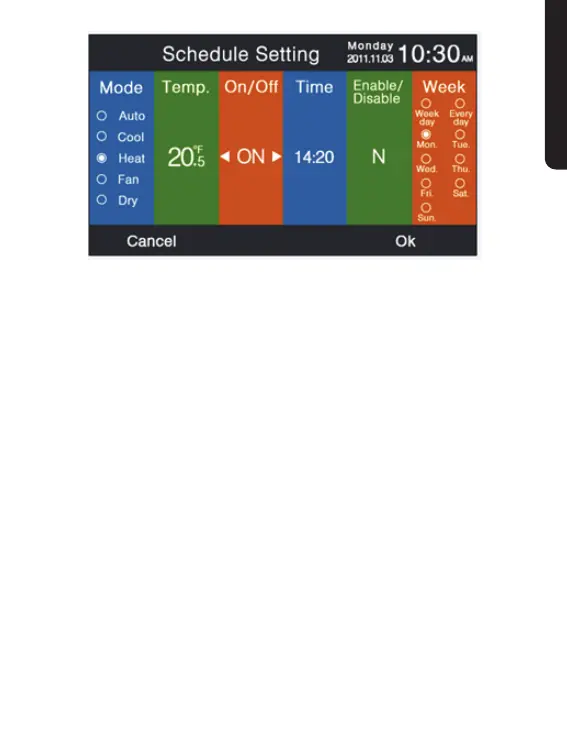
2� Intelligent mode, 76°F, power o, 12:00, enable and weekday is
default.
3� If the schedule that you are setting has been set before, the
interface will prompt you that the schedule already exists. You
need to cancel it or change the repeated parameters. Press
Up/ Down key or Left/Right key to shift between “Cancel” and
“Ok.”
4� If the time on timer you are setting is in conict with the
existing timer o, the interface will prompt you to change
the time. In the same way ,the time of timer o needs to
be dierent from timer on. In summary, if the later setting
conicts with the previous, the prompting interface will display.



 To Next Page