11
Operation
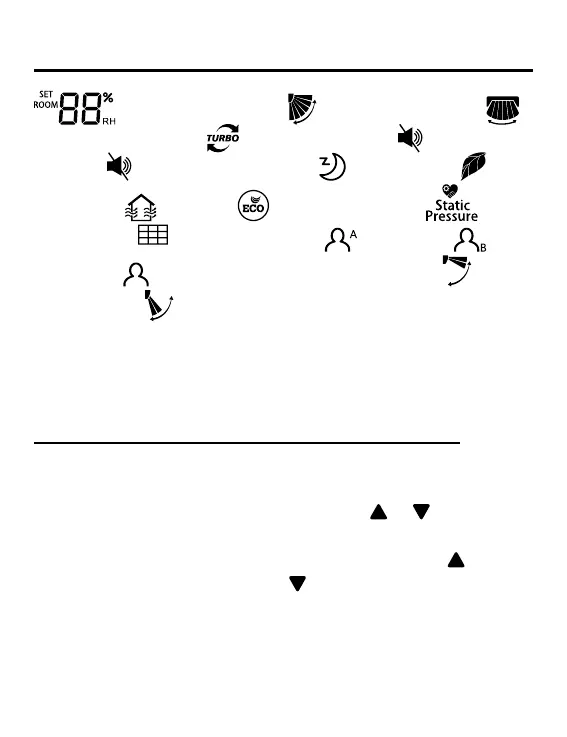
(Humidity setting) → (Up/Down swing) →
(Left/Right swing) →
(Turbo function) → (Indoor unit
quiet) →
(Outdoor unit quiet) → (Sleeping) →
(Health) →
(HRV) → (Energy saving) → (Static
pressure) →
(Filter cleaning) → (Follow) →
(Evade) →
(Perception) → 10 (10°C heating) → (Health
airow up) →
(Health airow down) → CL (Self- cleaning).
When you select a function, the corresponding icon ashes,
then you can use MENU key to set/cancel function or enter the
corresponding function setting interface.
Humidity setting (only valid for part of models)
Press MENU key, you will enter function circulation, humidity
setting will be displayed rst. Then press MENU key to enter
setting interface, at this time, you can use
or key to
adjust humidity parameter. The parameter adjustment range is
30%~70%. Enter into automatic control by pressing
when
the humidity is 70% or pressing
when the humidity is 30%,
and “AUto” character will be displayed in the upper left corner.
Adjustment accuracy is 5%. After adjustment, press MENU
key to exit the setting interface.



 To Next Page