EasyManua.ls Logo

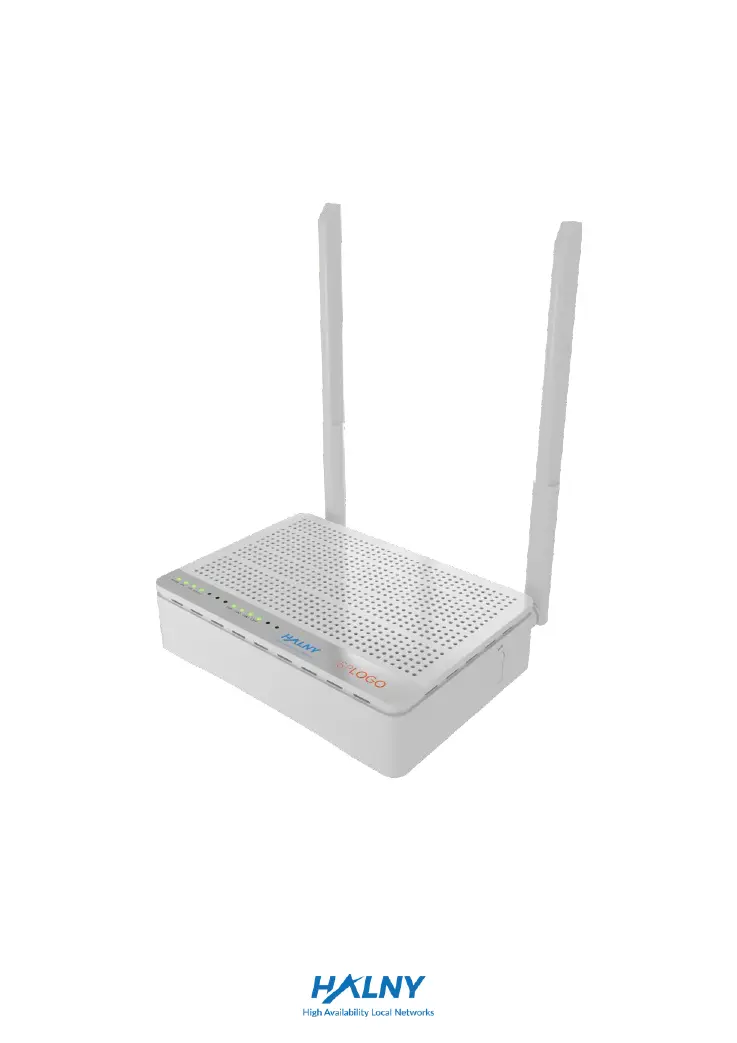
HALNy HL-4GMV - User Manual

HALNy HL-4GMV
12 pages
Print Icon
To Next Page IconTo Next Page
Loading...
Quick Installation Guide
GPON ONT
HALNY HL-4GMV

Questions and Answers

  • B
    Bryce ScottAug 4, 2025
    How to troubleshoot POWER indicator not on HALNy HL-4GMV?
    • T
      Troy PattersonAug 4, 2025
      If the POWER indicator on your HALNy Wireless Router is off, ensure the power connection is properly established. Also, confirm that the power adapter you are using is the correct one for the device.
  • C
    crystal95Aug 12, 2025
    What to do if the LAN indicators are not on HALNy HL-4GMV?
    • T
      Teresa FloresAug 12, 2025
      If the LAN indicators on your HALNy Wireless Router aren't lighting up, first ensure that your PC's network interface card (NIC) is enabled. Verify that you're using the network cables provided with the device and that the cable connections are secure. Check if the network adapter's indicator is illuminated and that the adapter is functioning correctly.
  • D
    davidscottAug 19, 2025
    Why is the PON indicator not on HALNy HL-4GMV Wireless Router?
    • F
      fowlerdanielleAug 19, 2025
      If the PON indicator on your HALNy Wireless Router is not on, verify that the ONU's serial number (SN) matches the OLT. Also, check to ensure that the optical attenuation is within the normal range.
  • M
    Monique KiddAug 27, 2025
    What to do if the LOS indicator is not on HALNy HL-4GMV?
    • T
      Thomas HunterAug 27, 2025
      If the LOS indicator on your HALNy Wireless Router is not lit, check that the optical fiber cable is correctly inserted. Also, make sure the optical fiber connector is clean.

Summary

Safety Guidance

Safety Check Procedures

Check electric safety and device positioning before proceeding with installation.

General Safety Precautions

Important warnings for safe operation, including handling, environment, and cleaning.

Overview

Features and Functionality

Describes the device's fast data rates, strong maintainability via LED indicators, and long transmission distance.

Panel Descriptions

Front Panel

Details the components and LED indicators on the front panel of the GPON ONU.

Rear Panel

Describes the interfaces and buttons on the rear panel of the ONU.

Bottom Panel

Details the GPON interface on the bottom panel of the ONU.

ONU Installation

Networking Application - FTTH

Explains the Fiber to the Home (FTTH) networking concept and the ONU's role.

Installation Preparations

Ensures prerequisite Ethernet adapter installation on the computer.

Connecting the ONU

Guides for connecting network cable, fiber, and power adapter.

Troubleshooting

Indicator Status Issues

Solutions for POWER, PON, LOS, and LAN indicator problems.

Technical Specification

Main Specifications and Requirements

Details technical specs like GPON standard, rates, interfaces, and environmental requirements.

Acronyms and Abbreviations

Definitions for common terms like GPON, FTTH, OLT, ONU, and PON.

Additional Information

Declaration of Conformity (CE)

Device compliance with EU directives and importer information.

Recycling Information

HALNy HL-4GMV Specifications

General IconGeneral
WiFiYes
Wireless StandardsIEEE 802.11b/g/n
Frequency Band2.4 GHz
Wireless SpeedUp to 300 Mbps
TypeWireless Router
Antennas2 x External
SecurityWEP, WPA/WPA2
Ports4 x LAN, 1 x WAN
Ethernet Ports4 x 10/100 Mbps