MFJ-413/417 Instruction Manual Pocket Morse Code Tutor
2
The new pitch takes effect after the character in progress is finished. Be
very careful not to touch other components on the circuit board.
6. Turn off the power after setting the desired pitch frequency.
7. Secure the battery cable between the post and the side of the box. Make
sure the knot of the cable is located on the side of the post closest to the
control panel.
8. Re-assemble the box enclosure and secure it with the two screws.
Audio
The Tutor has a 3.5 mm headphones jack for audio output located on the control
panel. This jack accepts both stereo and mono plugs.
Operation
When powered on, one of the Tutor's mode is selected. For the MFJ-417, all
mode settings are automatically saved into non-volatile memory immediately
before playback, ready to use the next time.
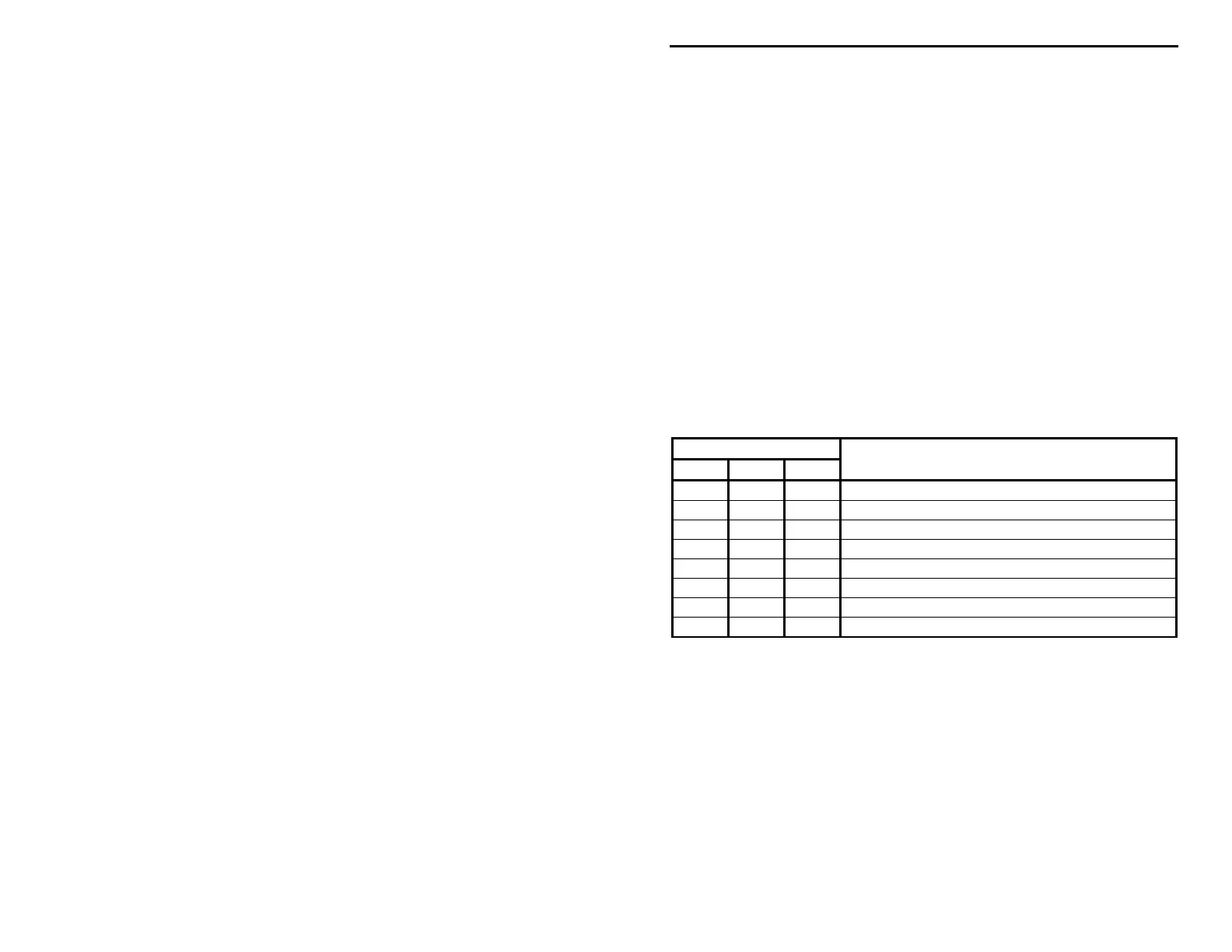
While turning the power on, the three button combinations have different
functions. These functions/modes are discussed later.
Button
1
Power-On
Speed Group Set/Play Operation
Reset all settings.
• Enable Farnsworth mode.
• Enable interactive mode.
• • Enable Farnsworth and interactive modes.
• Instant play.
• • Perform self test.
• • Recall previous/default settings.
• • • Set tone control.
Note:
1. Button pressed and held in while turning the power on is indicated by a dot (•); blank space means the button is not pressed.
Speed Button
The Speed button allows you to set the code speed in the range of 3 to 60 WPM.
Word-per-minute speed is based on the standard word "PARIS" which is 50
units in length. For standard timing, dot = 1 unit, dash = 3 units, intra-character
space = 1 unit, inter-character space = 3 units, and word space = 7 units. The
word "PARIS" is sent 10 times in one minute if the code speed is 10 WPM.
Press the Speed button to increase the code speed. Each button press increases
the code speed by one WPM and is confirmed with a beep.
!
SPEED = 3 WPM


 To Next Page