EasyManua.ls Logo

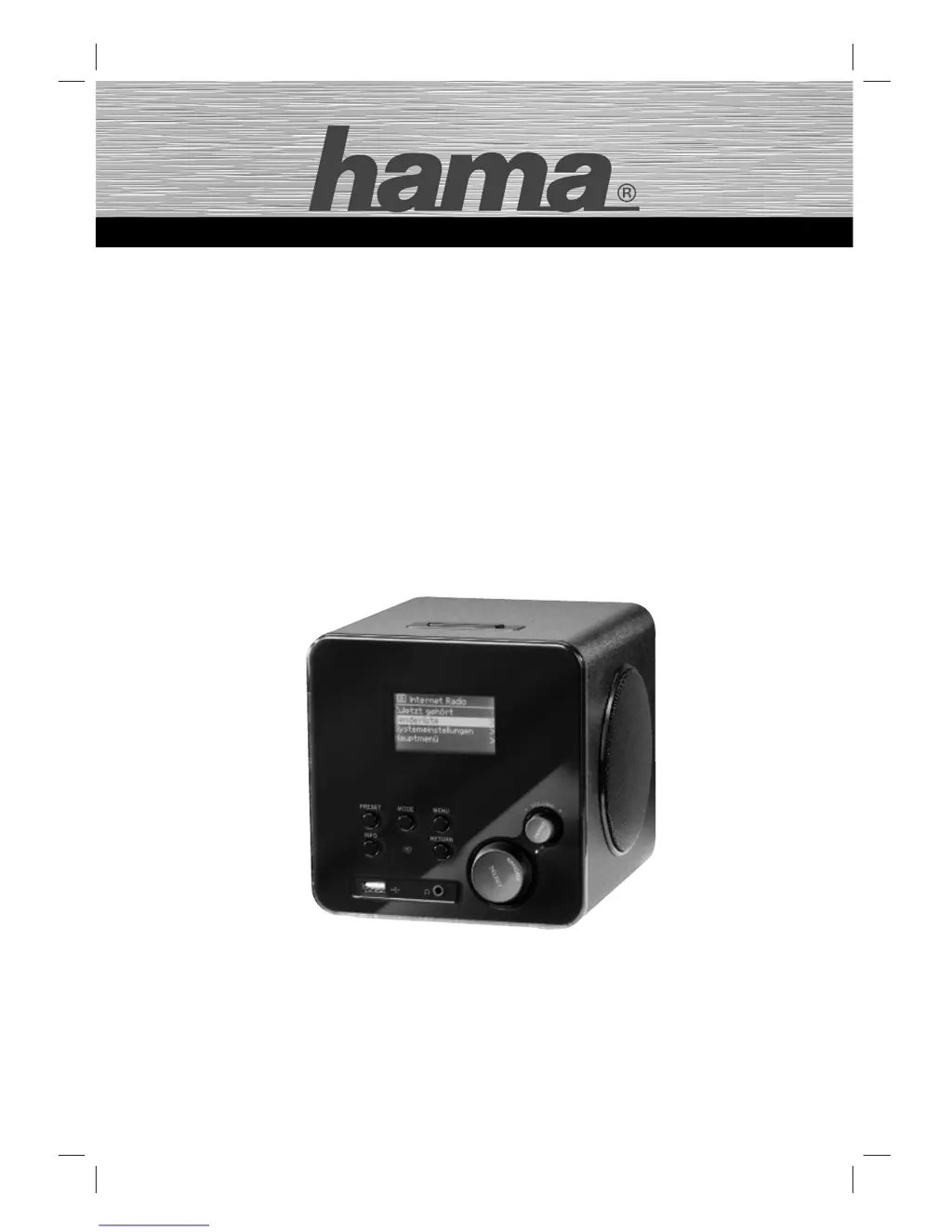
Hama IR100 - User Manual

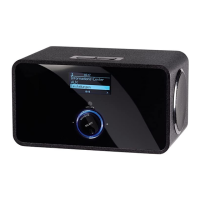
Hama IR100
80 pages
Go to English
Print Icon
To Next Page IconTo Next Page
Loading...
NETWORK ENTERTAINMENT
00053195
Internet Radio
»IR100«
d
Original-Bedienungsanleitung
g
User Manual

Table of Contents

Questions and Answers

  • A
    amy52Jul 31, 2025
    How to fix a Hama IR100 that will not turn on?
    • S
      Stephen LopezJul 31, 2025
      If your Hama Radio won't switch on, ensure the power adapter is properly connected to both the mains socket and the device. Then, check the fuses to make sure there's voltage from the mains socket. Finally, verify that the ON/OFF switch (11) is in the ON position.
  • A
    April FarmerAug 11, 2025
    What to do if the Hama IR100 remote control does not work?
    • R
      Robert Brooks PhDAug 11, 2025
      If the remote control for your Hama Radio isn't working, first, make sure you aren't too far away from the device. If that's not the issue, the battery might be flat. Try replacing the battery, and be sure to insert the new battery with the correct polarity.
  • D
    Donald FernandezAug 19, 2025
    Why is there no sound coming from my Hama IR100?
    • P
      petersonconnorAug 19, 2025
      If you can't hear any sound from your Hama Radio, first check if the device is muted. Press the MUTE button (7) on the remote control to cancel the mute setting. Also, make sure the volume isn't set too low by increasing the volume. Finally, check whether headphones are connected to the device and disconnect them.

Summary

Introduction to the Hama IR100 Internet Radio

Safety Warnings Explained

Explanation of warning symbols and their significance for user safety.

Safety Guidelines for Hama IR100

Danger of Electric Shock

Precautions and warnings related to the risk of electric shock.

Battery Handling Precautions

Instructions and warnings for safe handling and disposal of batteries.

Fundamental Safety Precautions

General safety guidelines for operating and maintaining the device.

Setup and Connection Guide

Setup Safety Precautions

Safety guidelines to follow before and during device setup.

Electrical and Network Connections

Guidance on connecting the device to power and network sources.

Getting Started with Hama IR100

Powering the Device On and Off

Steps to power the device on, off, or put it into standby mode.

Operating the Hama IR100

Initial Startup and Setup

First-time setup process for the device, including network configuration.

Troubleshooting Common Issues

Troubleshooting Chart

A guide to diagnose and resolve common issues with the device.

Hama IR100 Specifications

General IconGeneral
RMS rated power10 W
Radio typeInternet
Antenna typeWLAN
Product colorBlack
Integrated clockYes
I/O portsWireless Lan 54 mbps RJ-45 Line Out (3, 5 mm) RCA
Power requirements12 V/1500 mA

Related product manuals