EasyManua.ls Logo

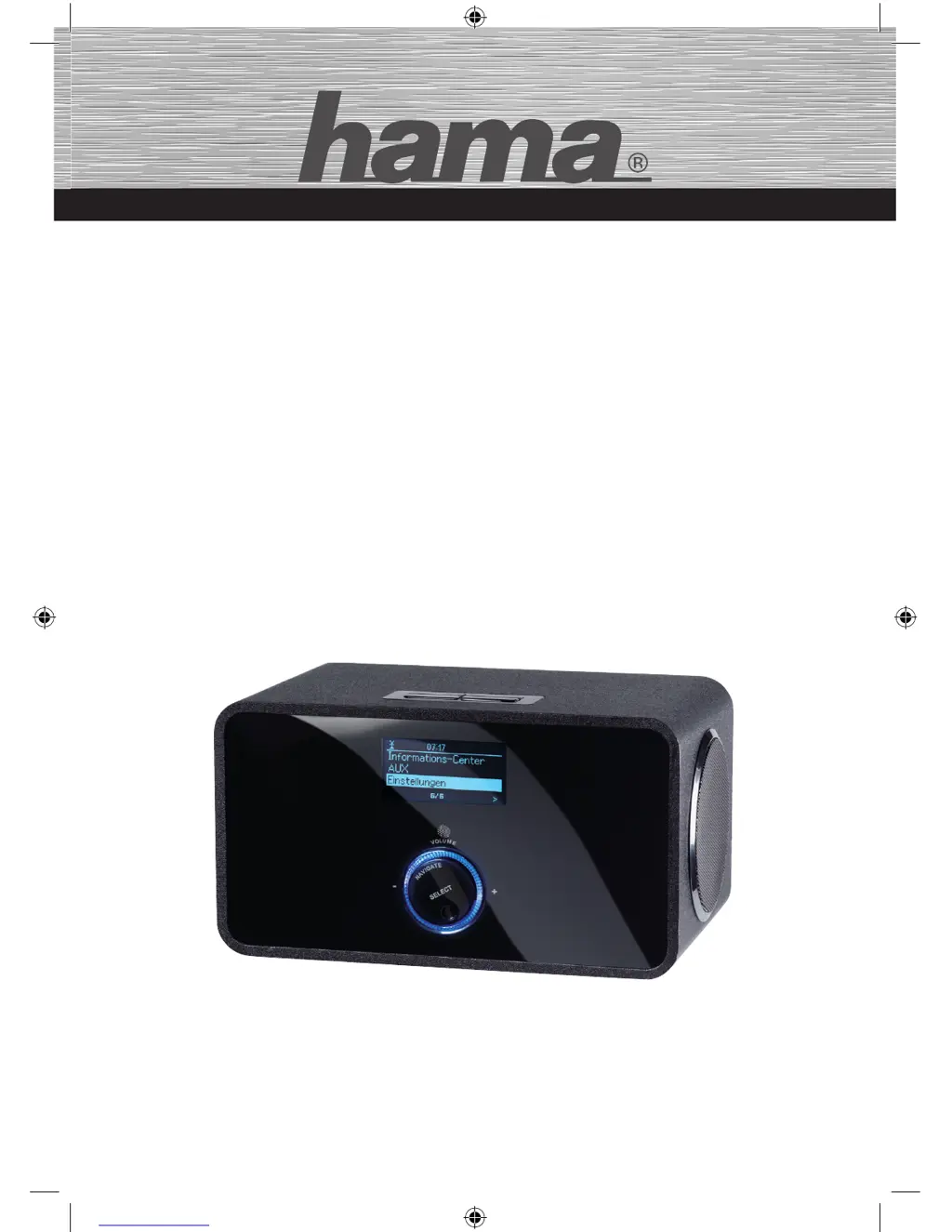
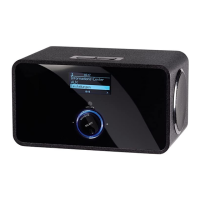
Hama IR200 - User Manual

Hama IR200
76 pages
Go to English
Print Icon
To Next Page IconTo Next Page
Loading...
NETWORK ENTERTAINMENT
00053196
Internet Radio
»IR200«
d
Original-Bedienungsanleitung
g
User Manual
00053196man.indb 1 23.07.13 12:48

Table of Contents

Questions and Answers

  • I
    Ivan McgrathAug 10, 2025
    How to fix a Hama IR200 Radio that won't turn on?
    • C
      Christopher SanchezAug 10, 2025
      If your Hama Radio won't switch on, ensure the power adapter is properly connected to both the mains socket and the device. Check the fuses to ensure there is voltage from the mains socket. Also, verify that the ON/OFF switch (6) is in the ON position. If these steps don't work, contact customer service.
  • J
    Julia PerezAug 20, 2025
    What to do if my Hama Radio has no sound?
    • D
      Donald SanchezAug 20, 2025
      If you can't hear any sound from your Hama Radio, first check if the device is muted. Press the MUTE button (14) on the remote control to cancel the mute setting. If it is not on mute, increase the volume to a suitable level.
  • M
    Mario HallAug 31, 2025
    Why is my Hama IR200 remote control not working?
    • K
      Katherine ChavezAug 31, 2025
      If the remote control for your Hama Radio isn't working, make sure you are not too far away from the device. Also, replace the battery in the remote control, ensuring you insert the new battery with the correct polarity.

Summary

Safety

Danger from electric current

Precautions to avoid serious injury or death from electrical hazards.

Handling batteries

Safety guidelines for handling batteries, including disposal and child safety.

Fundamental safety precautions

General safety instructions for operating and maintaining the device safely.

Setup and function

Remote control

Setting up and connection

Electrical connection

Instructions and precautions for connecting the device to the power supply.

Mains connection

Step-by-step guide to connecting the mains adapter to the device and socket.

Network connection

Instructions for establishing a network connection for Internet radio functionality.

Wireless network

Details on setting up and troubleshooting the Wi-Fi connection.

Startup

Switching the device ON and OFF

Instructions on how to power the Internet radio on, off, or into standby mode.

Operating

Initial startup

Guided setup process including language selection and network configuration.

Internet Radio

Media Center

Settings

DLNA Digital Living Network Alliance

Troubleshooting

Troubleshooting chart

A guide to identifying and resolving common faults and issues with the device.

Hama IR200 Specifications

General IconGeneral
Presets quantity30
ConnectivityWi-Fi
Audio Output3.5 mm stereo jack
Display2.8-inch TFT color display
Power SupplyExternal
Tuner bandsDAB+, FM
Connectors3.5 mm Line-Out
Supported Audio FormatsMP3, WMA
TypeInternet Radio
Width16.3 cm
Depth10.7 cm
Height90 mm

Related product manuals