4
Note
•The wireless transmission range between the measuring
station, base station and wireless rain gauge is up to 100
minopen spaces.
•Beforeinstallation, ensurethat wireless transmission
will not be disrupted by interference or obstacles like
buildings, trees, vehicles, high-voltage lines, etc.
•Beforethe nal installation, ensurethat thereissucient
reception between the intended installation locations.
•When installing the measuring station, ensurethat it is
protected from direct sunlight and rain.
•The international standardheight for measuring air
temperature, according to the German Meteorological
Service, is 2m(6.5 ft) above ground.
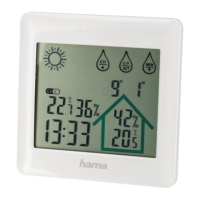
5.1. Base station
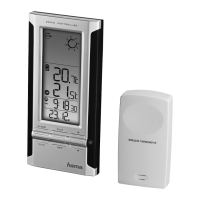
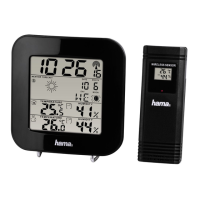
•Use the base to position the base station (25) on alevel
surface.
•Alternatively,you can install the base station on awallusing
the opening (22) on the back.
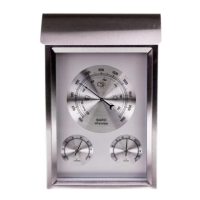
5.2. Measuring station
•You can also position the measuring station on alevel
outdoor surface.
•Werecommend installing the measuring station securely on
an outdoor wall.
•Install an anchor,screw,nail, etc. in the wall of your choice.
•Hang up the base/measuring station using the opening (27)
intended for this purpose.
5.3 Wireless rain gauge
•You can also position the wireless rain gauge on alevel
outdoor surface.
•Itisrecommended that you position the wireless rain
gauge safely,stably and horizontally in an area that is not
covered by trees, roof eaves, etc., to allow rain to fall into
the container without obstruction. If necessary,use the
integrated spirit level (33).
•Install an anchor,screw,nail, etc. into the intended
undersurface.
•Securethe wireless rain gauge using the drill holes provided
(31).
6. Operation
Note
Hold down the ‘ ’button (17) or the ‘ ’button (18) to
select the values faster.
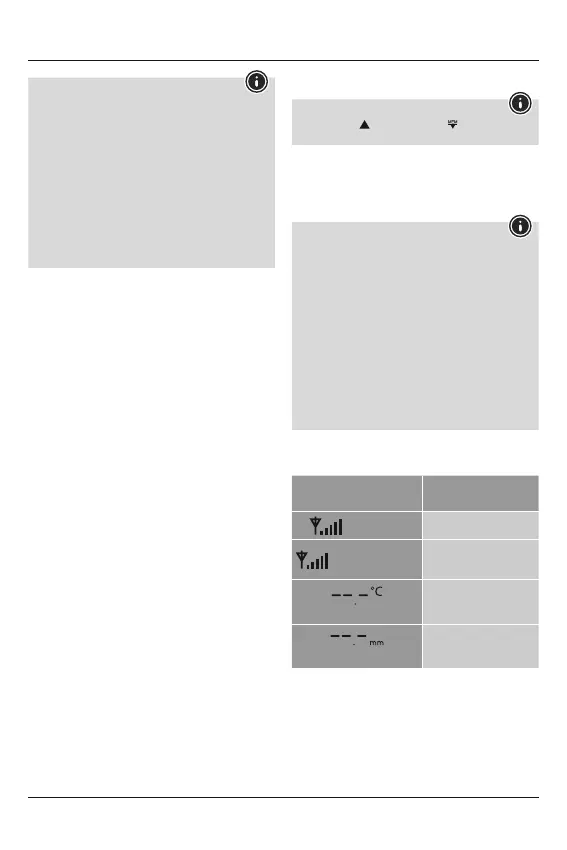
6.1. Connection to the measuring station and wireless
rain gauge
•After you have inserted the batteries, the base station
automatically searches for aconnection to the measuring
station and the wireless rain gauge, and performs initial setup.
Note
•Initial setup takes approx. 2minutes.
•During the connection attempt, the measuring station +
wireless rain gauge wireless symbol (15) will ash.
•Donot press any buttons during setup. Otherwise, values
may not be transmitted correctly and thereisarisk of
value errors and inaccuracies.
•The setup process is completed when the indoor (10) and
outdoor (3) measurement data is displayed.
•The measured value is automatically updated by the base
device about every 45 seconds.
•Ifthe temperatureisoutside of the measuring range,
--.- (lower than minimum temperature) or --.- (higher than
maximum temperature) will appear on the temperature
display.
•Ifthe base station consistently receives no signal from the
wireless rain gauge, press and hold the LIGHT button (1) for
approx. 3seconds to start the manual search for the signal.
Display
Search for asignal from the
measuring station
Display ashing
Active
Displayed continuously
Successful –
signal is being received
Displayed continuously
Inactive –
No signal received from
measuring station
Displayed continuously
Inactive –
No signal received from
wireless rain gauge


 To Next Page