2
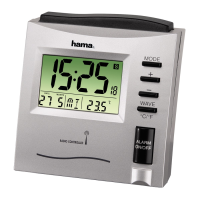
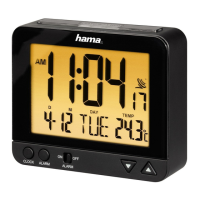
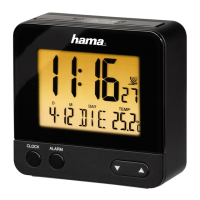
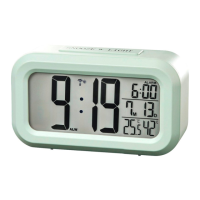
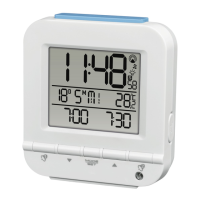
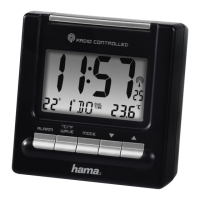
Controls and Displays
1. LIGHT-SNOOZE button
= activate the backlight (approx. 5 seconds) / stop the alarm for 4 minutes
2. Time
3. Day
4. Month
5. Weekday
6. Wireless symbol
7. Alarm symbol
8. Alarm Time / Temperature / Dual Time
9. ALARM button
= activate/deactivate the alarm
10. °C/°F/WAVE button
= activate/deactivate manual radio signal reception / switch between °C and °F
11. MODEbutton
= settings/conrm the setting/switch the display mode
12. button
= decrease the current set time/ set weekday
13. ▲ button
= increase the current set time/ display and set time zone/ toggle 12/24-hour format
14. Battery compartment
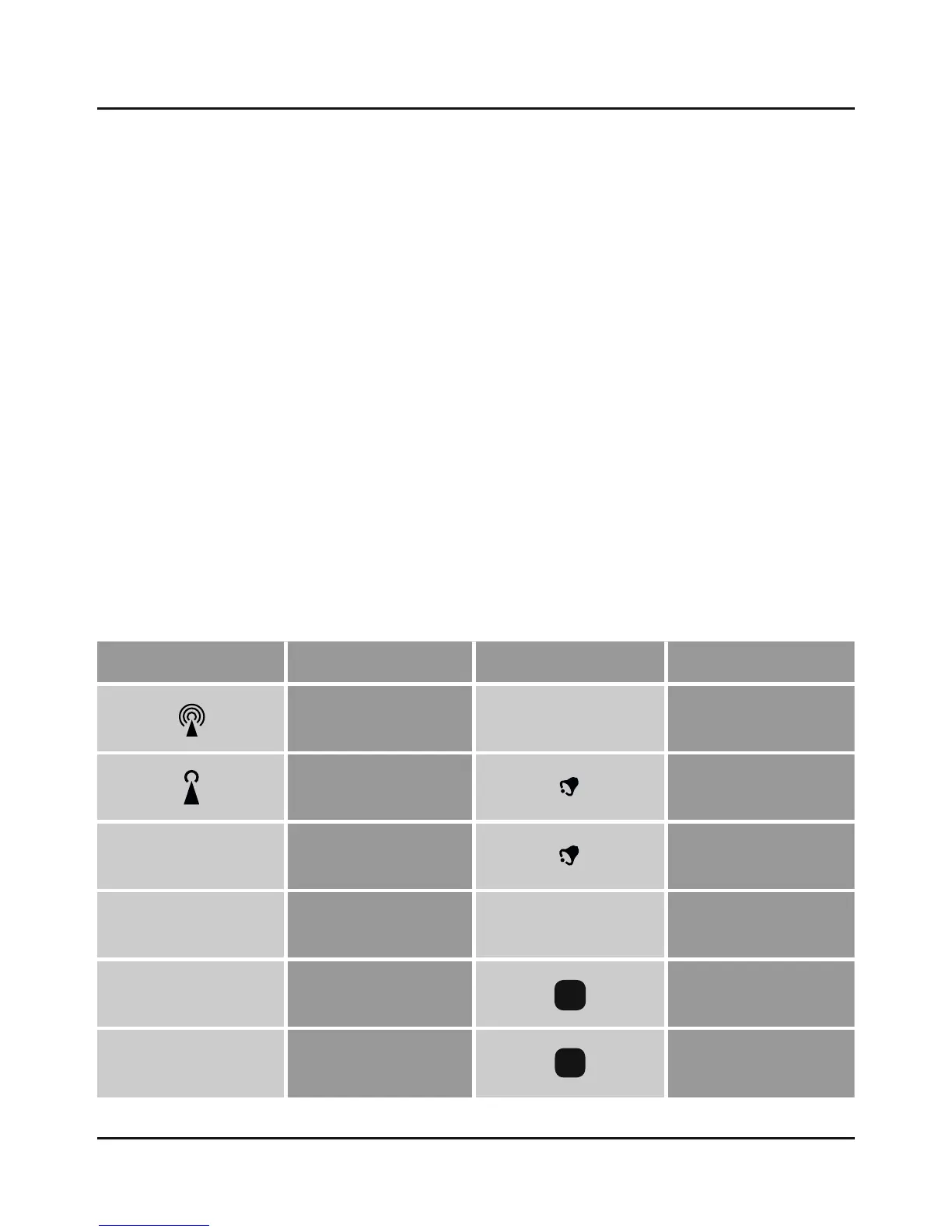
Display Meaning Display Meaning
Radio signal
DUAL TIME
Second time
Weak radio signal
1
Alarm 1 time
PM
12:00-23:59
(12-hour time)
2
Alarm 2 time
AM
0:00-11:59
(12-hour time)
Z
Z
Snooze function
D
Day
S
Summer time
M
Month
F
Time zone-shifted time
G Operating instruction


 To Next Page