5
Note
• Often the Pre-Shared Keyisprinted on the back
of the router /AP.
• When entering the key,take notice of capitalisation.
• Conrm the selected settings by touching [Conrm].
• The loudspeaker now connects to the network.
After successful connection, "Loudspeaker congured
successfully" appears on the smartphone.
Note
• With iOS, the App may need to be closed and
restarted. Then follow the two steps below.
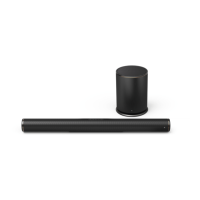
• The sound bar that has been set up should now appear
in the main menu. Press on the loudspeaker icon.
• Touch [Sources]atthe bottom edge of the screen
to establish aconnection with your Amazon account.
• Then touch the [Amazon Alexa]button.


 To Next Page
 Loading...