4
• Then touch [Add speaker].
• Open your smartphone's WLAN settings by touching
[WLAN settings].
• In your smartphone's WLAN settings, search for the
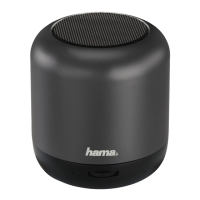
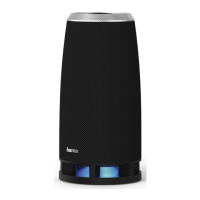
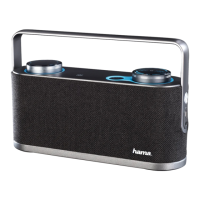
Hama SIRIUM1000ABT loudspeaker.
Note
• The loudspeaker generates its own WLAN network
bearing the name SIRIUMSetup and the rst six digits
of the MACaddress (e.g. SIRIUMSetup_E69EBB).
This WLAN does not requireapassword.
• Connect your smartphone with the loudspeaker.
• Now return to the Hama Smart Audio App on your
smartphone.
• Select the required WLAN name (SSID) with which
you wish to connect the loudspeaker.
• Now also enter your network key if necessary
and conrm with [Done].


 To Next Page
 Loading...