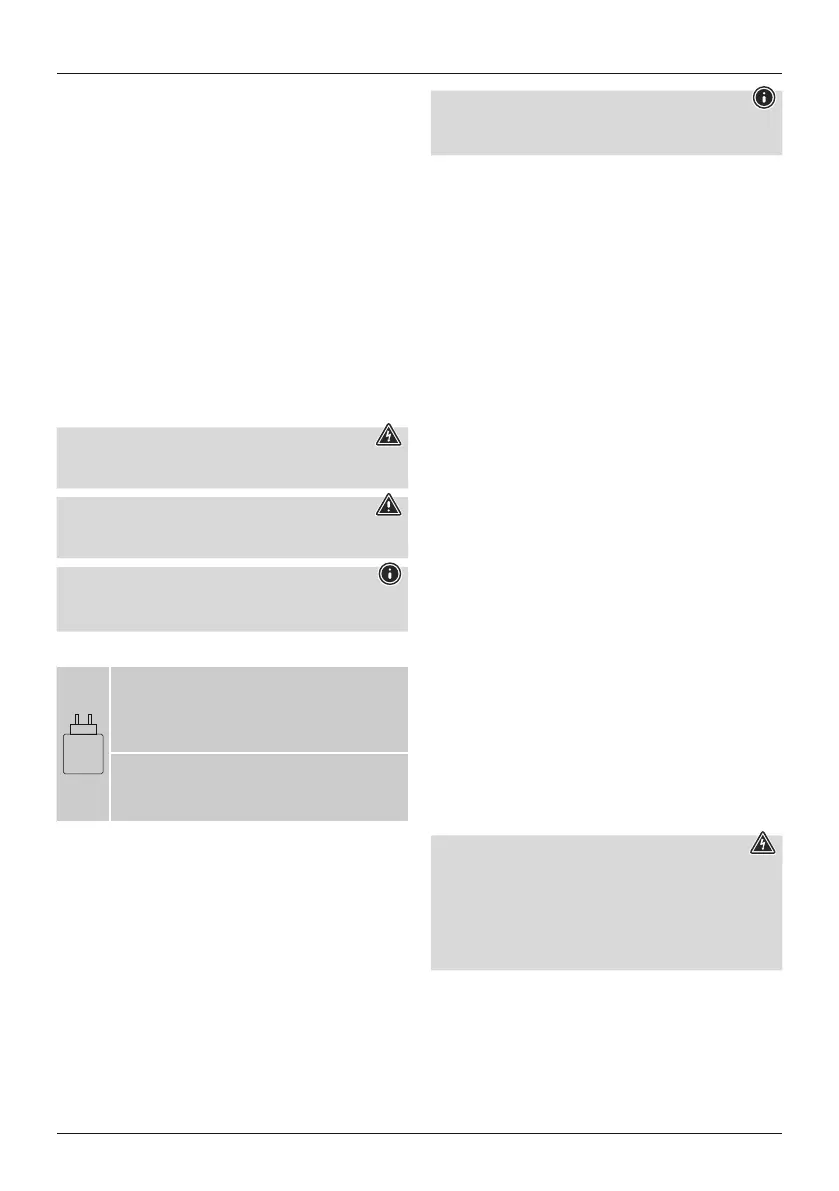
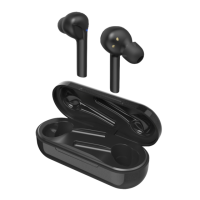
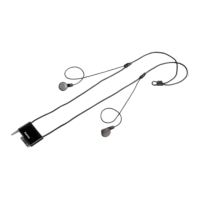
5
G Operating Instructions
1. Controls and displays
1. Integrated microphone
2. USB-C charging socket
3. 3.5 mm jack socket
4. Telephone Answer -Reject -Hang up
5. Volume +
6. Volume -
7. On/Off switch
8. Mode button (Full-Voice-Normal)
9. Function LED
10. Audio display
11. Charge display
Thank you for choosing aHama product.
Take your time and read the following instructions and information
completely.Please keep these instructions in asafeplace for
futurereference. If you sellthe device, please pass these operating
instructions on to the new owner.
2. Explanation of warning symbols and notes
Risk of electricshock
This symbol indicates arisk of electric shock from touching
uninsulated product parts that maycarry hazardousvoltage.
Warning
This symbol is used to indicate safety instructions or to drawyour
attention to specichazards and risks.
Note
This symbol is used to indicate additionalinformation or
important notes.
3. Explanation of symbols used on theproduct label
2–2
W
The power of the charger must rangefroma
minimum power of 2.0 watt required bythe radio
system to amaximum power of 2.0 wattrequired to
achievethe maximum charging speed.
The standardised USB interface means that a
charger with ahigher output power can also be
used.
4. Package contents
• 1xTVheadphones
• 1x2.4 GHz station
• 1xpower supply unit for station
• 1xaudio cable
• 1xinstruction manual
Note -Powersupply unit
The enclosed powersupply unit is only suitablefor connection to
the transmitter/charging station.
5. Safety instructions
• The product is intendedfor private, non-commercial use only.
• Use the product onlyfor the intendedpurpose.
• Children should be supervisedtoensurethatthey do notplay
with the product.
• Do not use the product in areas in which electronic products are
not permitted.
• Do not attempt to service or repair the product yourself.Leave
any and allservice work to qualied experts.
• Do not open the device or continue to operate it if it becomes
damaged.
• Do not bend or crush the cable.
• Do not drop the product and do not expose it to any major
shocks.
• Dispose of packaging material immediately in accordance with
the locally applicable regulations.
• Do not modify the product in any way. Doing so voids the
warranty.
• Protect the product from dirt, moistureand overheating and use
it in dry environments only.
• Do not use the product in the immediate vicinity of heaters,
other heat sources or in direct sunlight.
• Only use the article undermoderate climatic conditions.
• As with allelectrical products, thisdevice should be kept outof
the reach of children!
• Do not operate the product outside the powerlimitsgiven in the
specications.
• Do not use theproduct in adamp environment and avoid
splashing water
• While driving acar or using sports equipment, do not allow
yourself to be distracted by yourproduct and keep an eyeonthe
tracsituation and yoursurroundings.
• The battery is permanentlyinstalled and cannotberemoved;
dispose of the product as awhole in accordance with the
statutory regulations.
• Do not incinerate the batteryorthe product.
• Do not tamper with or damage/heat/disassemble the batteries/
rechargeable batteries.
• Do not use the product during the charging process!
Risk ofelectric shock
• Do not open the device or continue to operate it if it becomes
damaged.
• Do not use the product if the AC adapter,adapter cableor
power cable is damaged.
• Do not attempt to service or repair the product yourself.Leave
any and allservice work to qualied experts.


 To Next Page