3
3. Function
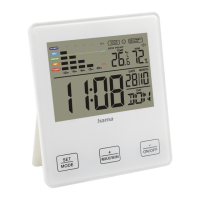
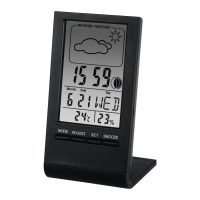
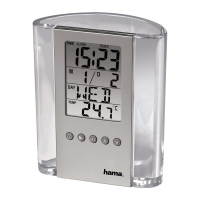
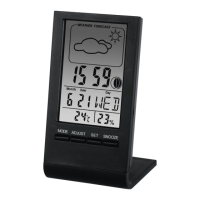
3.1 Normal time mode can display time,
day, temperature, humidity and weather
forecast.
3.2 12/24hr switchover is available
3.3 The alarm and snooze.
3.4 Automatic detection of ambient
temperature and humidity.
3.5 Weather forecast in sunny, semi-sunny,
cloudy and rainy
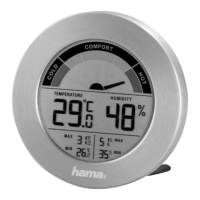
3.6 Comfort icon in dry, comfort or wet.
3.7 Max/Min temperature or humidity
memory
3.8 Temperature range is from 0°- +50°
3.9 Humidity is from 20% - 95%.
4. Operation
Turn on to get ‘normal display mode’. On
the normal mode, press MODE to get the
following mode successively.
Normal mode
} date } alarm
In normal mode, press
°C/°F to °C/°F
switchover, press MAX/MIN to check the
max or min of the temperature and humidity.
In normal mode, press
~
12/24 more than 2
seconds to switchover 12/24 hours.
In alarm mode, ‘
’ is shown, press MODE
more than 2 seconds with
~
12/24 or
°C/°F to set alarm.
When setting, clock will quite unless any key
is pressed within 7 seconds
Normal time mode
The normal time 0:00 will be displayed when
clock is turned on
Time setting
In normal mode, press MODE more than
2 seconds with
~
12/24 or
°C/°F to
time setting.
Hour
} Minute } Quit
Date setting
In normal mode, press MODE to enter into
date setting mode, and press MODE more
than 2 seconds to setting.


 To Next Page