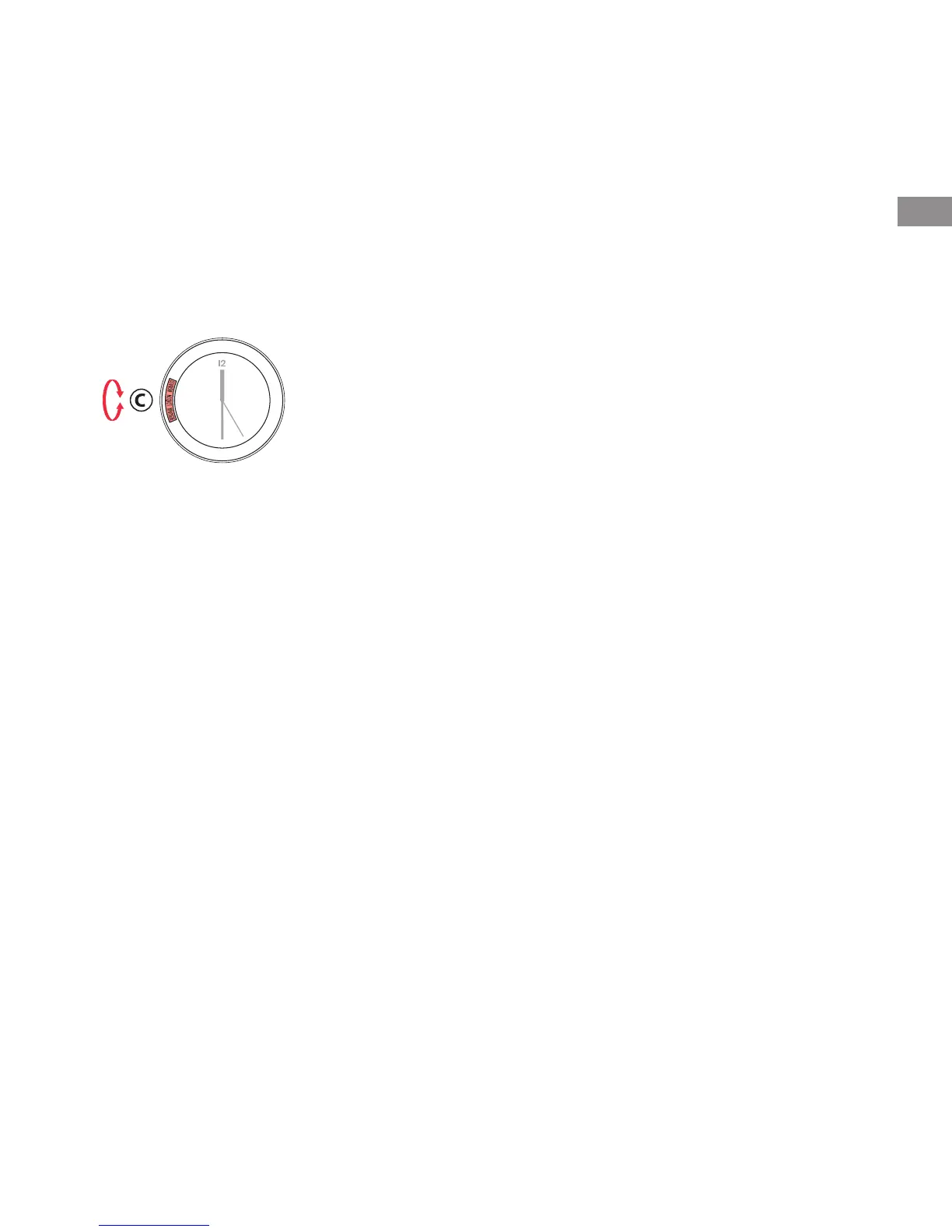
Selection of city (according to model)
1. Unscrew the crown (C).
2. Turn the crown to display in the window the
name of the city corresponding to the value «T2»
or «T3».
3. Screw the crown down again.
Elapsed time on the exterior bezel
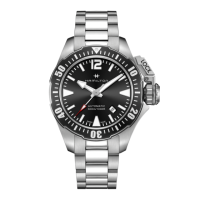
(Khaki SUB)
1. Turn the exterior rotating bezel (5) clockwise until
the arrow points at the minute hand.
2. The minute hand will indicate the elapsed time on
the graduations of the bezel.
Elapsed time on the interior bezel
(according to model)
1. Unscrew the crown (B).
2. Turn the crown until the arrow of the interior
rotating bezel (1) points at the minute hand.
3. Screw the crown down again.
4. The minute hand will indicate the elapsed time on
the graduations of the interior bezel.
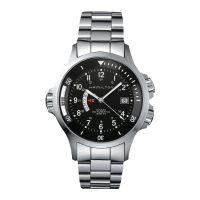
Countdown function (Khaki GMT Air Race)
1. Unscrew the crown (B).
2. Turn the crown so that the desired countdown
time points at the minute hand.
3. Screw the crown down again.
4. The countdown is at zero when the minute hand
is located over the marking (in the form of a
watch hand).





 To Next Page