EasyManua.ls Logo

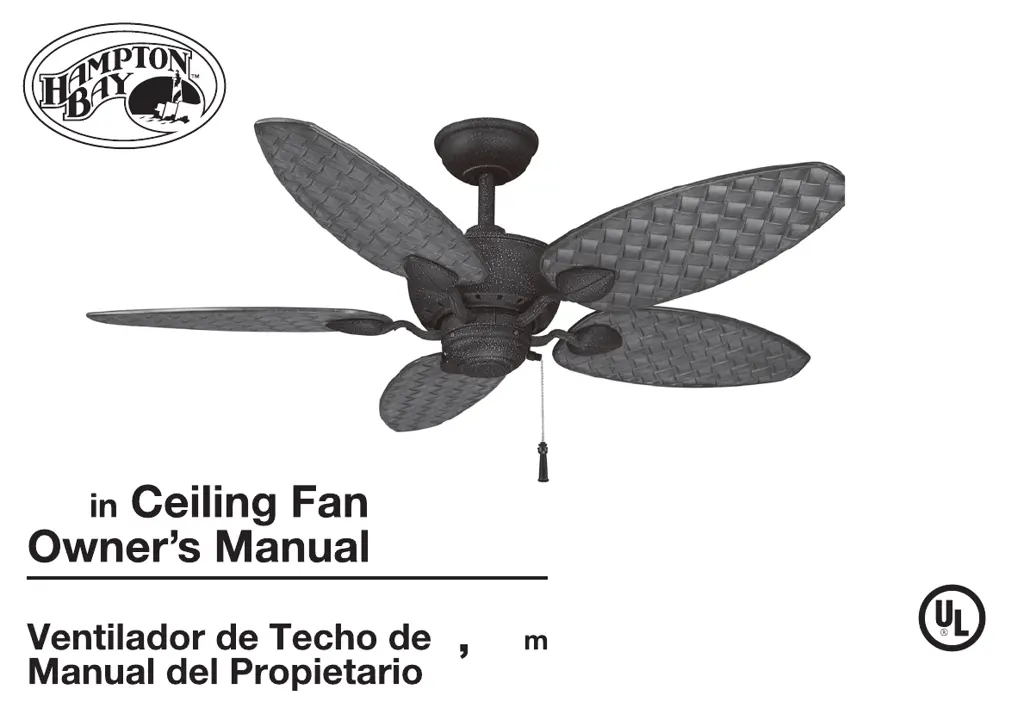
HAMPTON BAY Largo - User Manual

HAMPTON BAY Largo
27 pages
Print Icon
To Next Page IconTo Next Page
Loading...
Largo
Largo
1
22
48
705 544
707 608
635 289
635 412
998 418
560 459
S/O
S/O
S/O

Questions and Answers

  • S
    Scott SwansonJul 28, 2025
    What to do if my HAMPTON BAY Largo Fan will not start?
    • B
      Benjamin EdwardsJul 28, 2025
      If your HAMPTON BAY Fan won't start, begin by checking the main and branch circuit fuses or breakers. Then, inspect the line wire connections to the fan and the switch wire connections in the switch housing, ensuring the main power is off before you do this.
  • S
    Sherry AvilaAug 11, 2025
    Why is my HAMPTON BAY Fan so noisy?
    • M
      Michael StewartAug 12, 2025
      To address a noisy HAMPTON BAY Fan, ensure all motor housing screws and the screws attaching the fan blade bracket to the motor hub are snug. Also, check that wire nut connections are not rattling against each other or the interior wall of the switch housing, remembering to turn the power off first. If you are using a light kit, make sure the screws securing the glassware are tight and the light bulb is secure. Ensure the canopy is not touching the ceiling and that your outlet box is secure, with rubber isolator pads between the mounting plate and outlet box. Allow the fan a 24-hour “breaking in” period, as most new fan noises disappear during this time.

Summary

QUESTIONS, PROBLEMS, MISSING PARTS

READ AND SAVE THESE INSTRUCTIONS

Unpacking Your Fan

Installing Your Fan

Tools Required

List of necessary tools for performing the fan installation.

Mounting Options

Guidance on securing the outlet box and support structure for fan mounting.

Hanging the Fan

Standard Ceiling Mounting

Steps for installing the fan using the standard downrod and ball assembly.

Close-to-Ceiling Mounting

Steps for installing the fan closer to the ceiling, ideal for low-ceiling rooms.

Installing Fan to the Outlet Box

Making the Electrical Connections

Finishing the Fan Installation

Standard Ceiling Mounting Finishing

Final steps for securing the canopy and finishing standard installation.

Close-to-Ceiling Mounting Finishing

Final steps for securing the canopy and finishing close-to-ceiling installation.

Attaching the Fan Blades

Attaching the Switch Housing

Blade Balancing

Operating Your Fan

Care of Your Fan

Troubleshooting

Specifications

Hampton Bay Lifetime Limited Warranty

Lifetime Warranty on Motor

Details the lifetime warranty coverage for the fan motor.

HAMPTON BAY Largo Specifications

General IconGeneral
BrandHAMPTON BAY
ModelLargo
CategoryFan
LanguageEnglish

Related product manuals