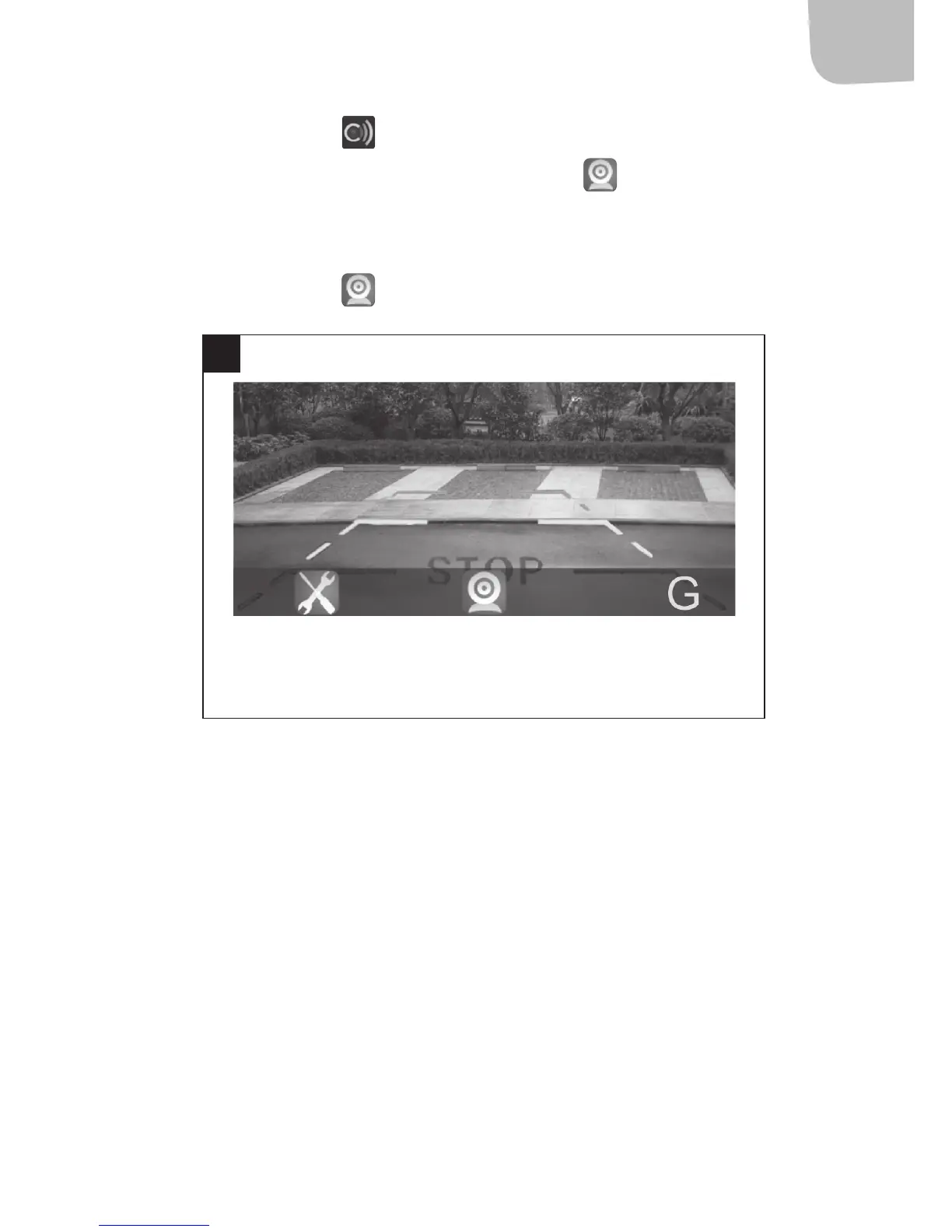
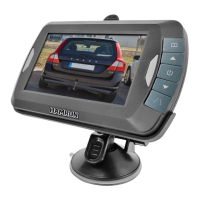
1. Open the app . If the WiFi connection between the unit and
the smartphone is successful, the icon
is highlighted and
the image from the reversing camera is shown in the app in real
time (diagram 3).
2. Press the icon
to turn the image.
CHANGE SSID AND PASSWORD
NOTE:
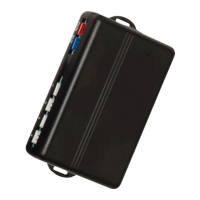
• Press the transmitter’s RESET button to reset the default SSID
(name of the wireless transmitter) and password.
• Disconnect the WiFi connection and reconnect when SSID and the
password are changed. Otherwise there will be a login error.
3
Settings LogoConnection
camera


 To Next Page