38
EN
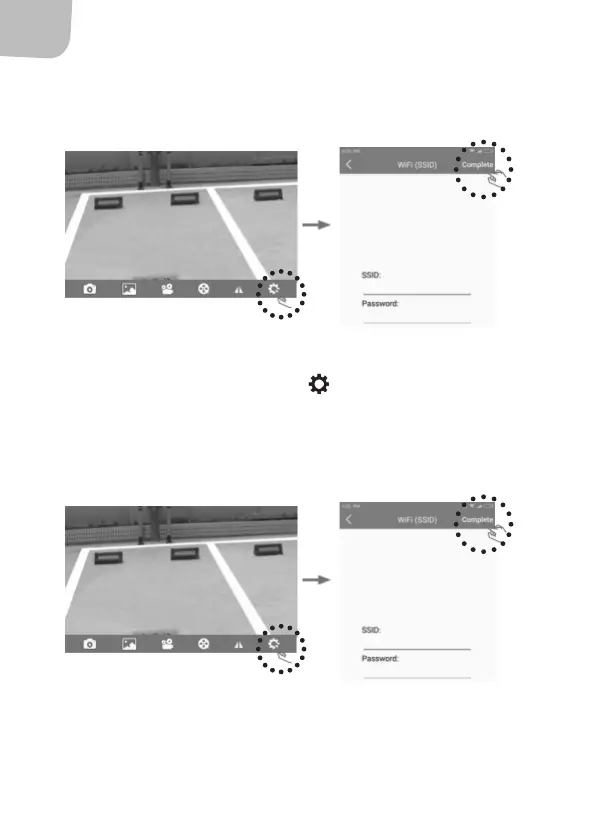
3. Press "Complete" to see if the change was successful, or
"Cancel" to interrupt without changing.
IOS Apple
1. Press the the icon for settings and open the settings menu.
2. Change the default SSID and password for the reversing camera.
3. Press "Complete" to see if the change was successful, or
"Cancel" to interrupt without changing.



 To Next Page