39
EN
FUNCTIONS
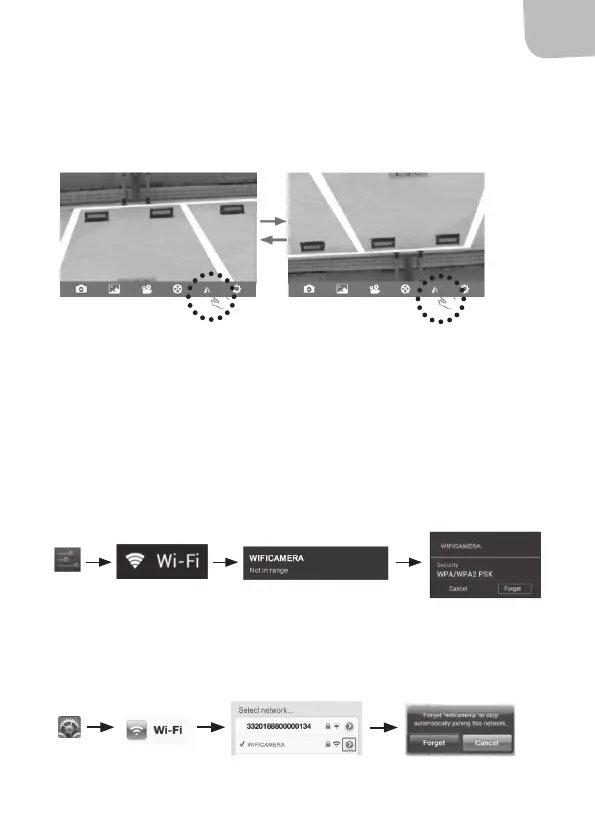
Rotate image
Click the symbol to rotate the image 180˚.
6. Settings
Click the symbol to open the settings menu.
DELETE NETWORK MEMORY
Android
Follow these steps to delete the network memory. Connect to new
network by following the instructions above.
IOS Apple
Follow these steps to delete the network memory. Connect to new
network by following the instructions above.



 To Previous Page